Get Loquus
Get Loquus
Download Loquus for iPhone, iPad or Android.

After you install
Your first minute in Loquus.
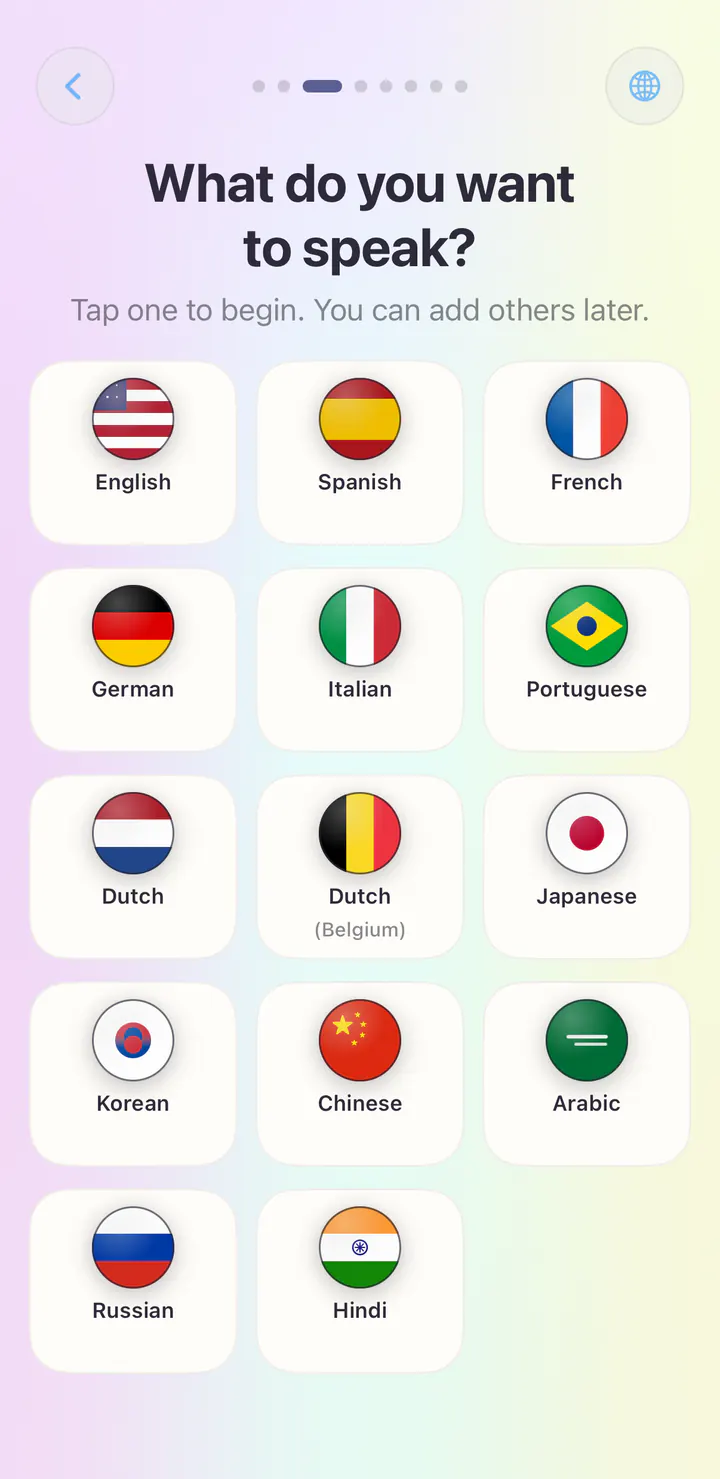
A few quick questions, then your first lesson.
Open Loquus and it asks which language you speak, which one you want to learn, your level and a daily goal. Then your first lesson begins. There is no account to create.
- About a minute to set up
- No account to create
- Your first lesson right after
We’ll help you get there
Still stuck?
Email us your device type, the step you reached, and the message you see. Never send your password or verification codes.
Apple and Google handle installation. You do not need a separate Loquus account. Privacy policy · App support