737 situations, with a reason to speak.
Meet someone new, ask a neighbor to slow down, or compare plans for a weekend away. Take a role, follow a mission, and choose what to say.
The experience
Choose the language you want to learn. Explore real lessons, words and practice from inside the Loquus app.
Spanish in the app: A1 to C2.
In the iOS app: 737 situations and 1,437 Spanish verbs, with 21 tense and mood tables per entry.
Switch languages to see a different course.
Spanish
Real iPhone screens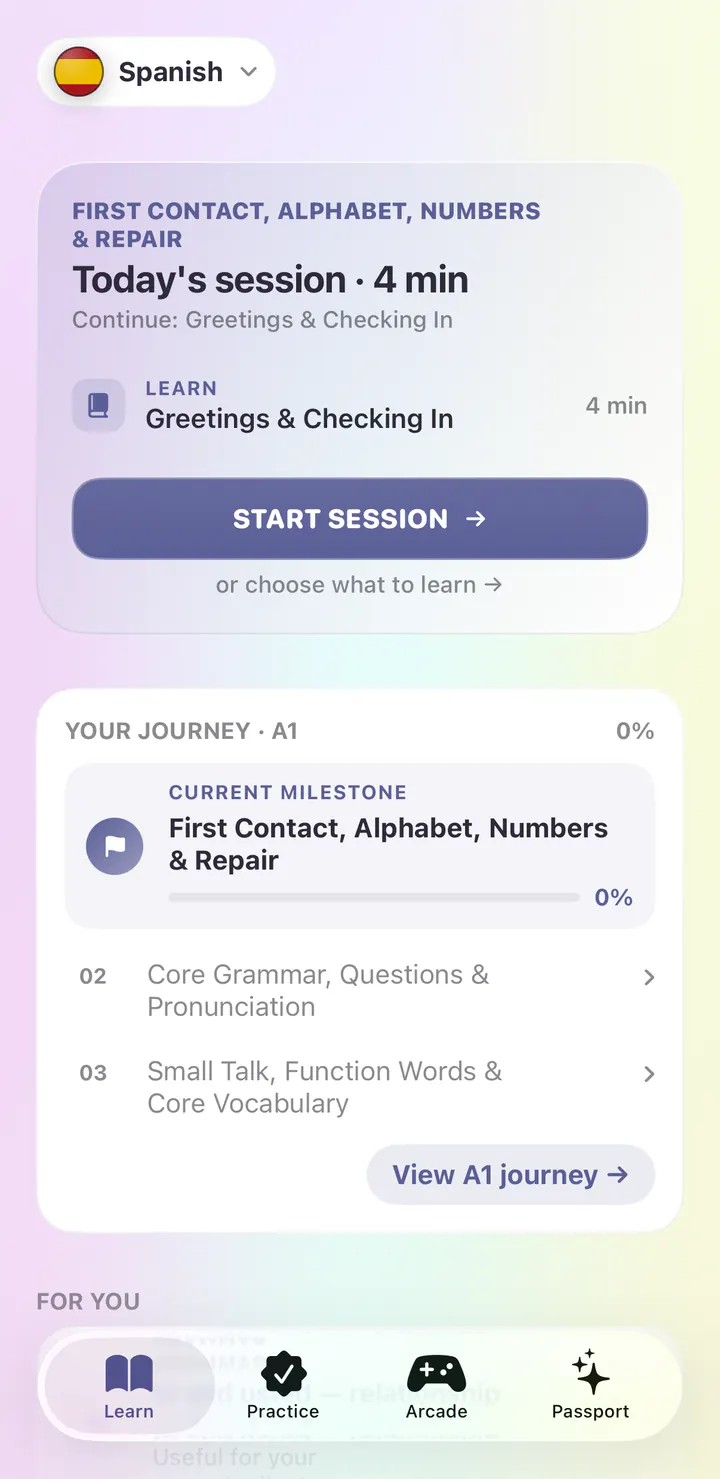
1 / 5
French
Real iPhone screens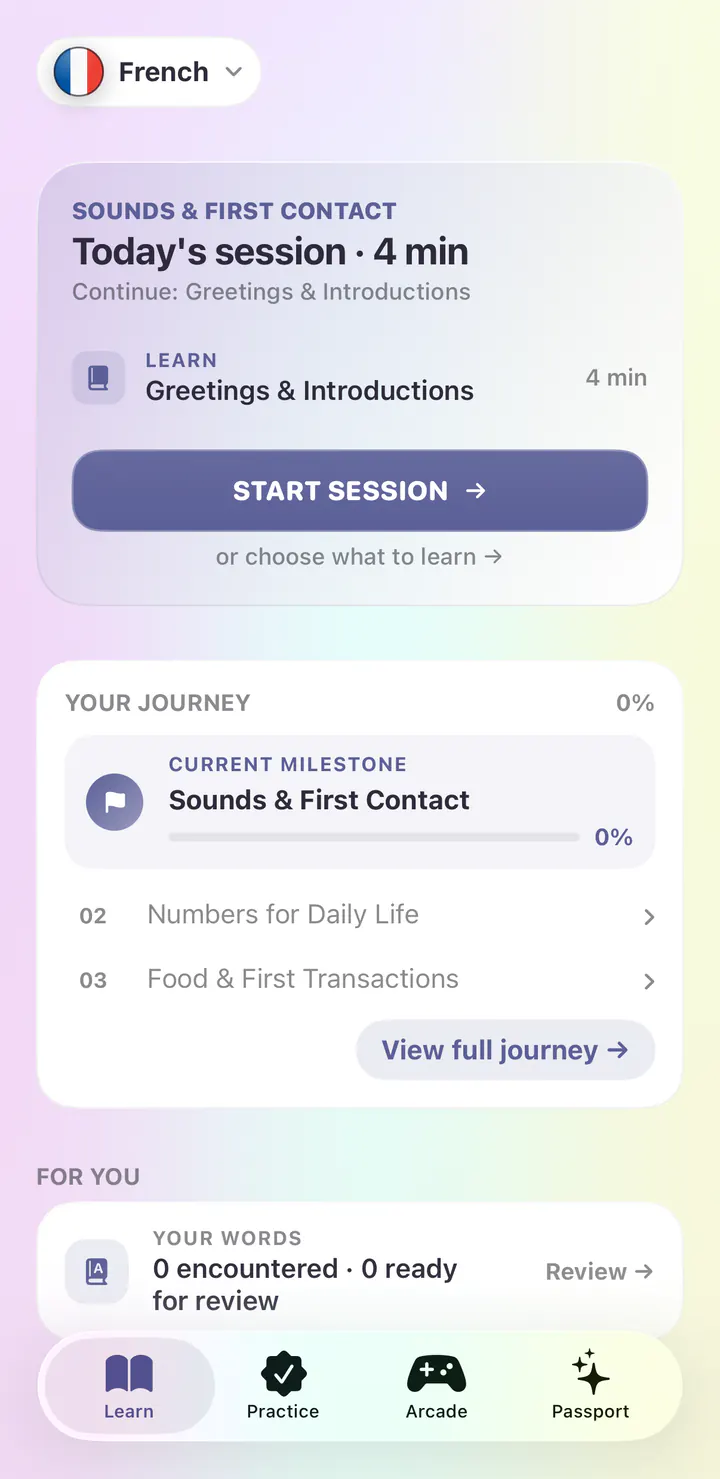
1 / 5
German
Real iPhone screens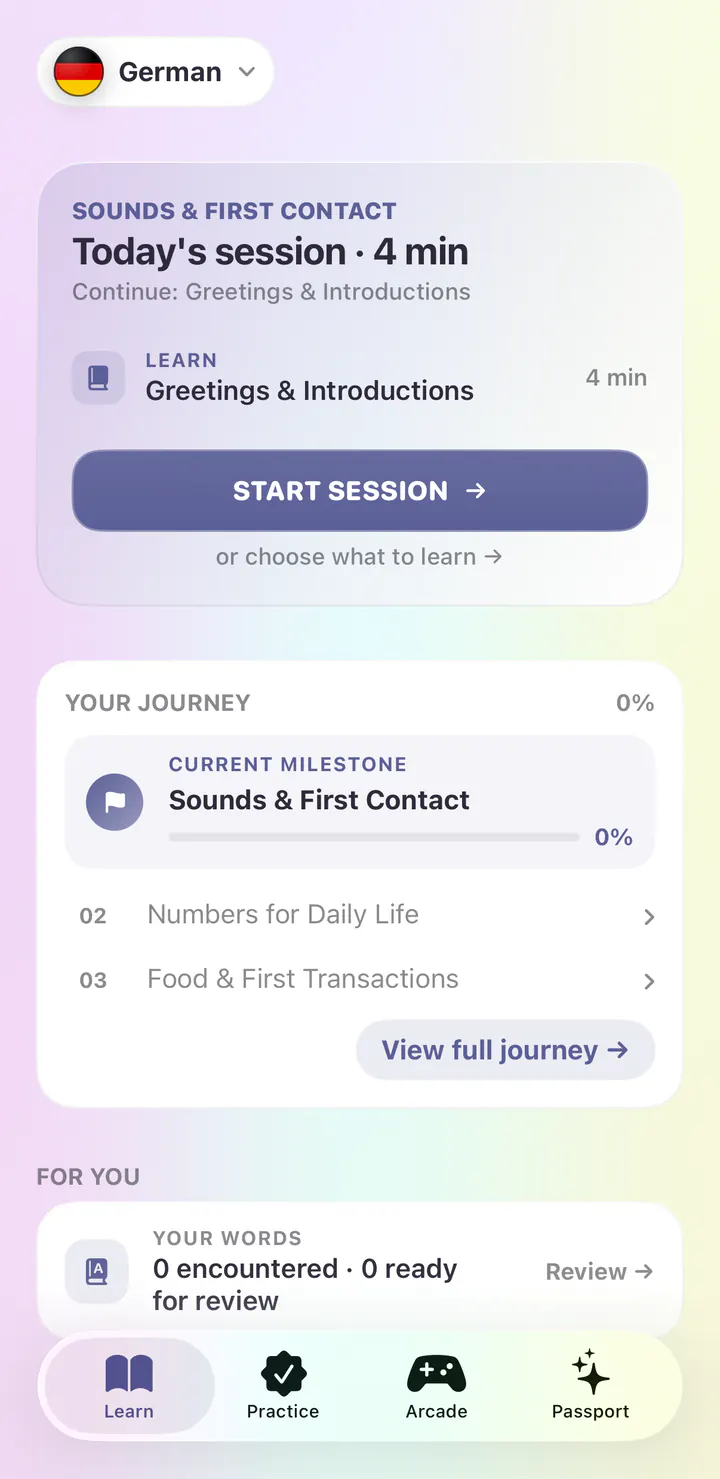
1 / 5
Italian
Real iPhone screens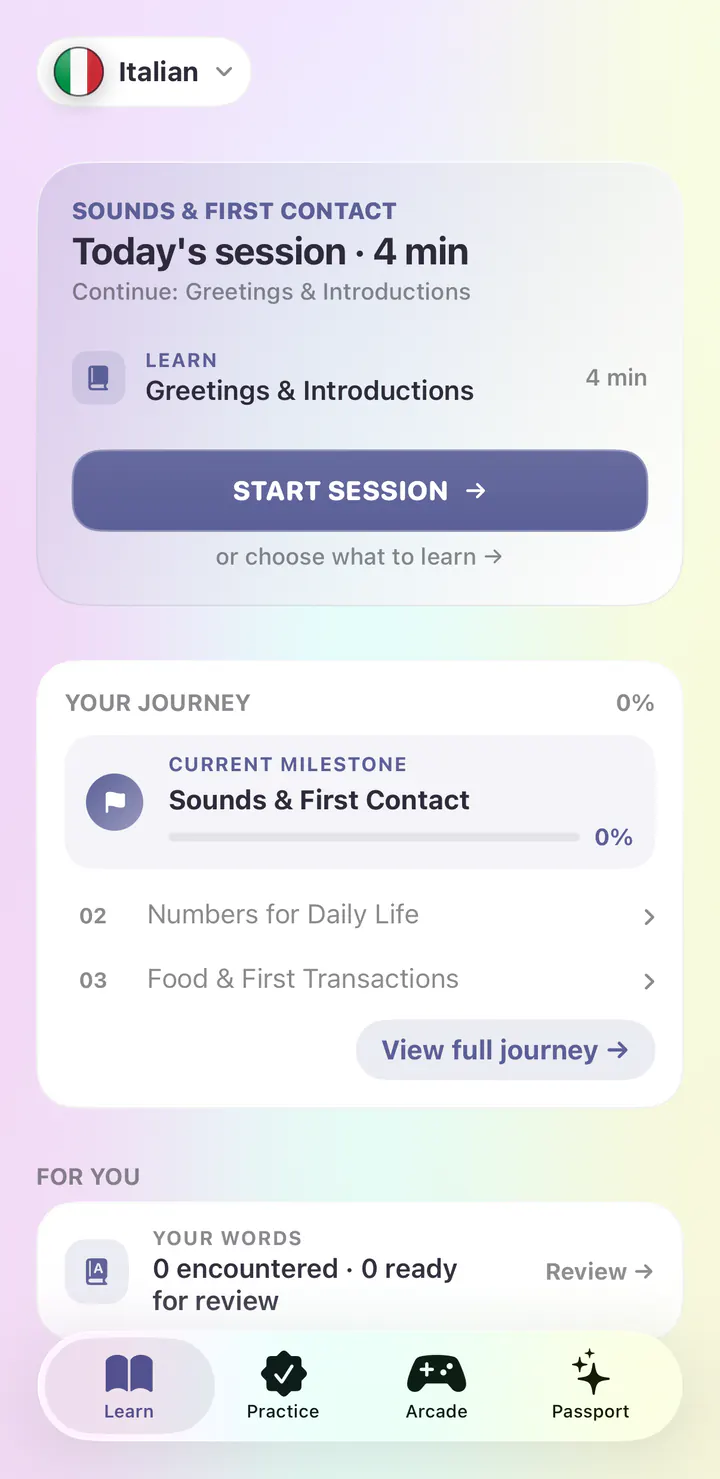
1 / 5
Brazilian Portuguese
Real iPhone screens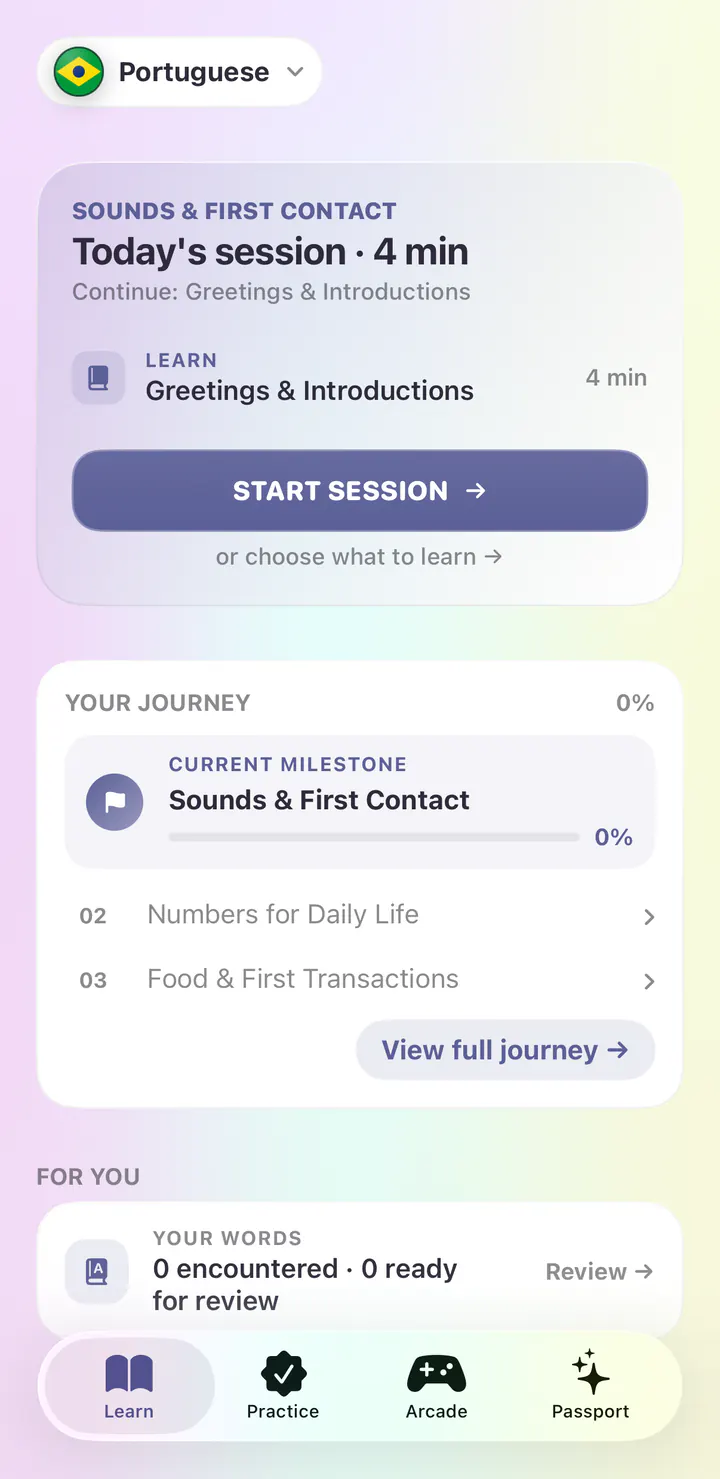
1 / 5
Dutch
Real iPhone screens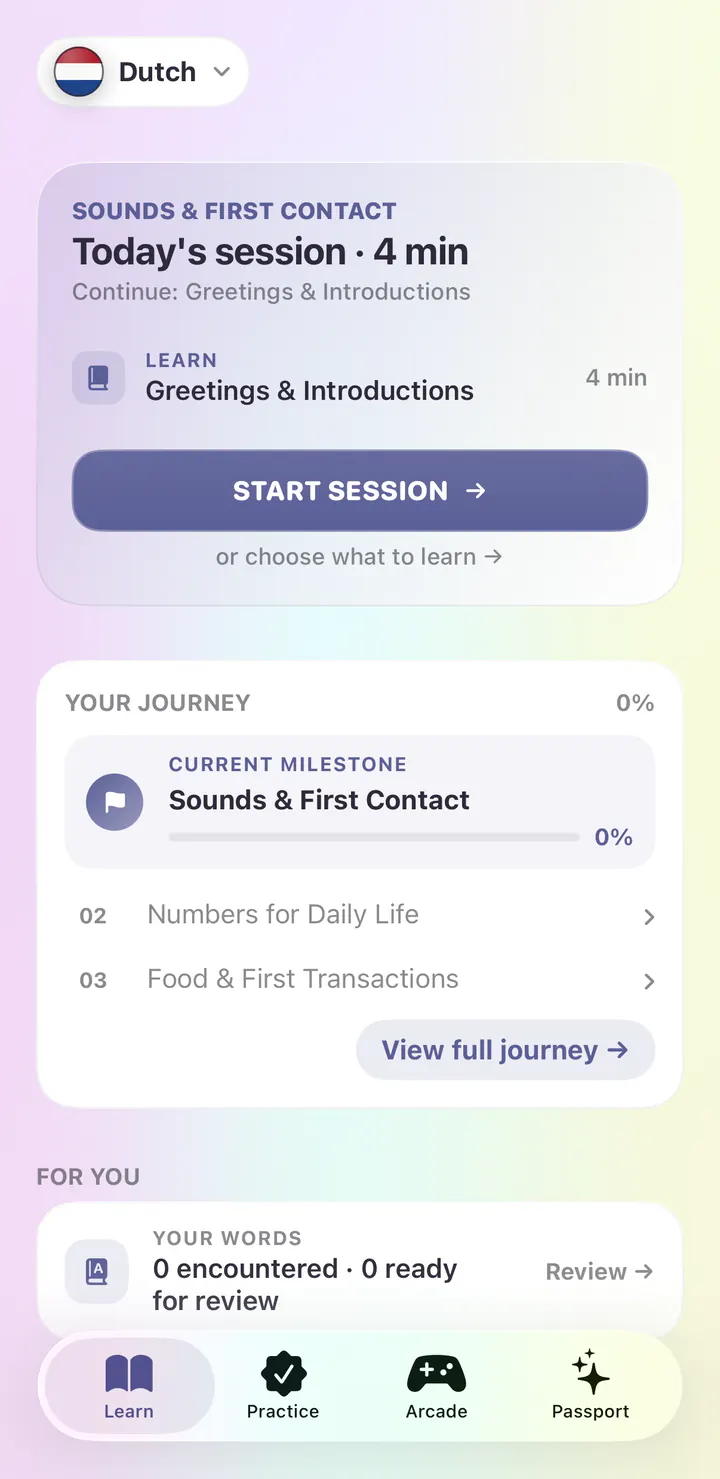
1 / 5
Dutch (Belgium)
Real iPhone screens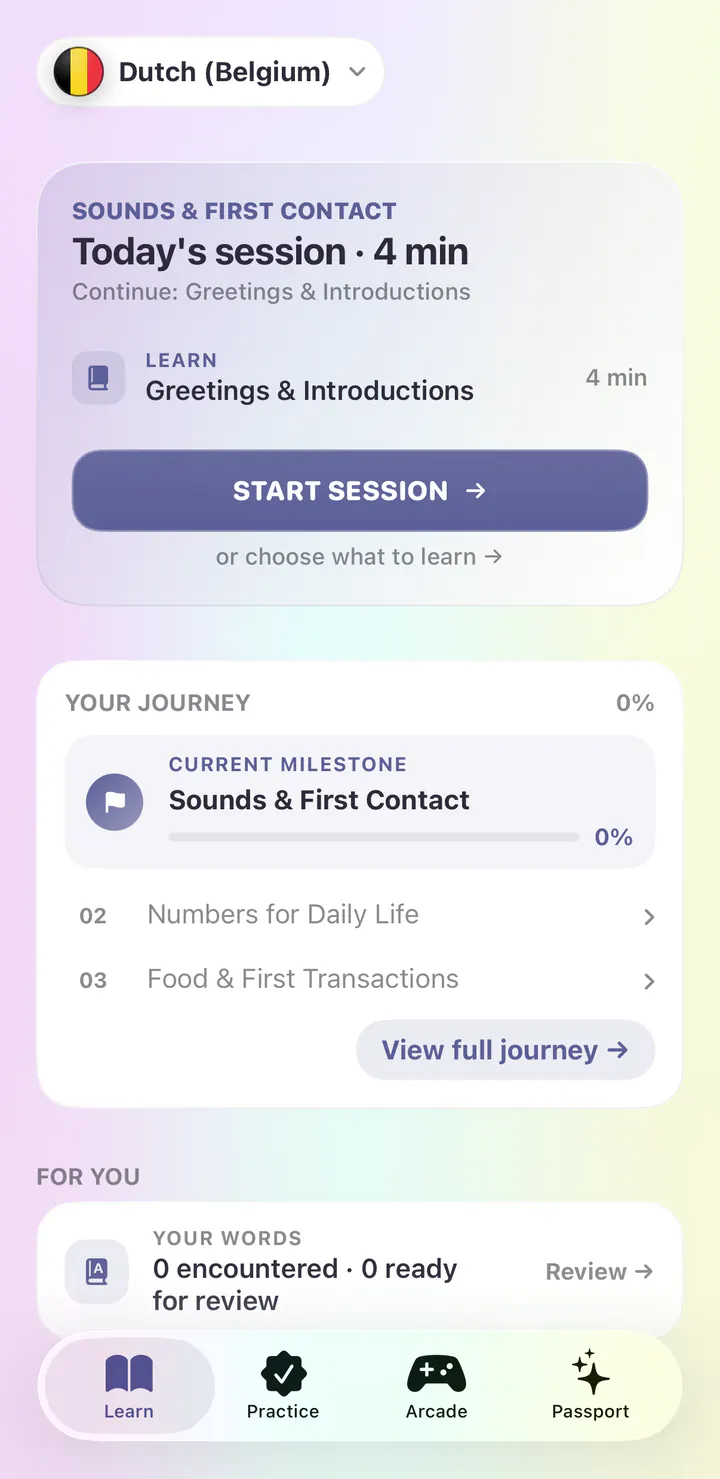
1 / 5
English
Real iPhone screens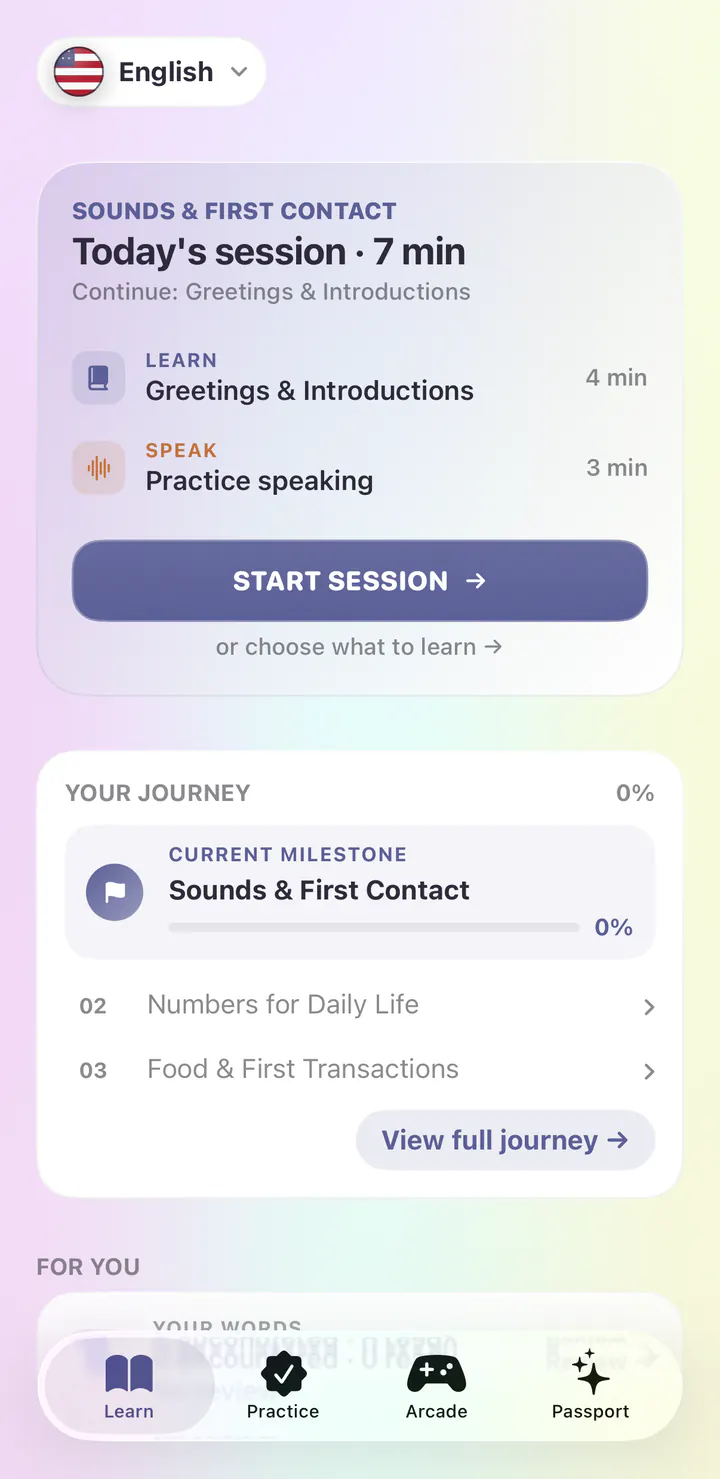
1 / 5
Japanese
Real iPhone screens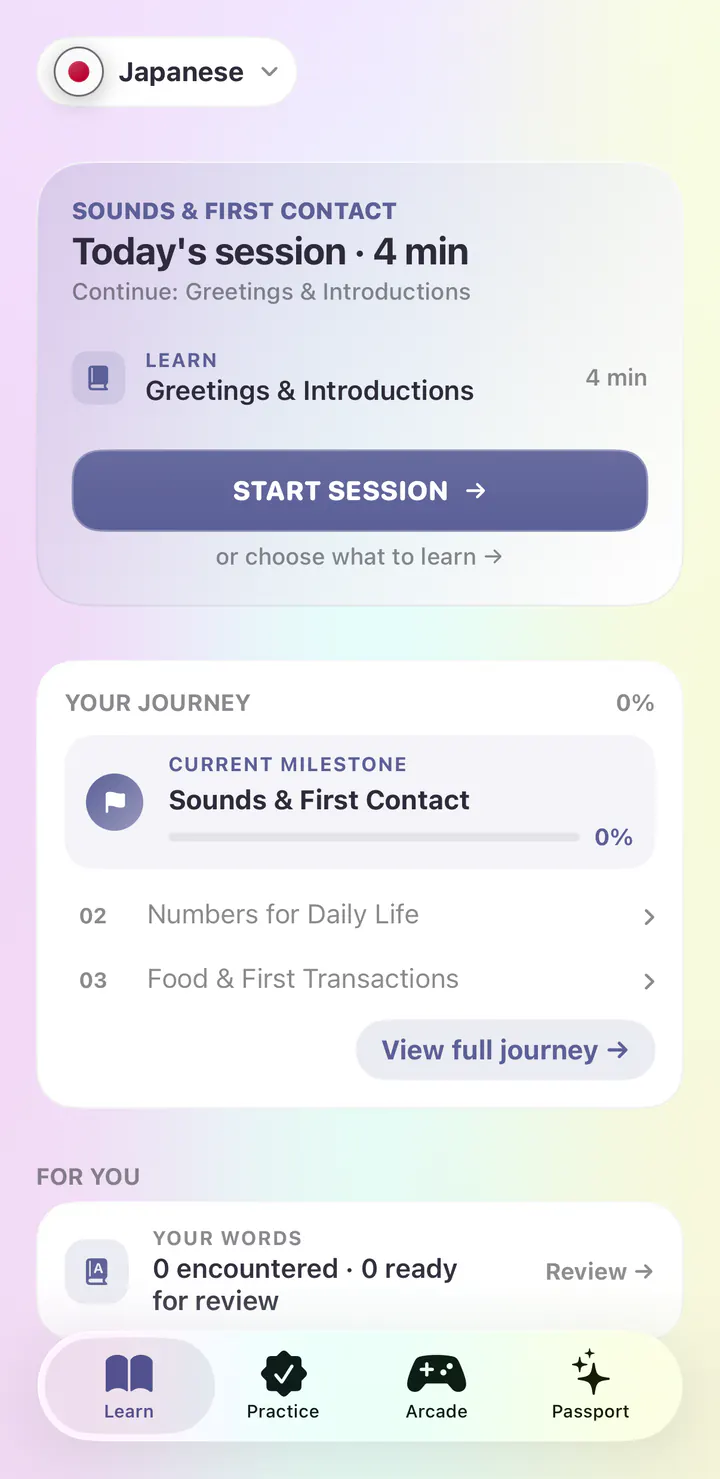
1 / 5
Korean
Real iPhone screens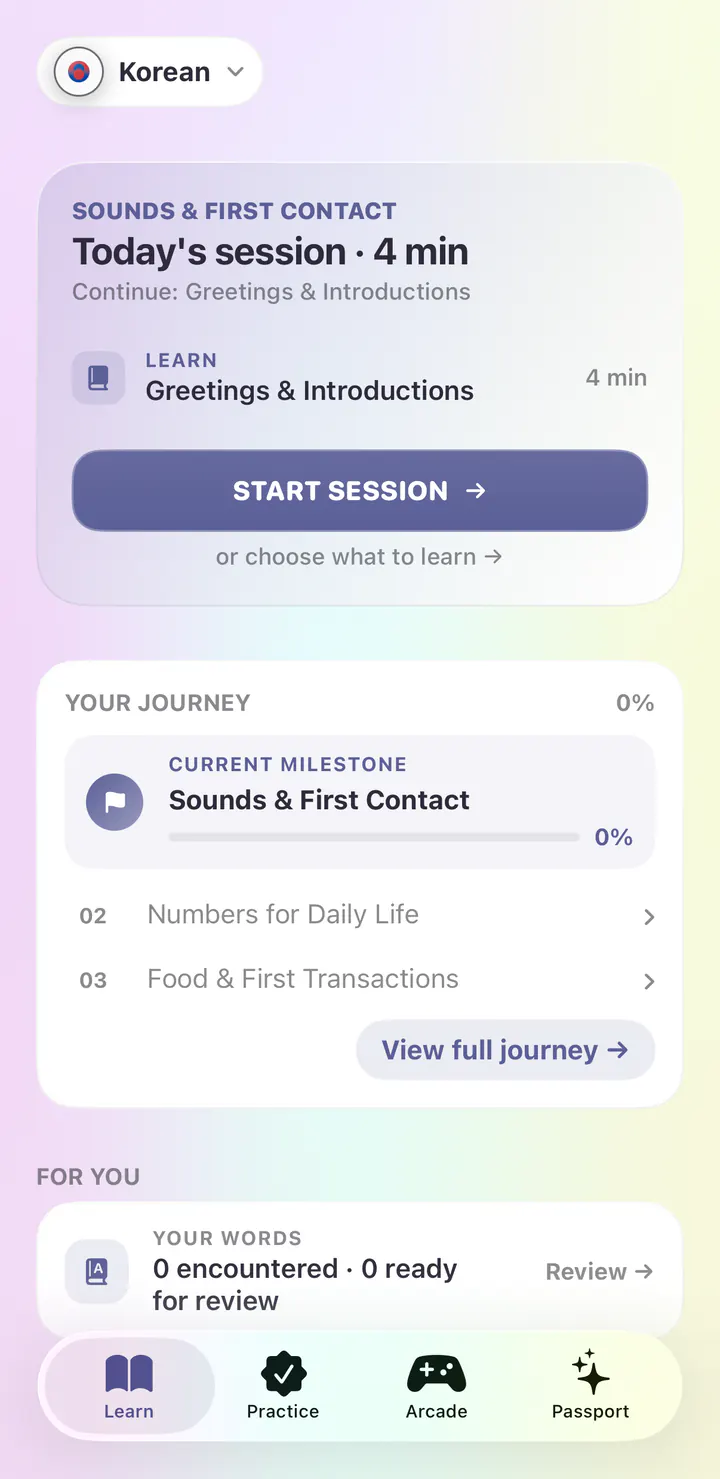
1 / 5
Mandarin Chinese
Real iPhone screens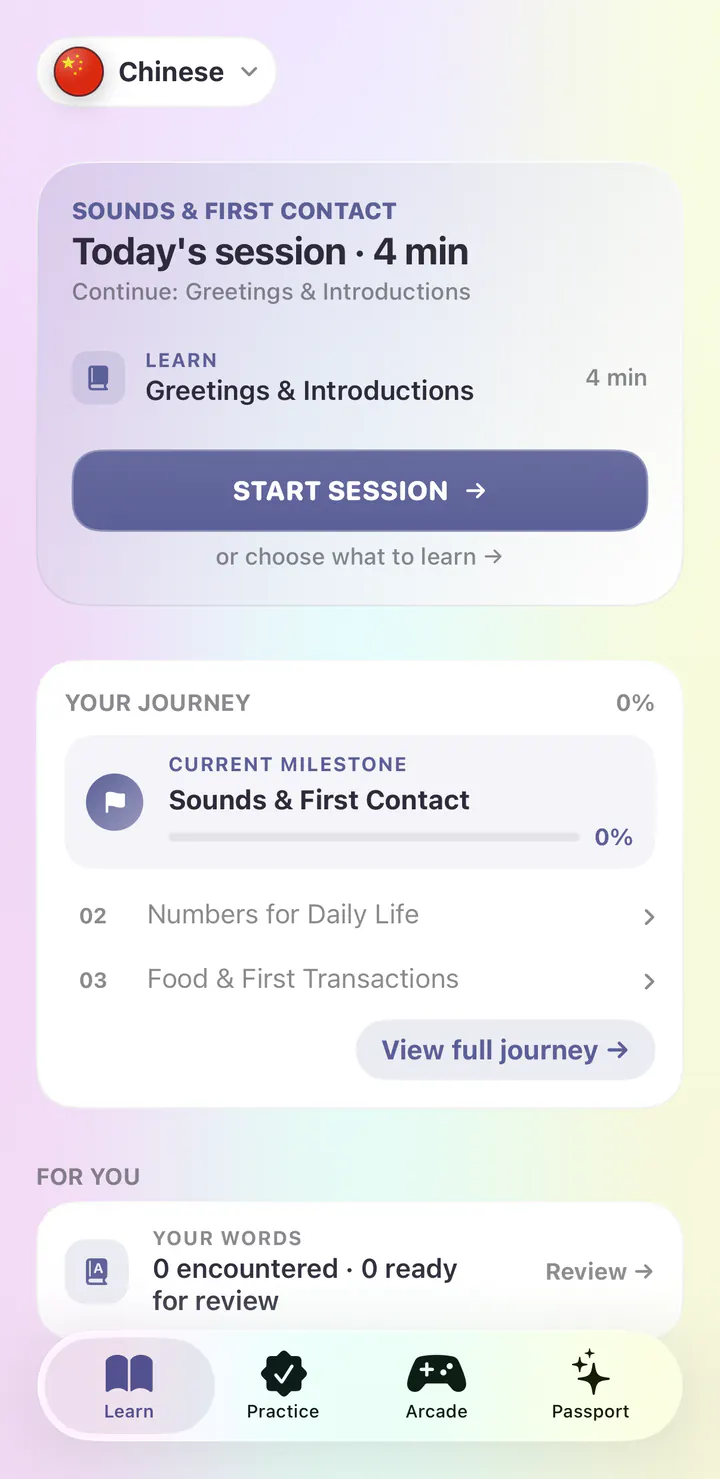
1 / 5
Modern Standard Arabic
Real iPhone screens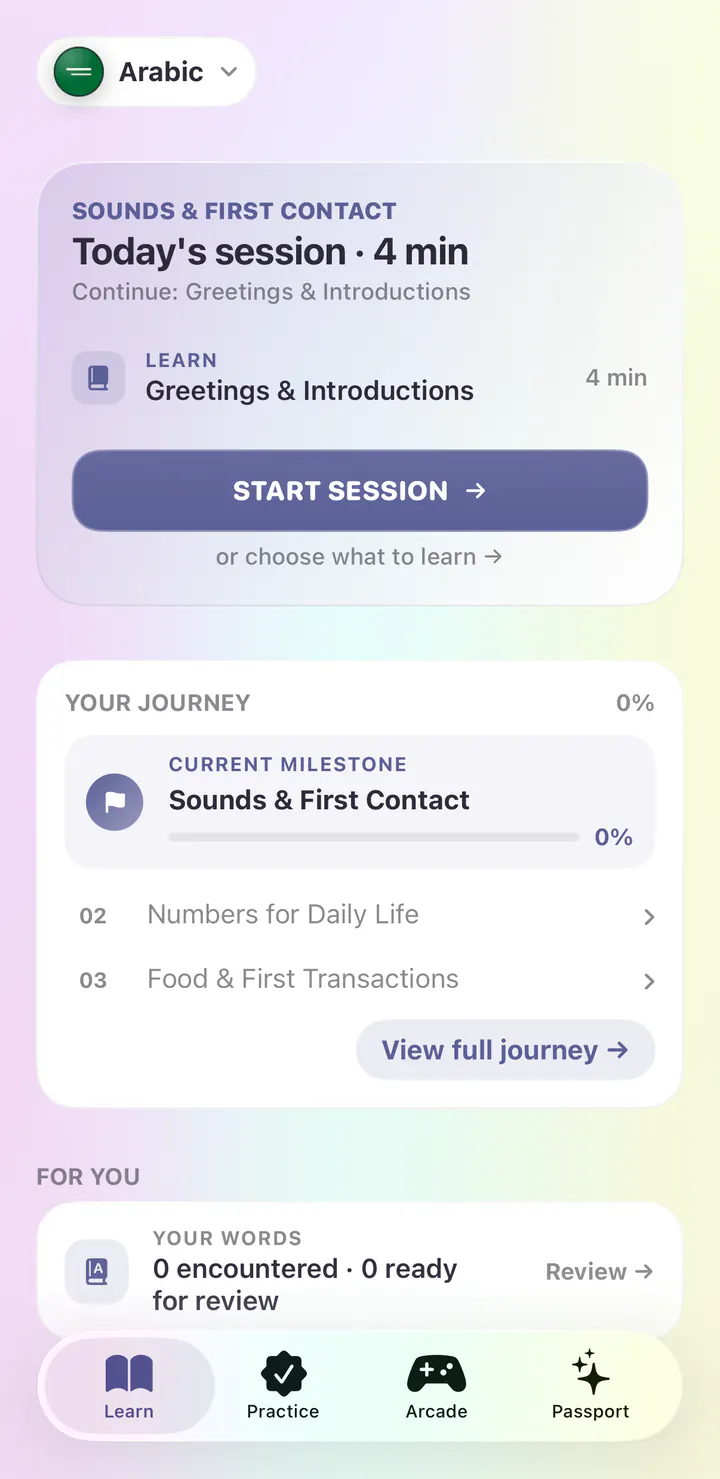
1 / 5
Russian
Real iPhone screens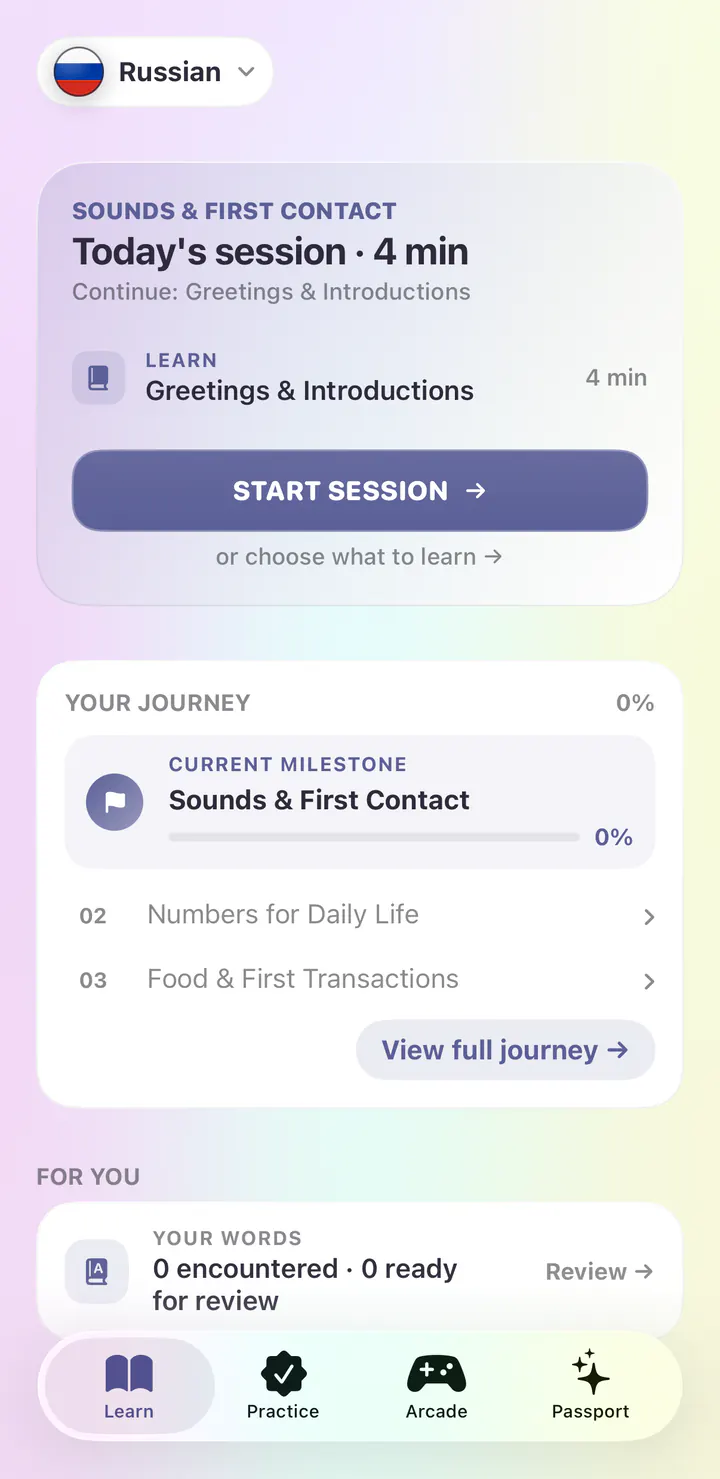
1 / 5
Hindi
Real iPhone screens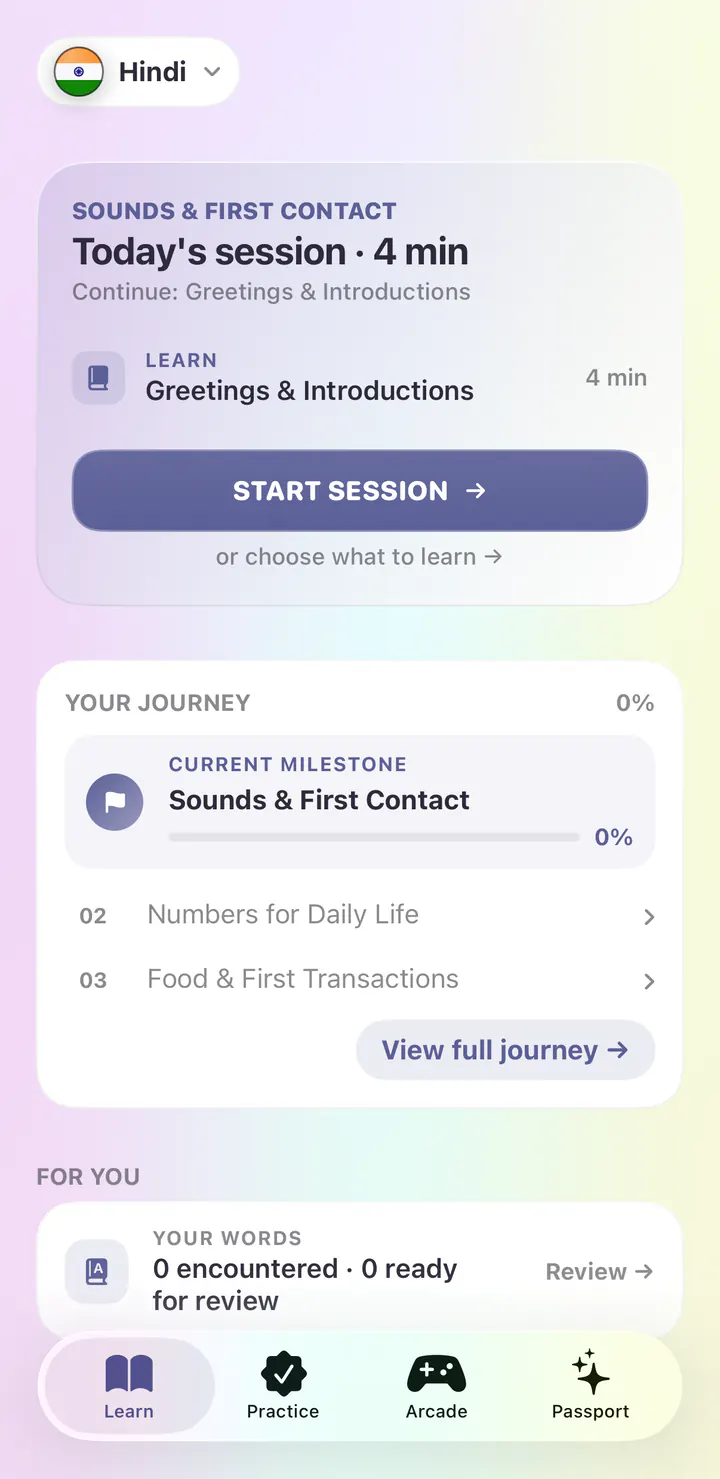
1 / 5
14
Language courses, each with its own path
35+
Chapters on every course journey
6
Ways to review the words you learn
30
Arcade games with Loquus Plus
Available now in the iOS app
Study from A1 to C2, then use what you know in everyday situations.
Meet someone new, ask a neighbor to slow down, or compare plans for a weekend away. Take a role, follow a mission, and choose what to say.
Use grammar in context. These situations connect a lesson’s patterns to the conversation you are having.
Look up everyday verbs, compound forms, commands, and the subjunctive. The reference also includes 954 verb phrases and constructions.
A guided teaching situation introduces present tense verb endings through explanations, questions, and a chance to try again.
See it in the app
Real screens from the first day of the Spanish course in the iPhone app.
Open the app and today’s session is waiting. The Spanish course begins with First Contact, Alphabet, Numbers & Repair, and the first lesson is Greetings & Checking In.
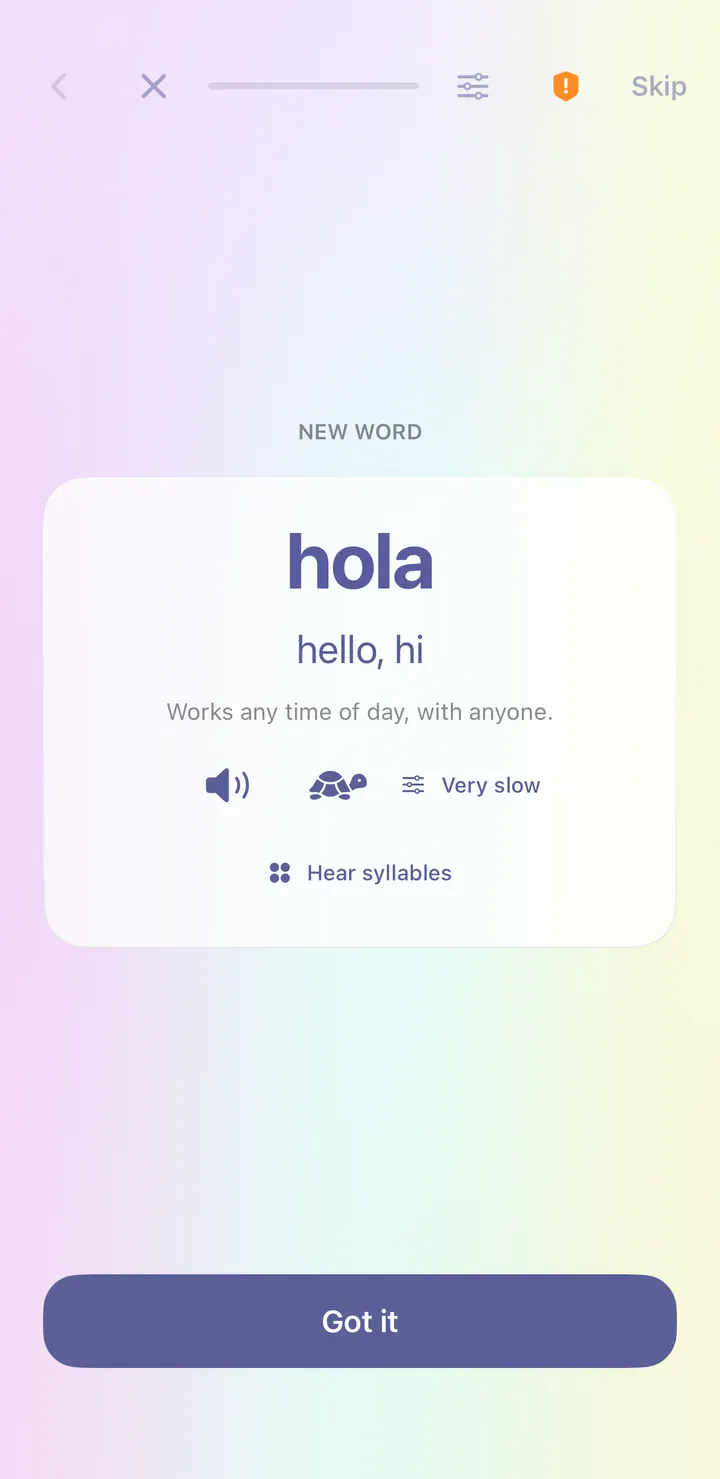
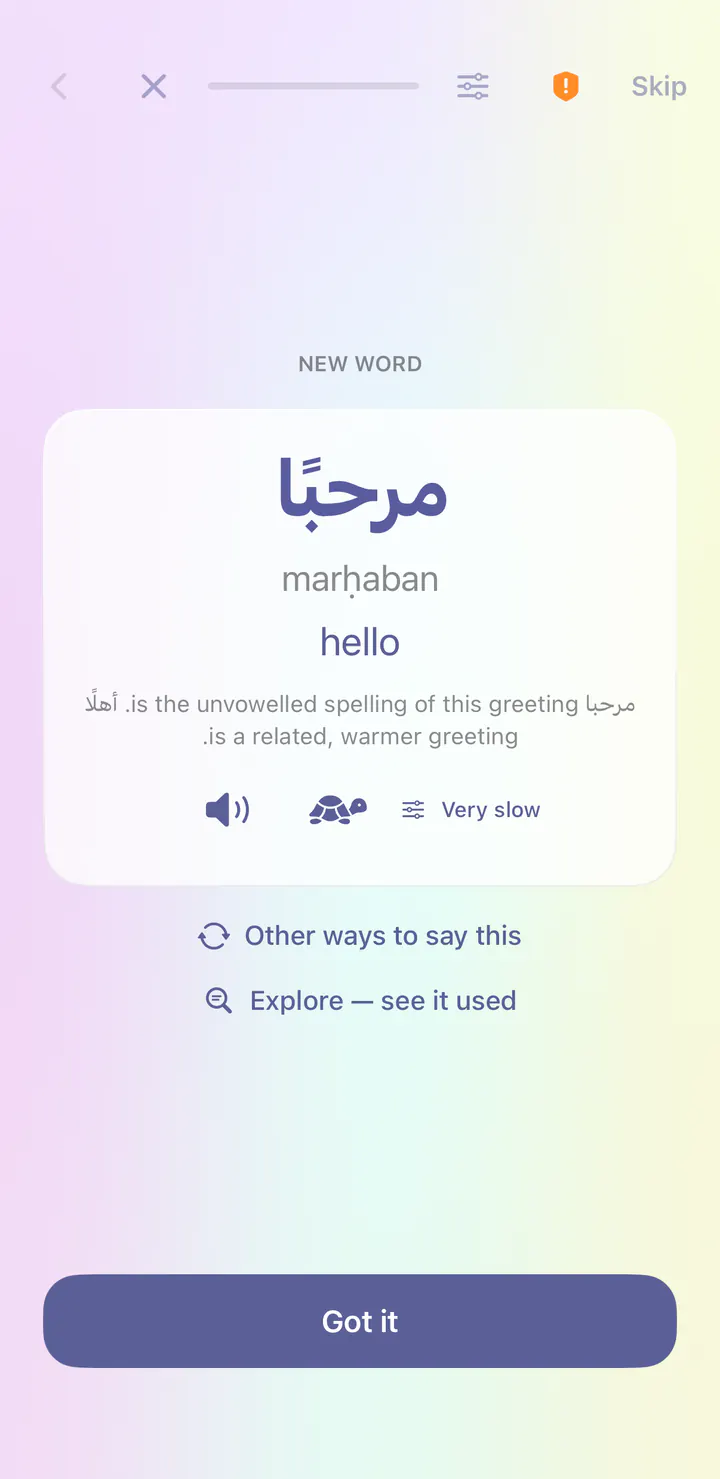
Your first word is hola, meaning hello, hi. Each new word comes with its meaning and audio at normal or very slow speed.
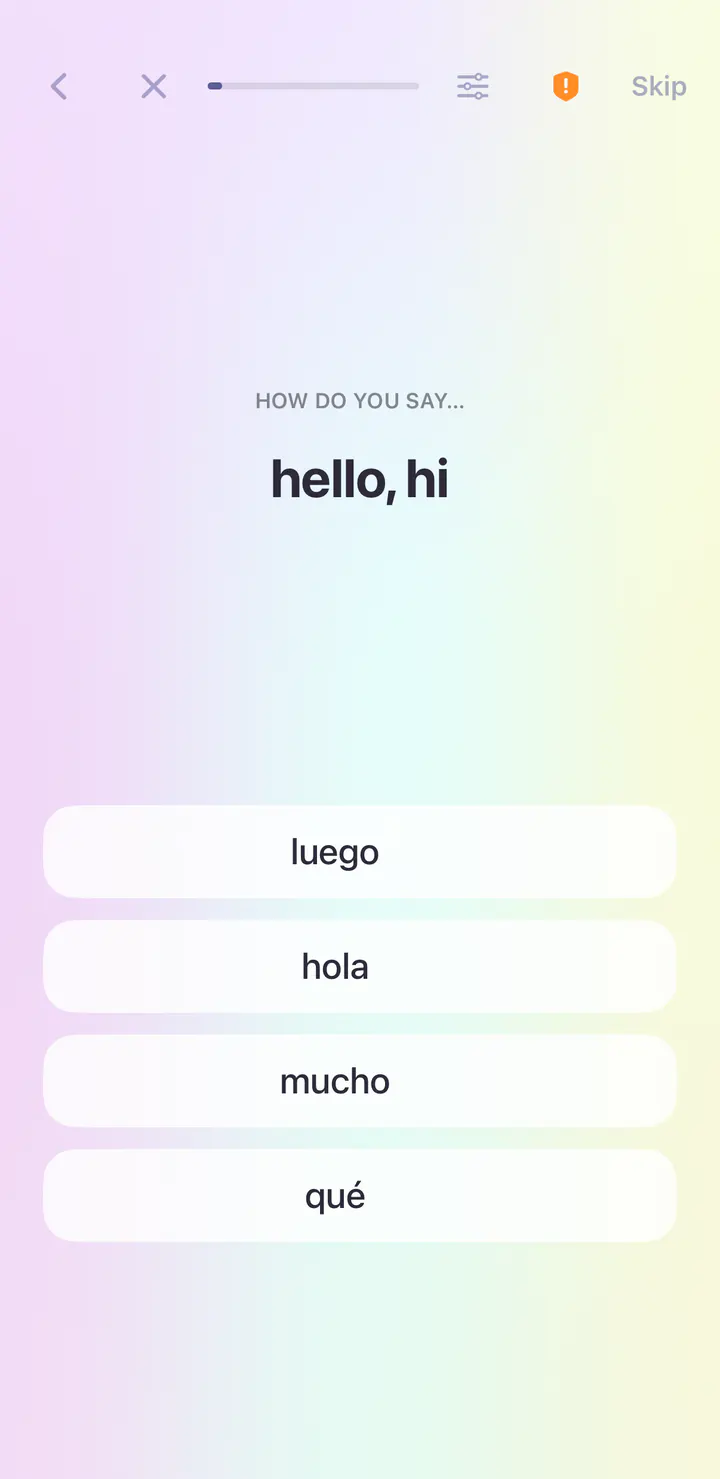
A quick question follows the new word: see the meaning, then choose the Spanish word from four.
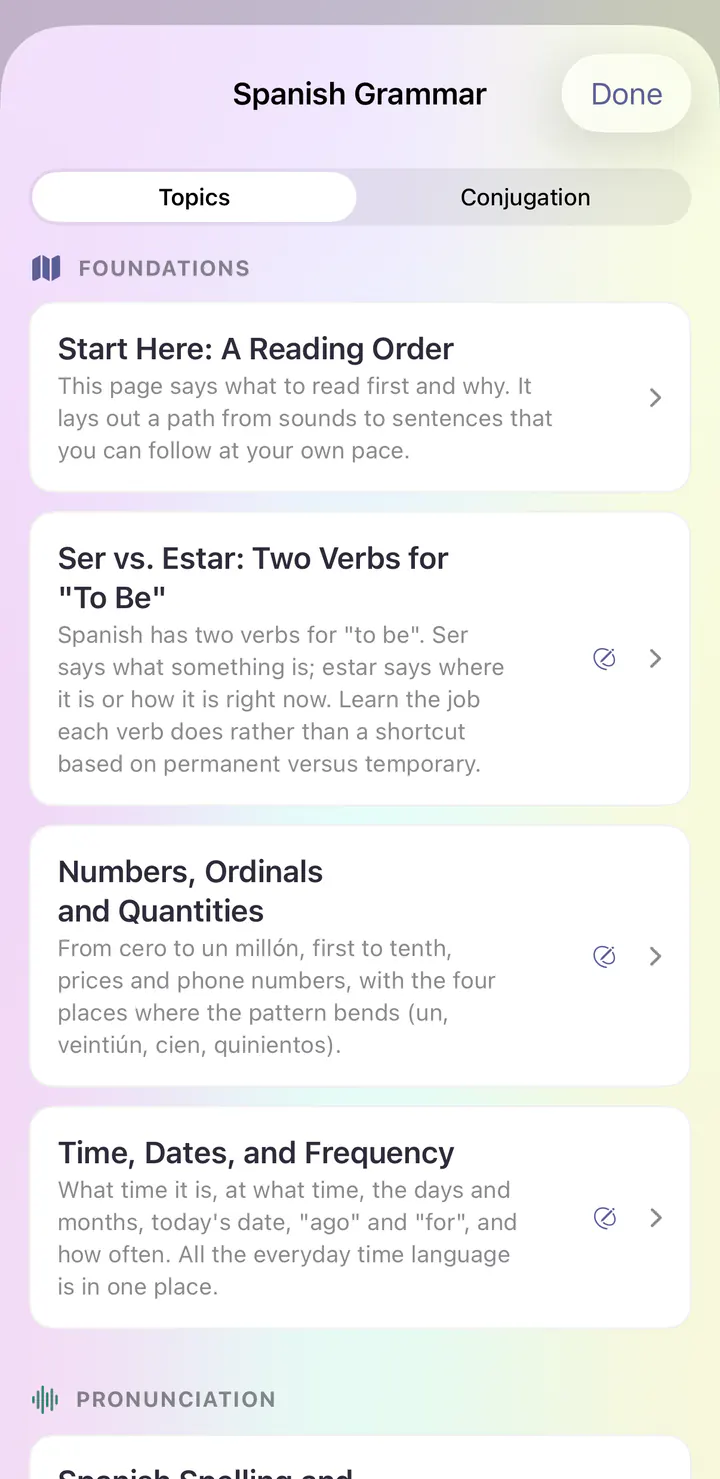
Grammar Center explains how Spanish works, with topics like Ser vs. Estar: Two Verbs for "To Be" and Numbers, Ordinals and Quantities.
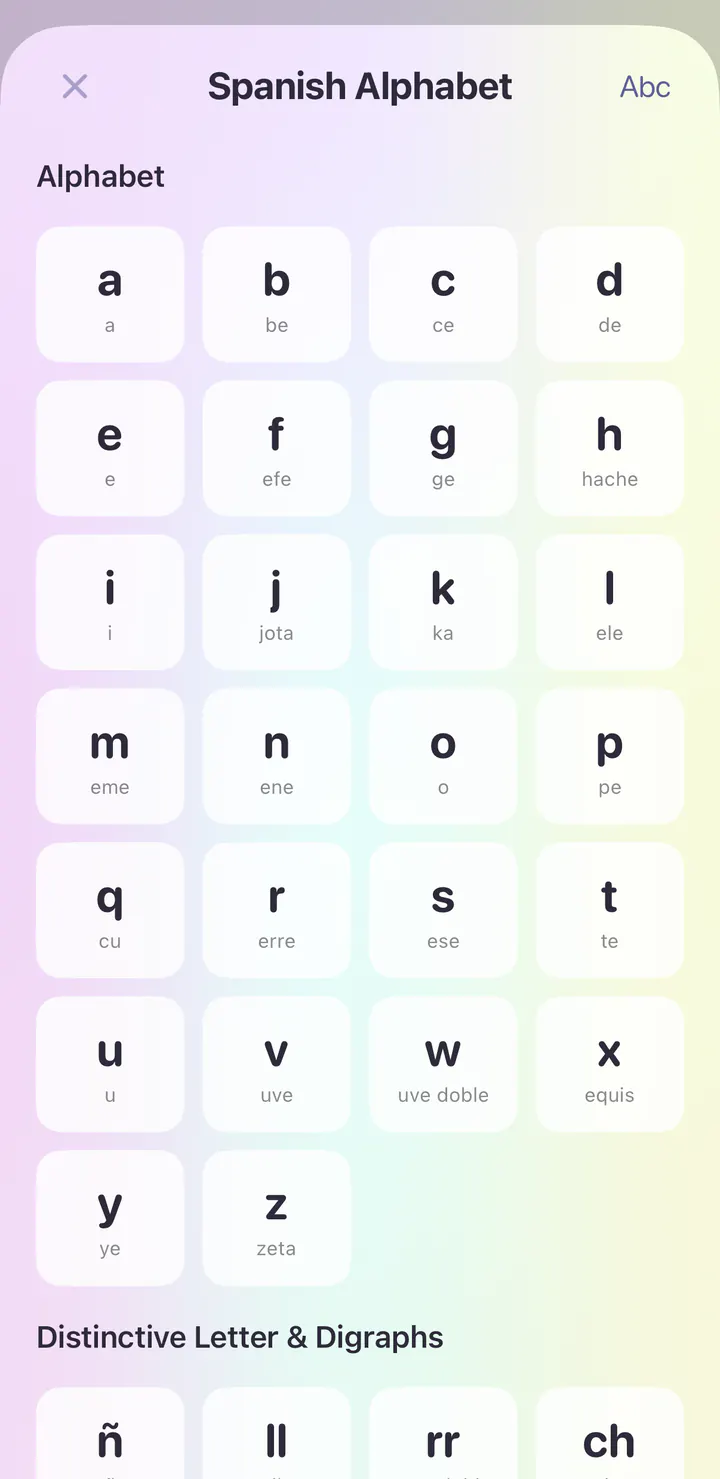
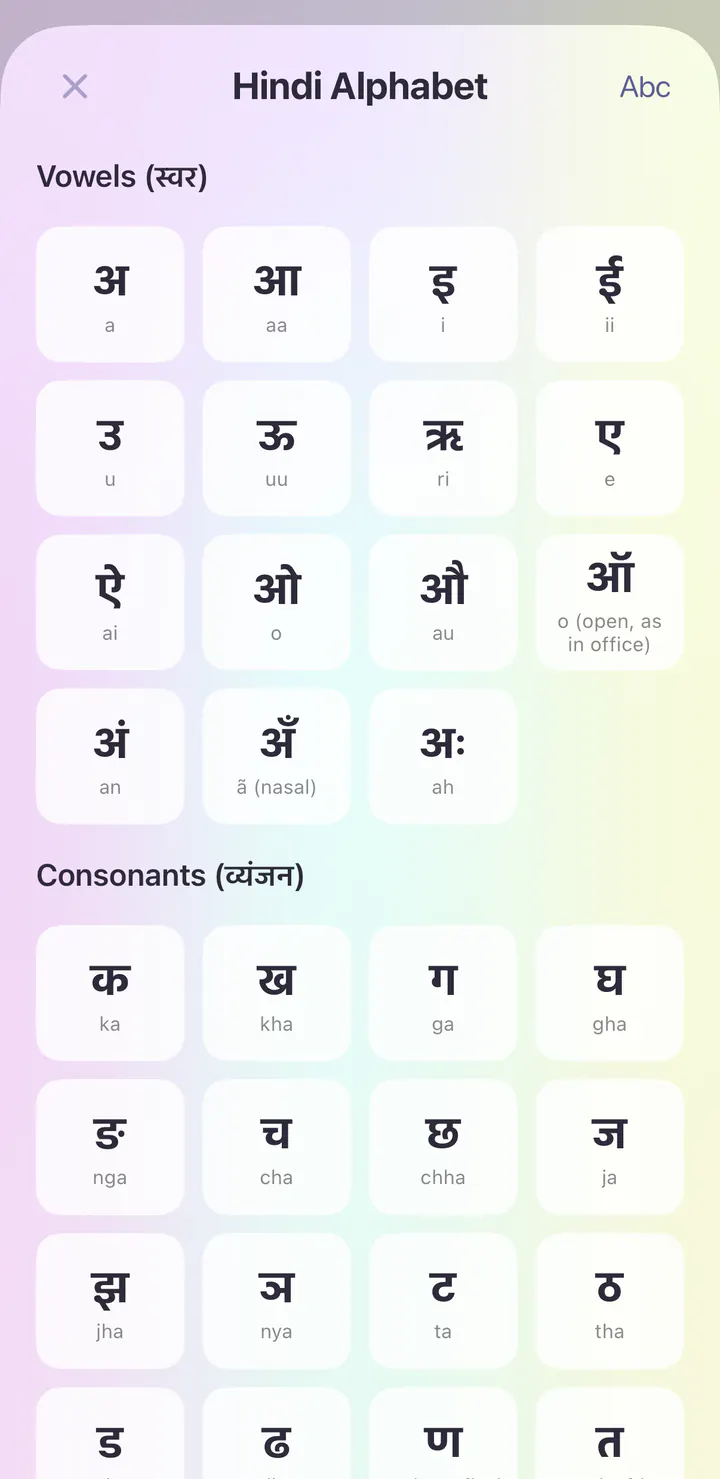
Explore the course’s writing and sound reference. Tap an entry to hear it.
See it in the app
Real screens from the first day of the French course in the iPhone app.
Open the app and today’s session is waiting. The French course begins with Sounds & First Contact, and the first lesson is Greetings & Introductions.
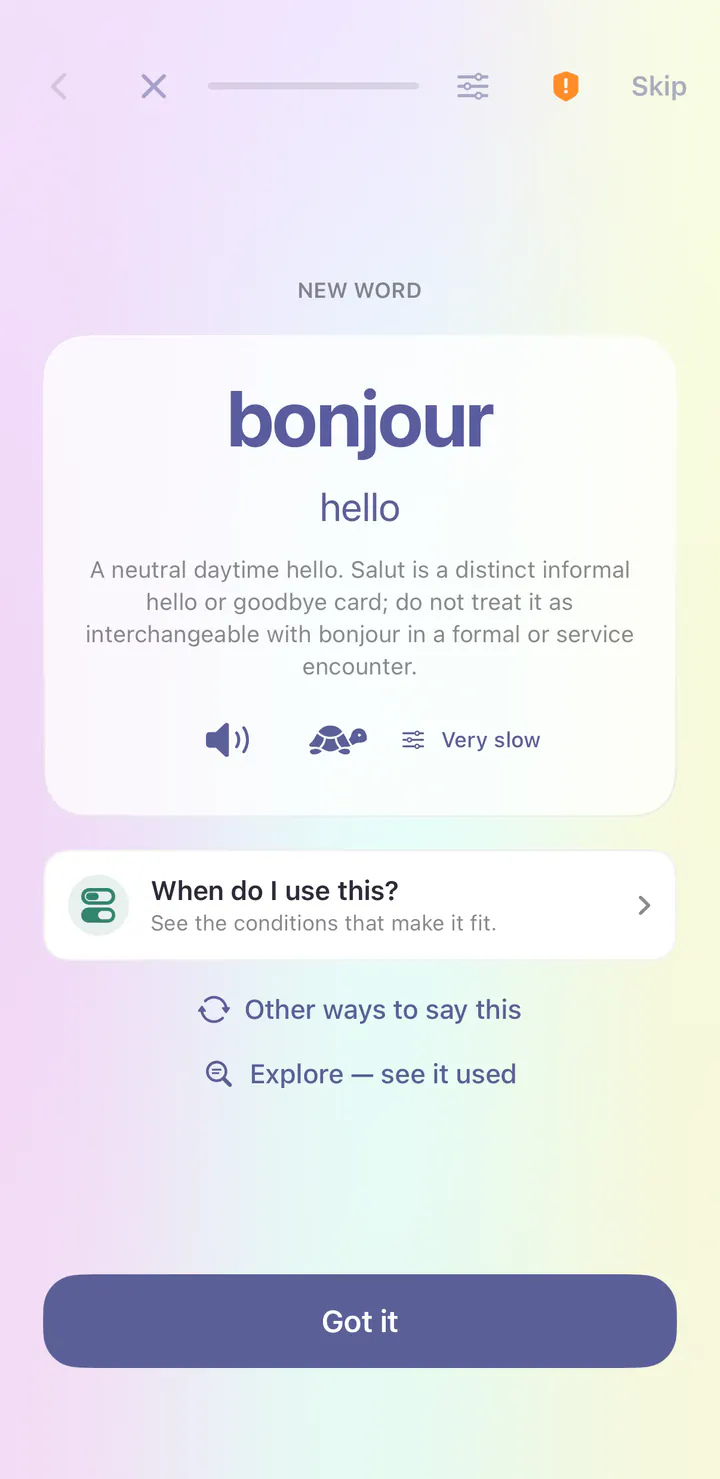
Your first word is bonjour, meaning hello. Each new word comes with its meaning and audio at normal or very slow speed.
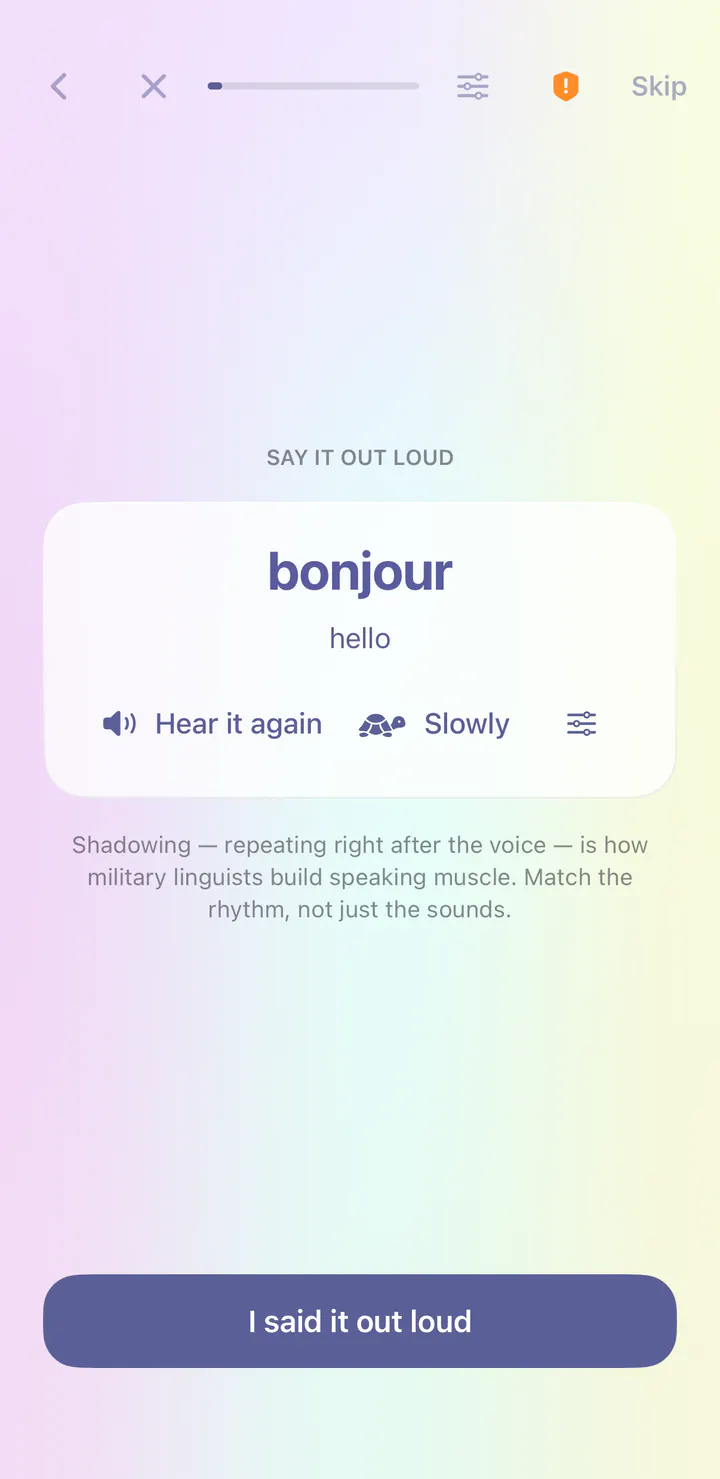
Right after a new word, you repeat it after the voice. This is called shadowing, and it builds speaking habits from your very first lesson.
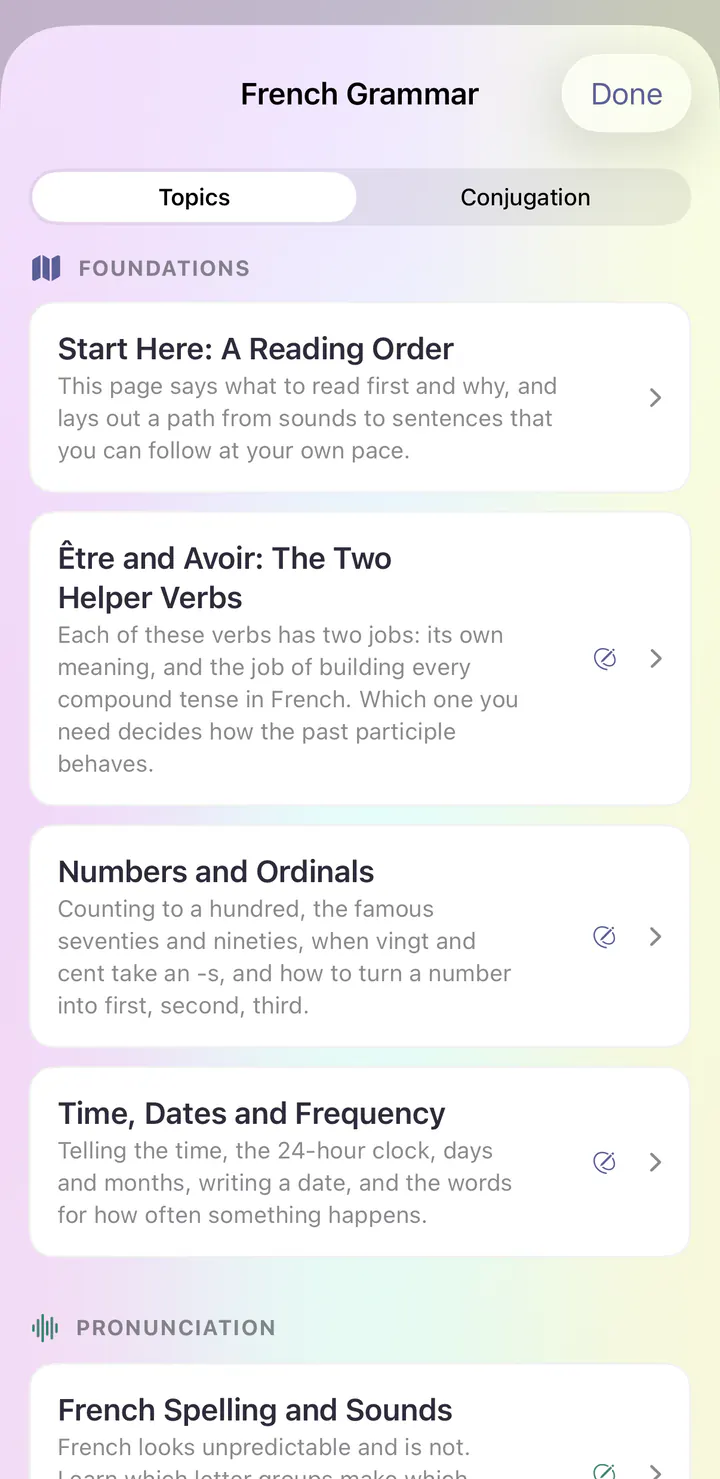
Grammar Center explains how French works, with topics like Être and Avoir: The Two Helper Verbs and Numbers and Ordinals.
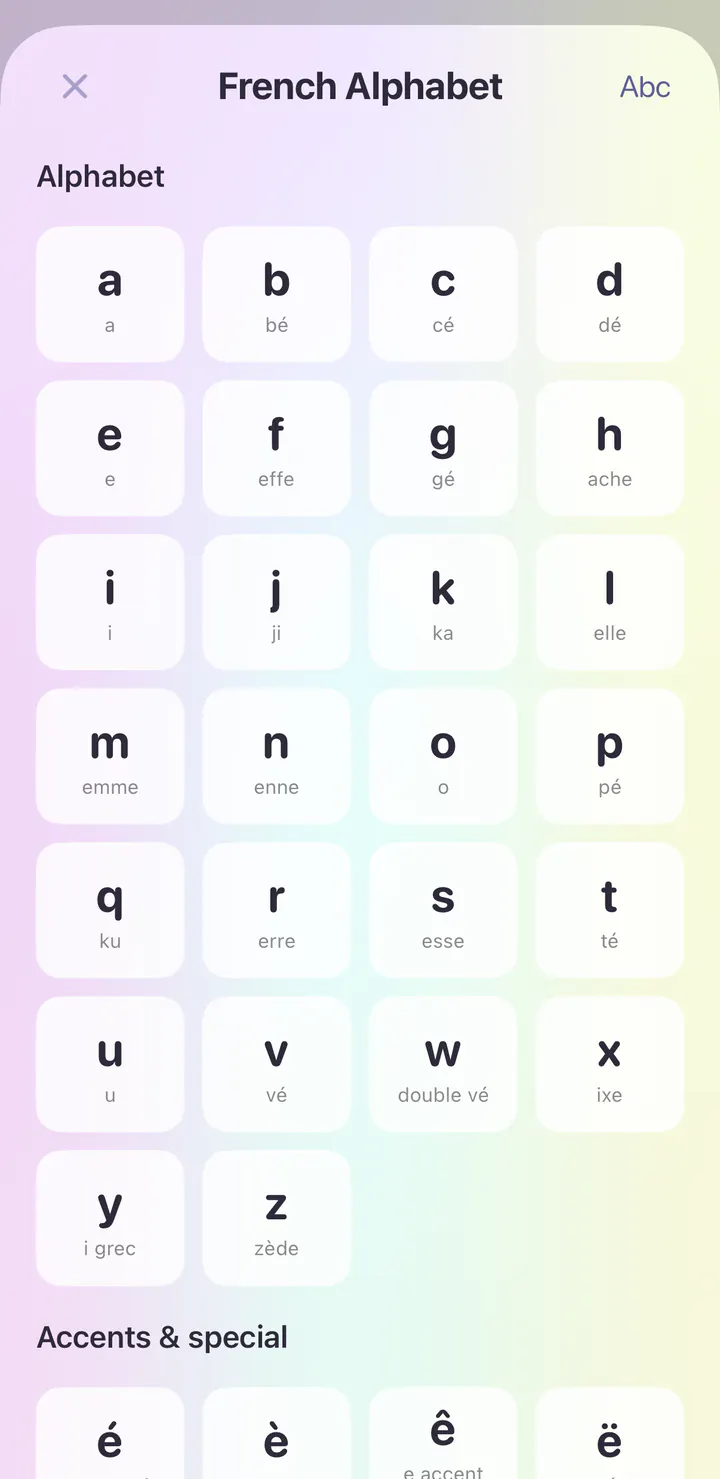
Explore the course’s writing and sound reference. Tap an entry to hear it.
See it in the app
Real screens from the first day of the German course in the iPhone app.
Open the app and today’s session is waiting. The German course begins with Sounds & First Contact, and the first lesson is Greetings & Introductions.
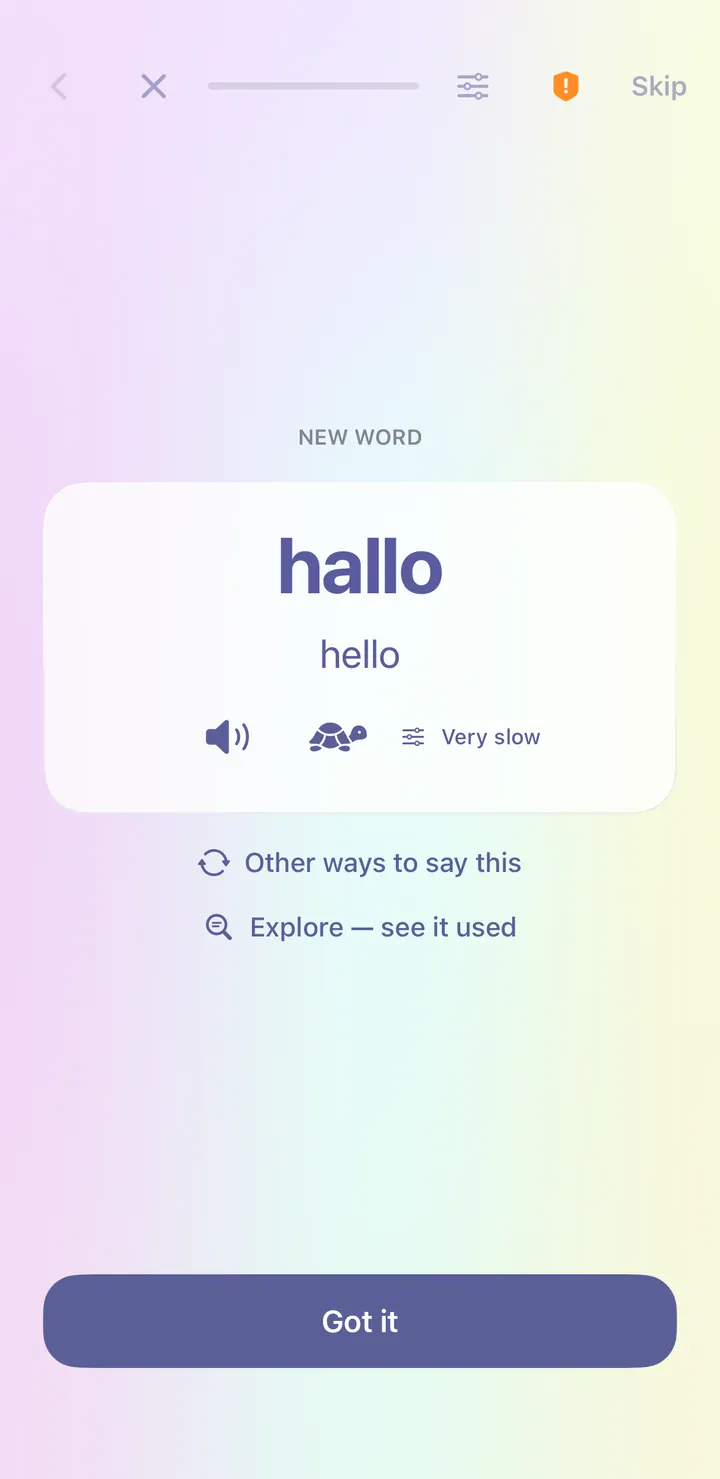
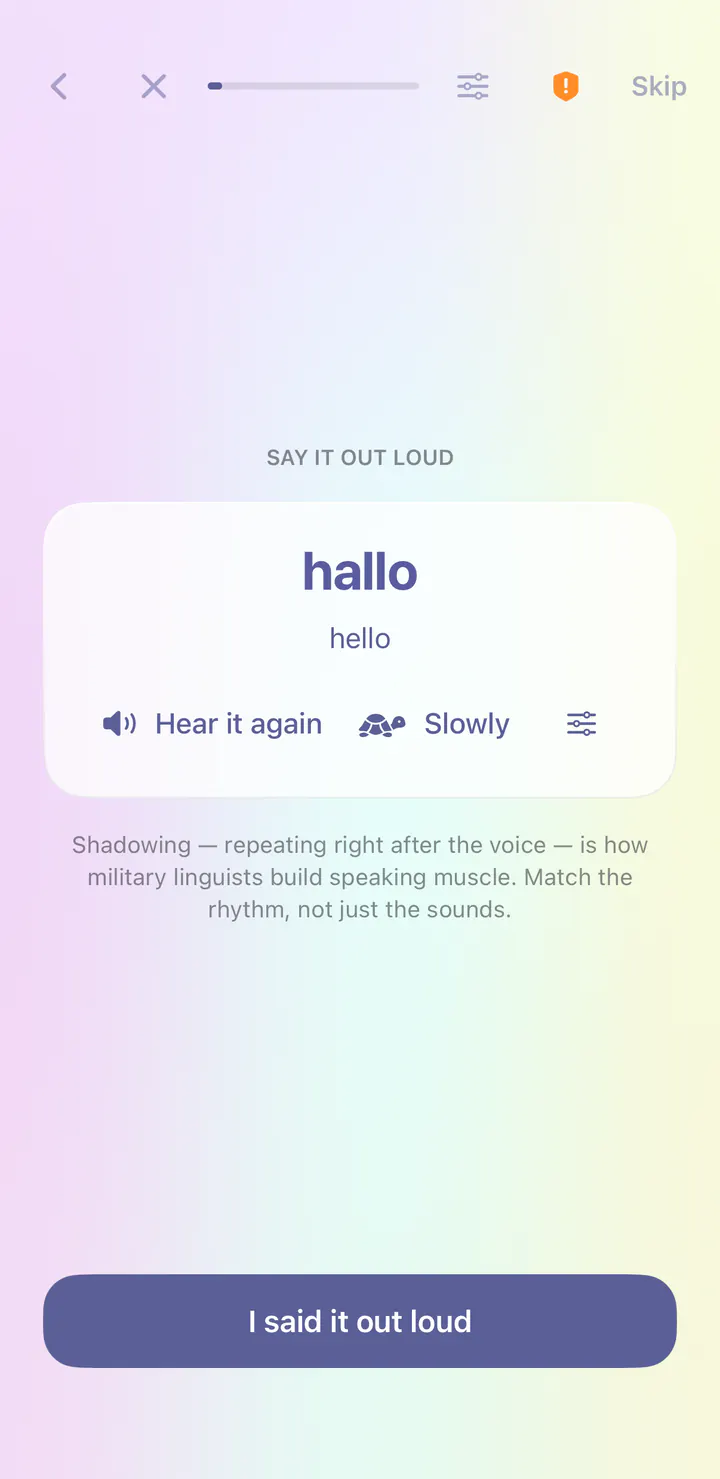
Your first word is hallo, meaning hello. Each new word comes with its meaning and audio at normal or very slow speed.
Right after a new word, you repeat it after the voice. This is called shadowing, and it builds speaking habits from your very first lesson.
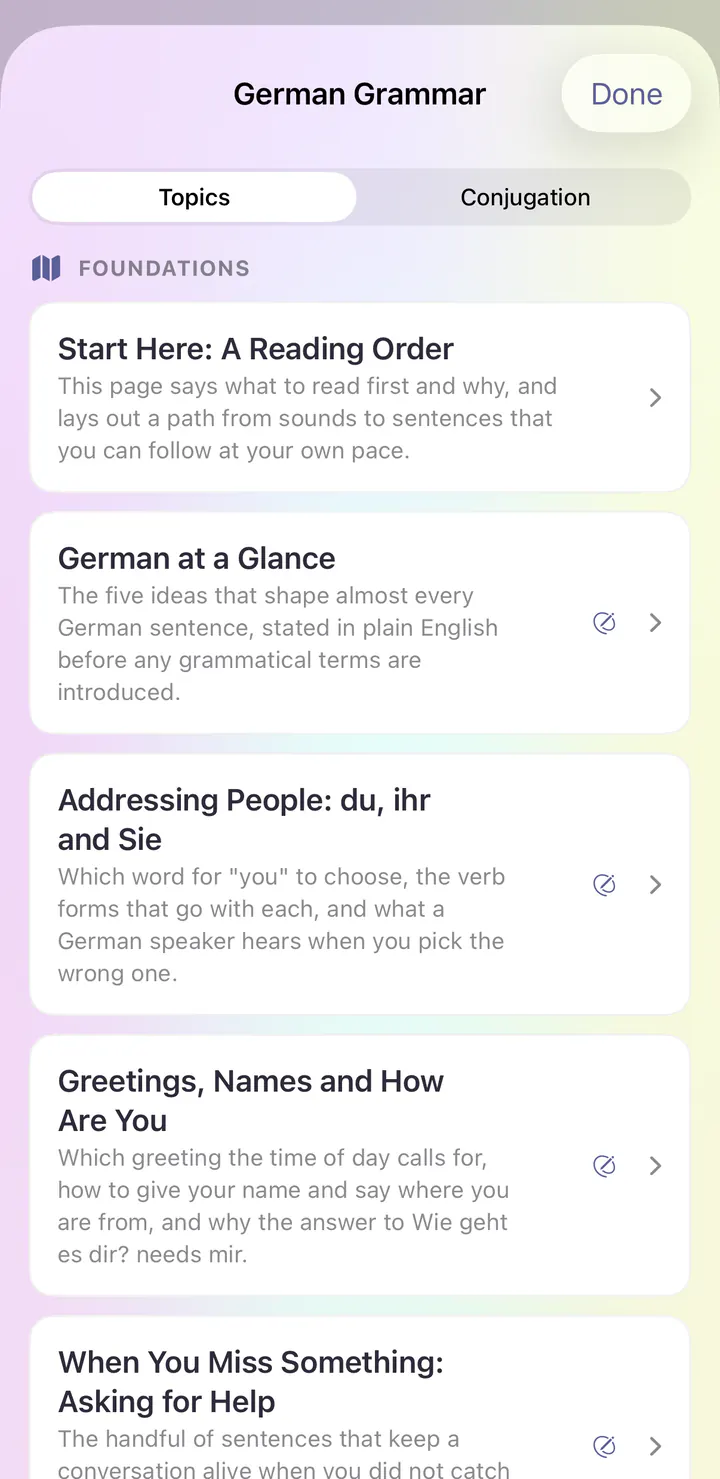
Grammar Center explains how German works, with topics like German at a Glance and Addressing People: du, ihr and Sie.
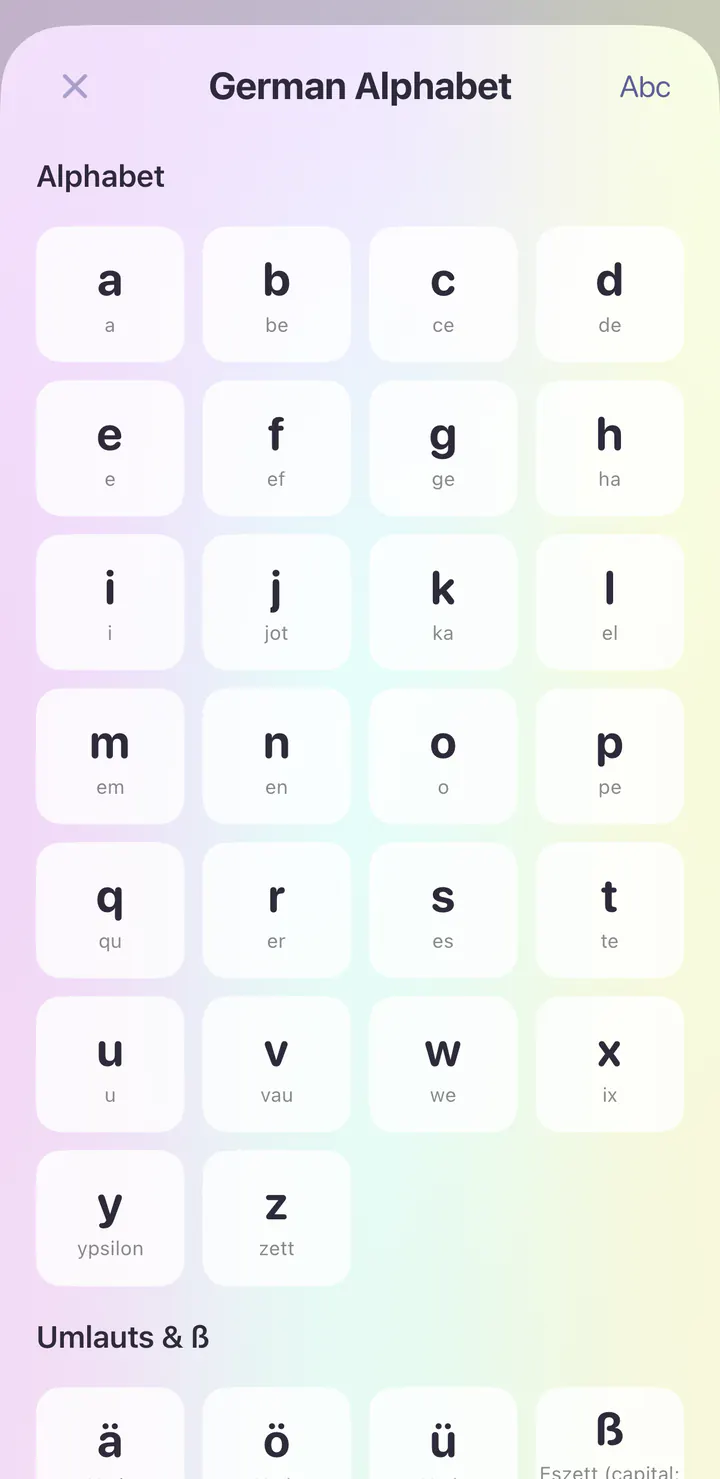
Explore the course’s writing and sound reference. Tap an entry to hear it.
See it in the app
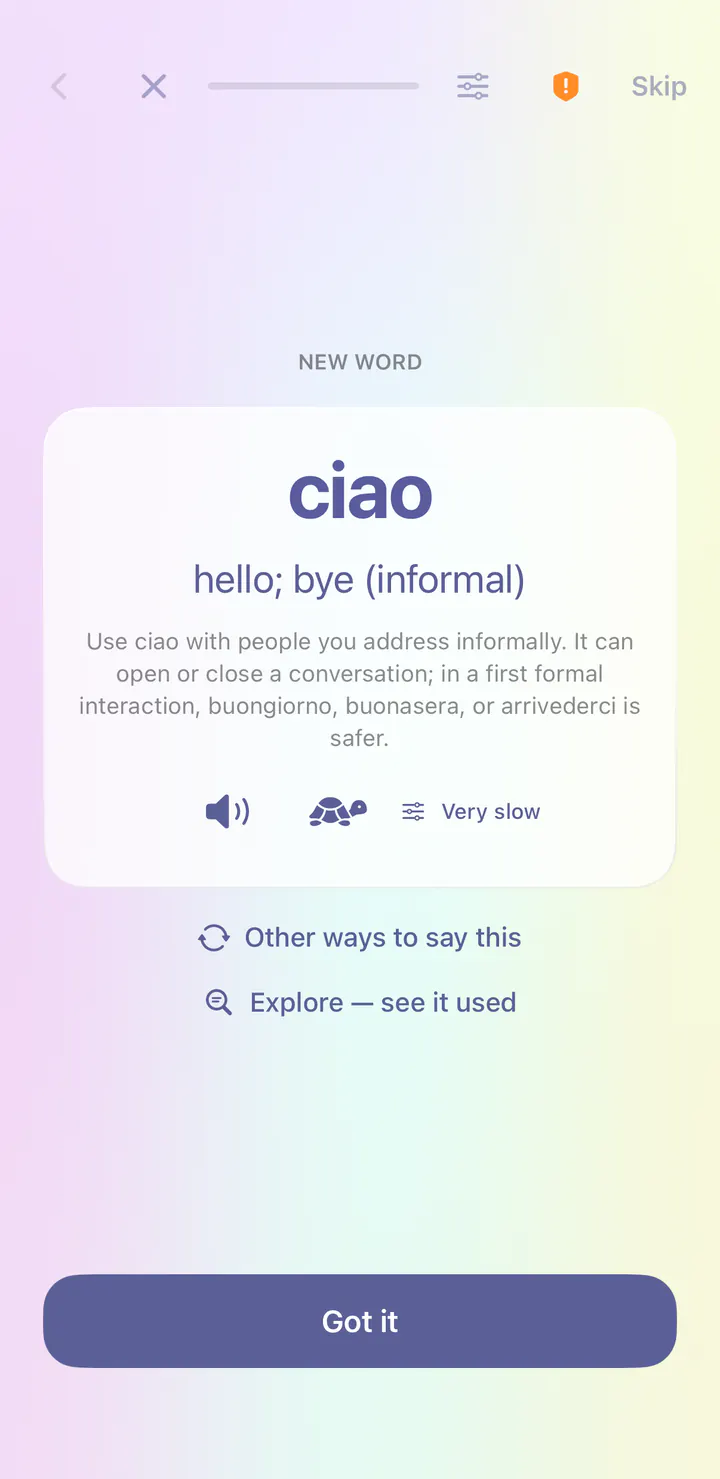
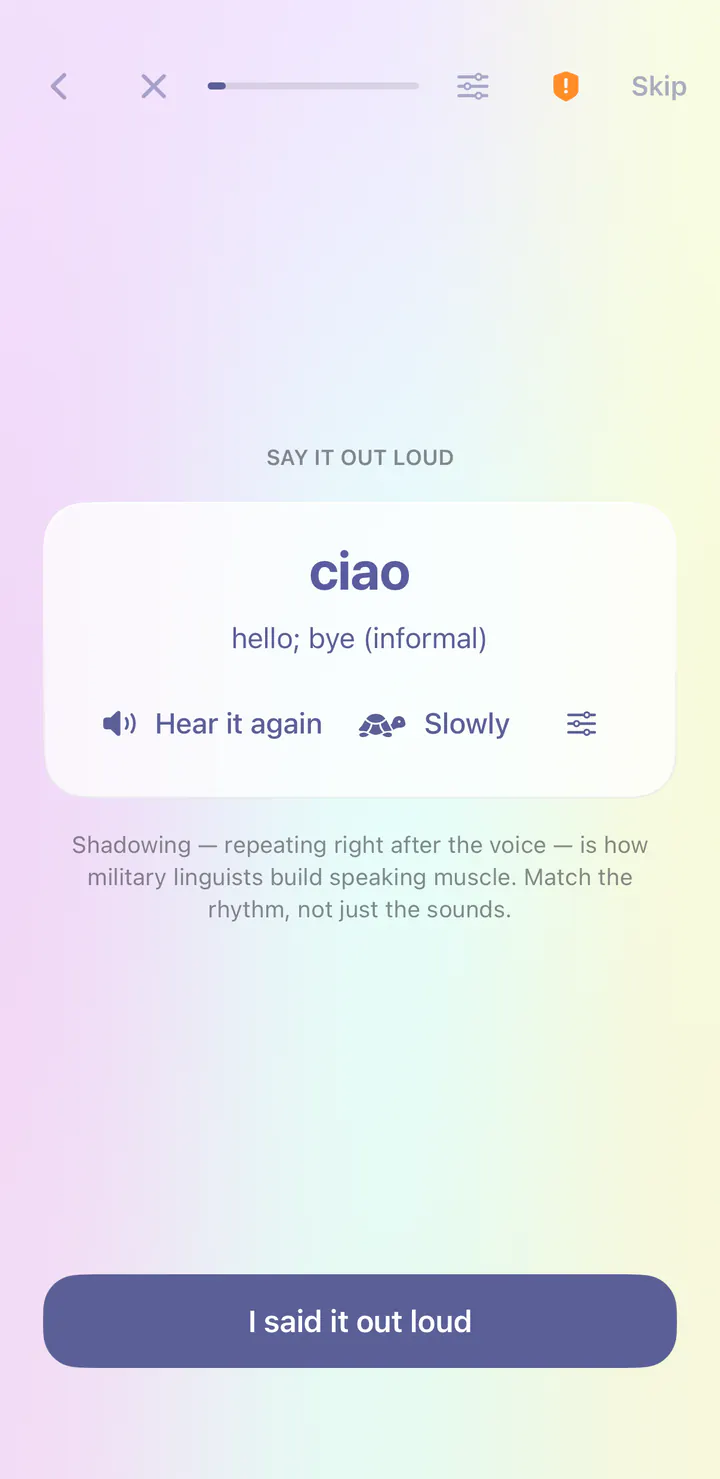
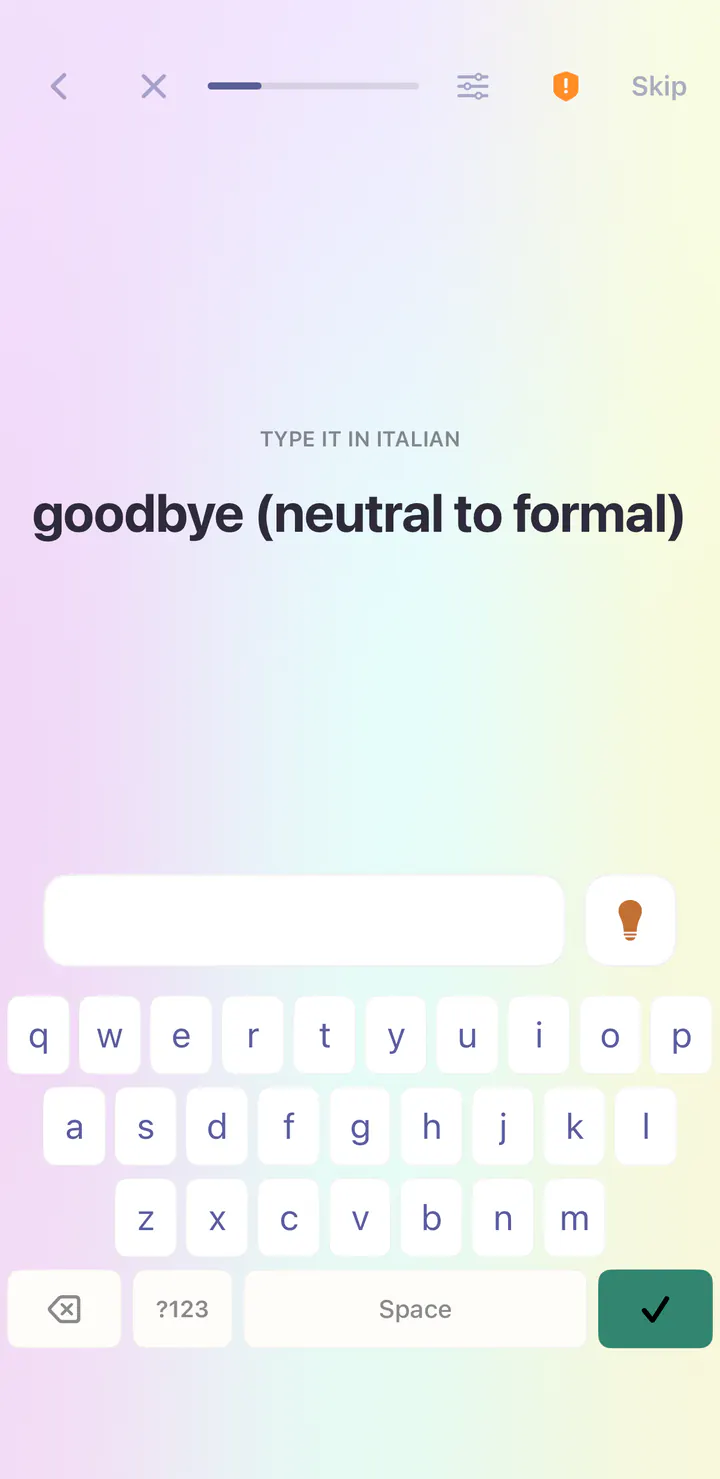
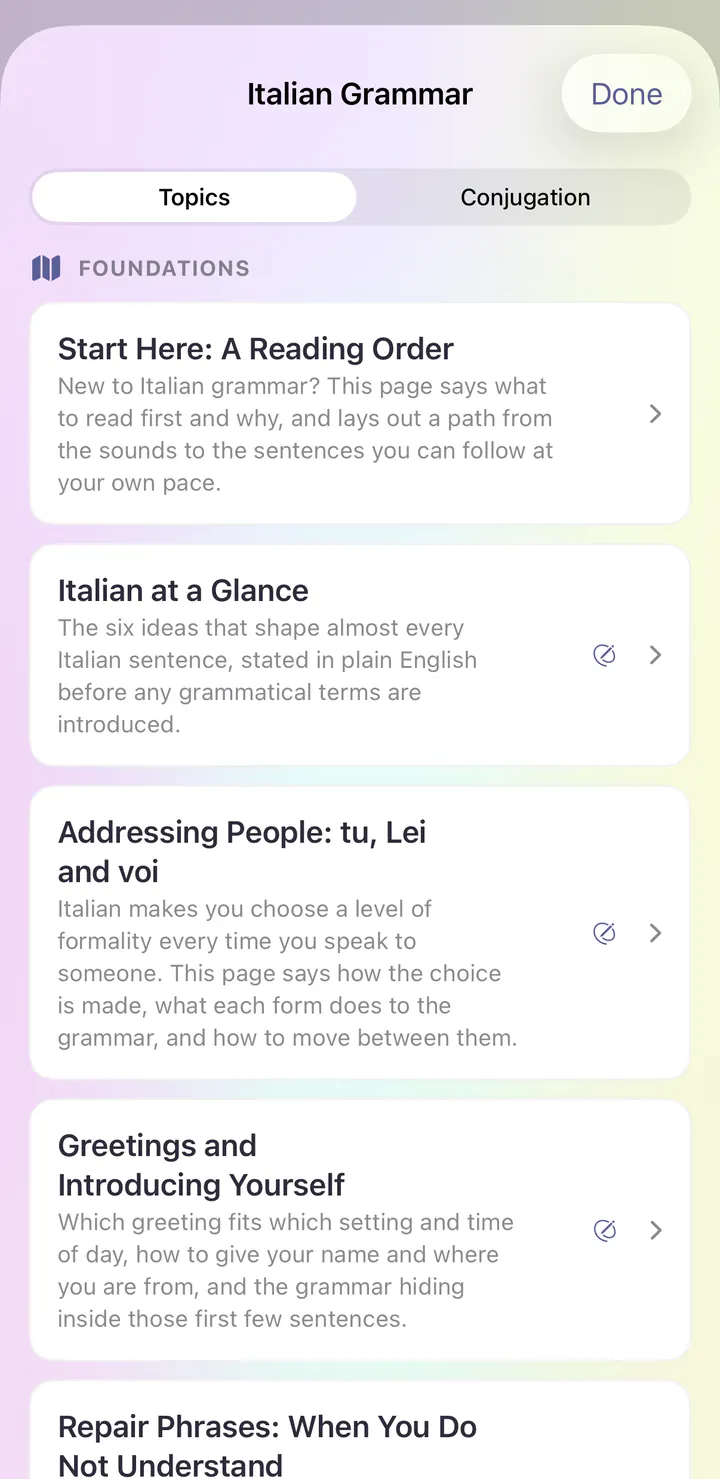
Real screens from the first day of the Italian course in the iPhone app.
Open the app and today’s session is waiting. The Italian course begins with Sounds & First Contact, and the first lesson is Greetings & Introductions.
Your first word is ciao, meaning hello; bye (informal). Each new word comes with its meaning and audio at normal or very slow speed.
Right after a new word, you repeat it after the voice. This is called shadowing, and it builds speaking habits from your very first lesson.
Typing steps bring their own keyboard, so you can write Italian before you add a keyboard to your phone.
Grammar Center explains how Italian works, with topics like Italian at a Glance and Addressing People: tu, Lei and voi.
See it in the app
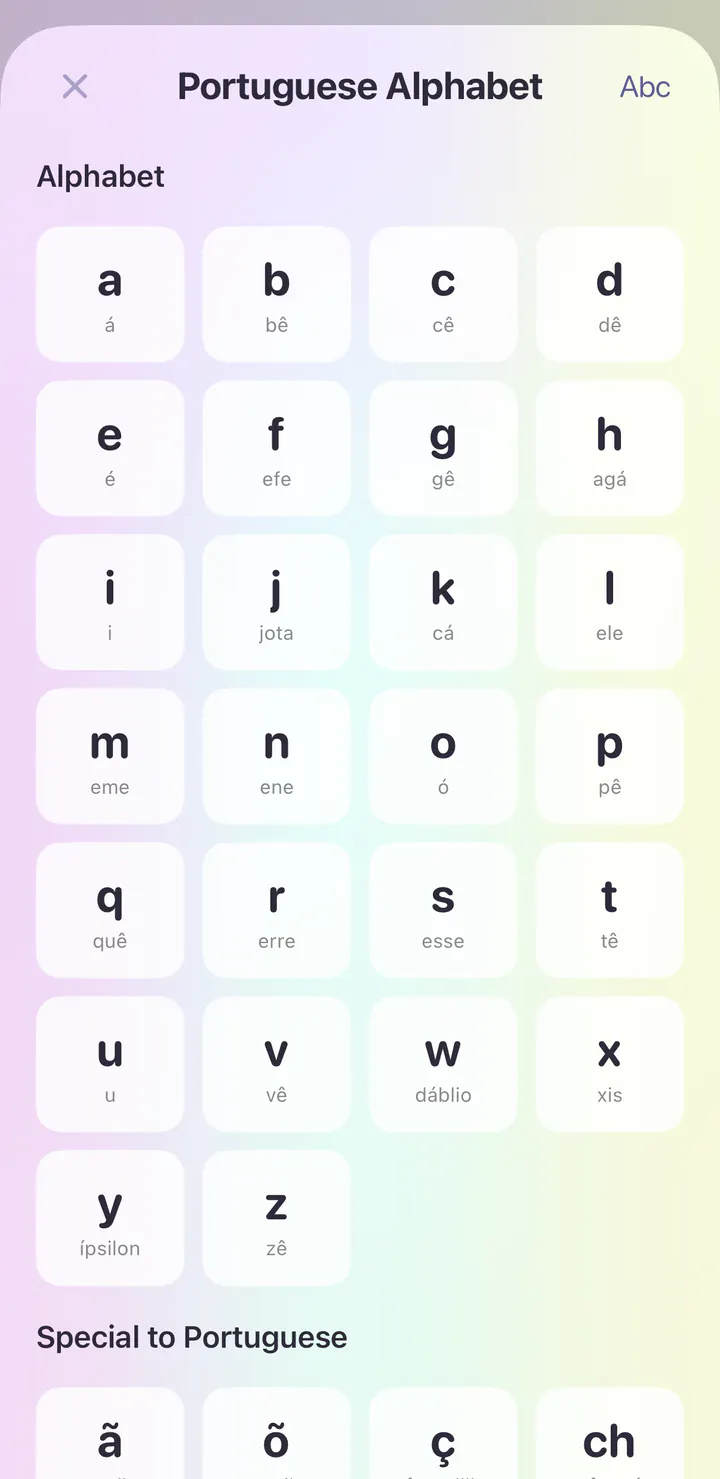
Real screens from the first day of the Brazilian Portuguese course in the iPhone app.
Open the app and today’s session is waiting. The Brazilian Portuguese course begins with Sounds & First Contact, and the first lesson is Greetings & Introductions.
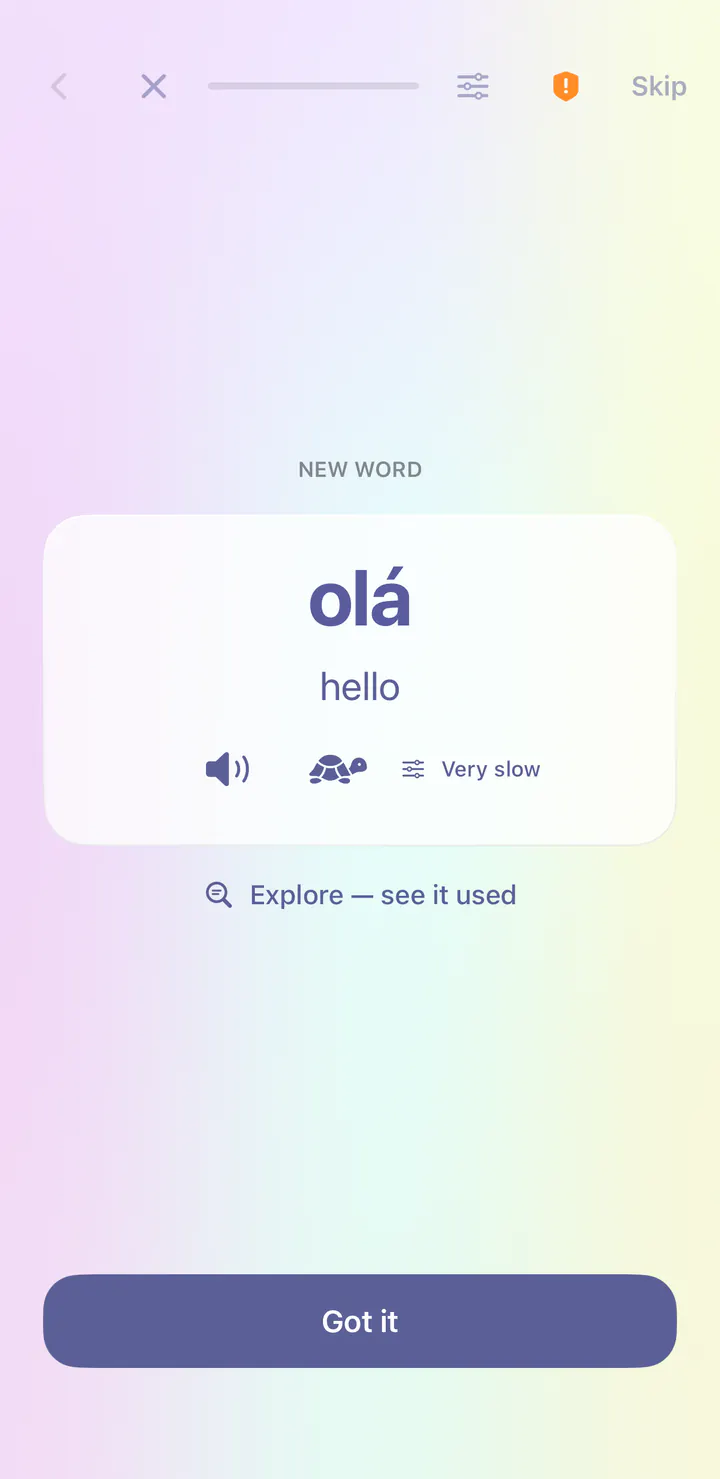
Your first word is olá, meaning hello. Each new word comes with its meaning and audio at normal or very slow speed.
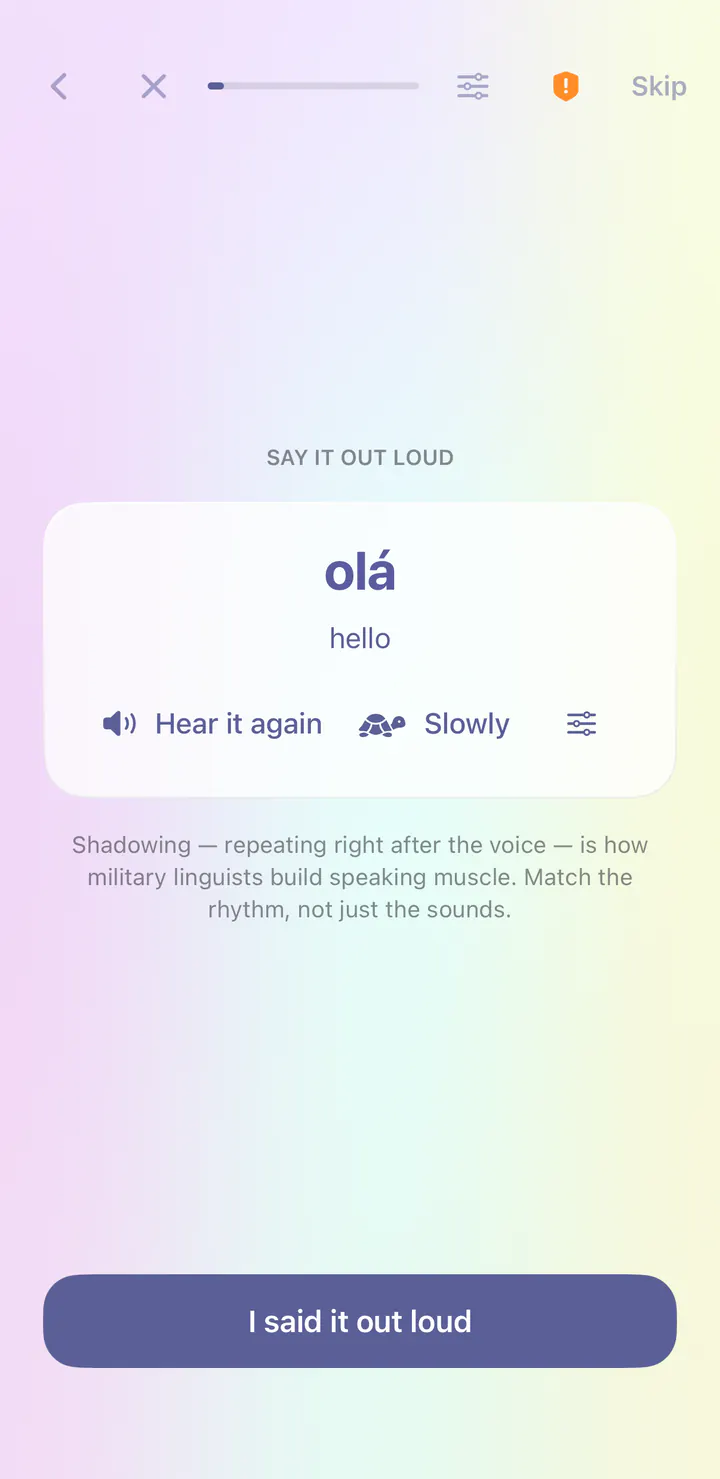
Right after a new word, you repeat it after the voice. This is called shadowing, and it builds speaking habits from your very first lesson.
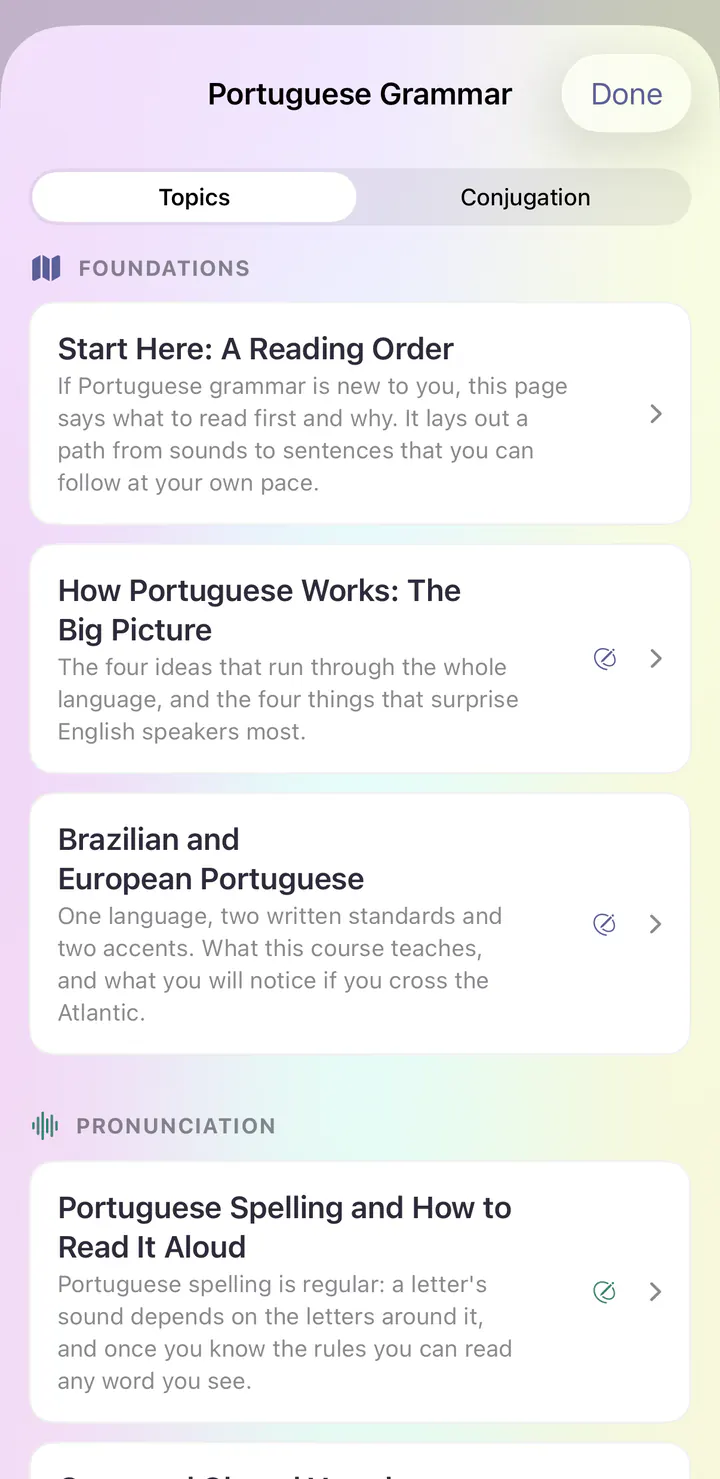
Grammar Center explains how Brazilian Portuguese works, with topics like How Portuguese Works: The Big Picture and Brazilian and European Portuguese.
Explore the course’s writing and sound reference. Tap an entry to hear it.
See it in the app
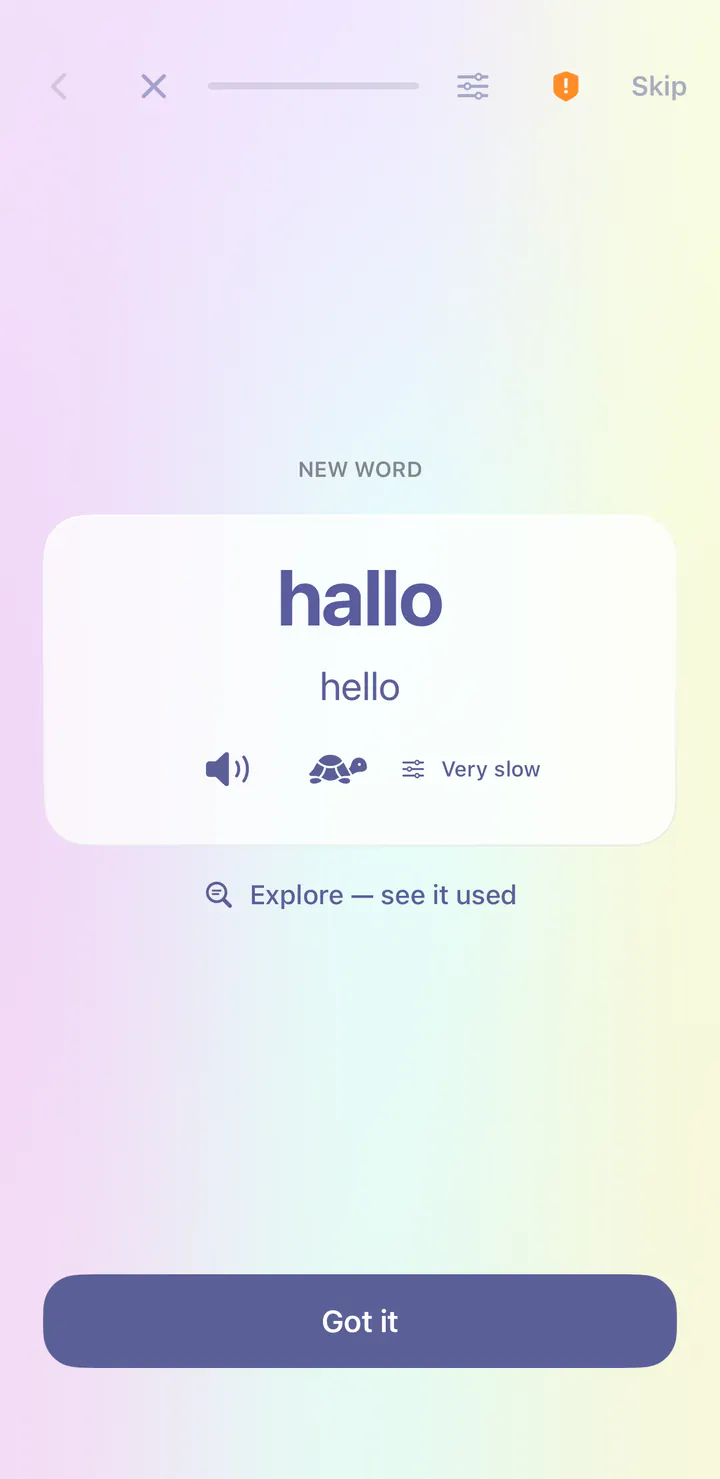
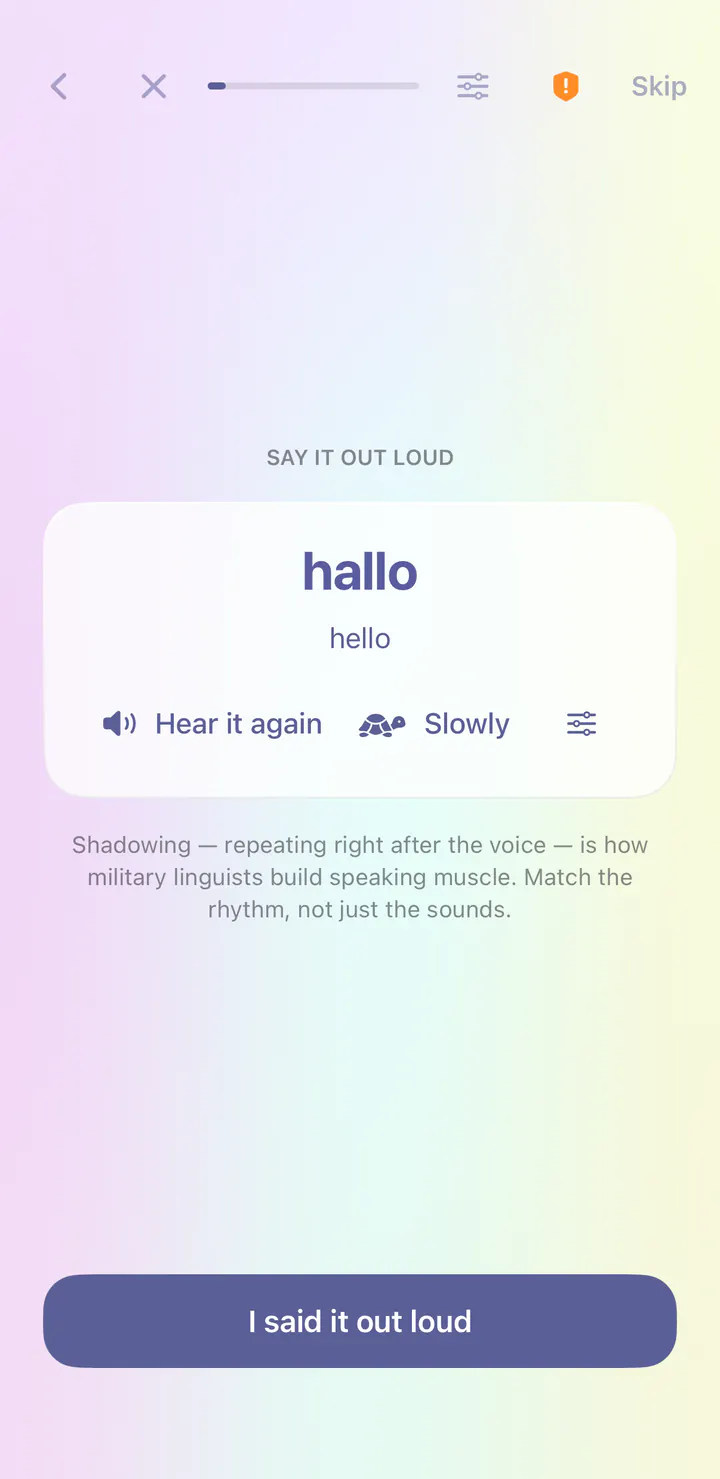
Real screens from the first day of the Dutch course in the iPhone app.
Open the app and today’s session is waiting. The Dutch course begins with Sounds & First Contact, and the first lesson is Greetings & Introductions.
Your first word is hallo, meaning hello. Each new word comes with its meaning and audio at normal or very slow speed.
Right after a new word, you repeat it after the voice. This is called shadowing, and it builds speaking habits from your very first lesson.
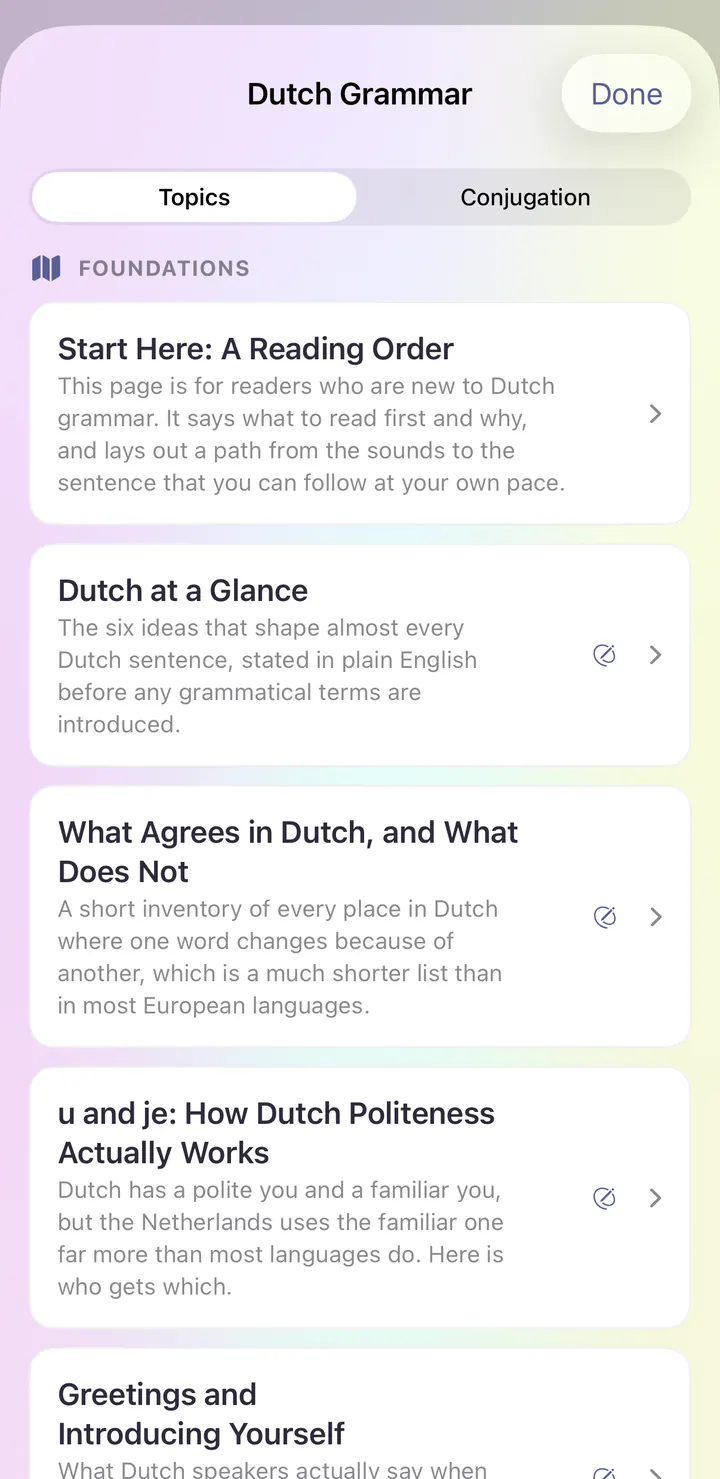
Grammar Center explains how Dutch works, with topics like Dutch at a Glance and What Agrees in Dutch, and What Does Not.
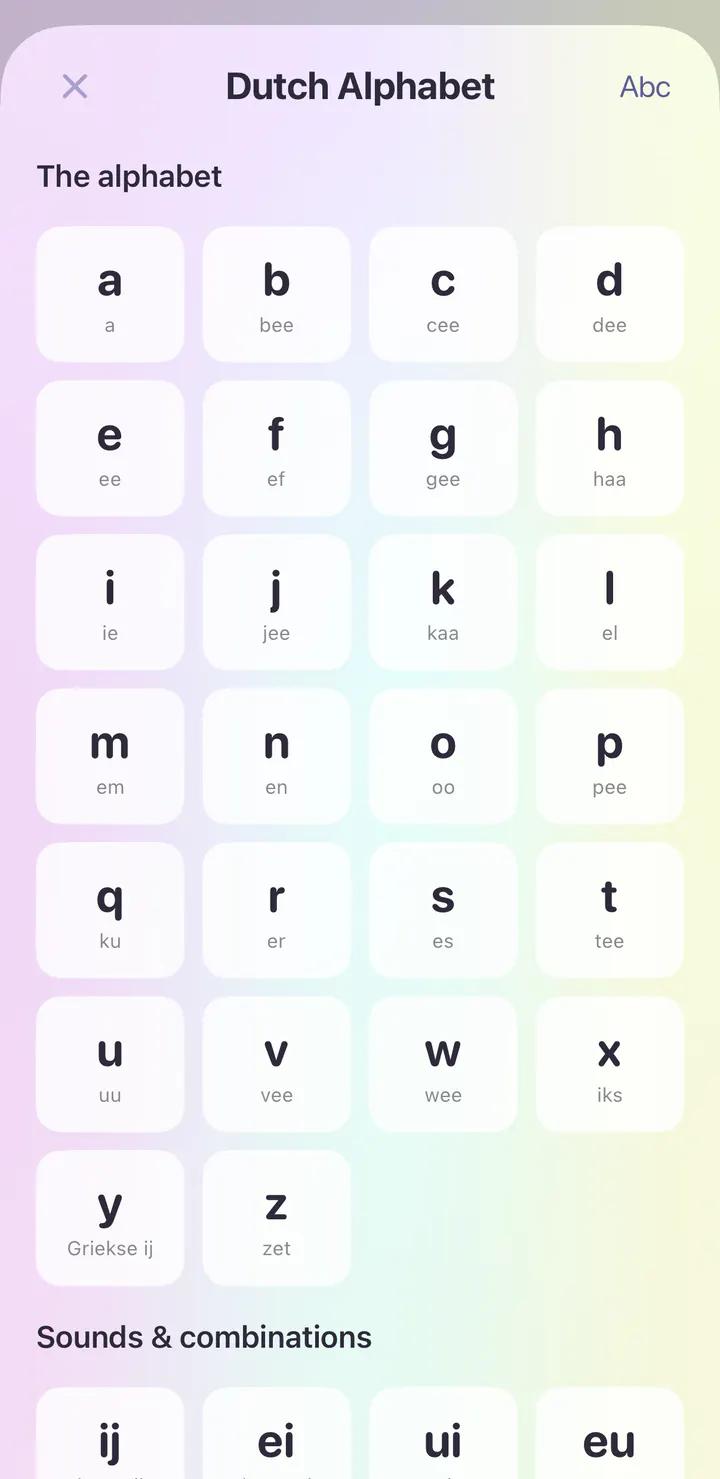
Explore the course’s writing and sound reference. Tap an entry to hear it.
See it in the app
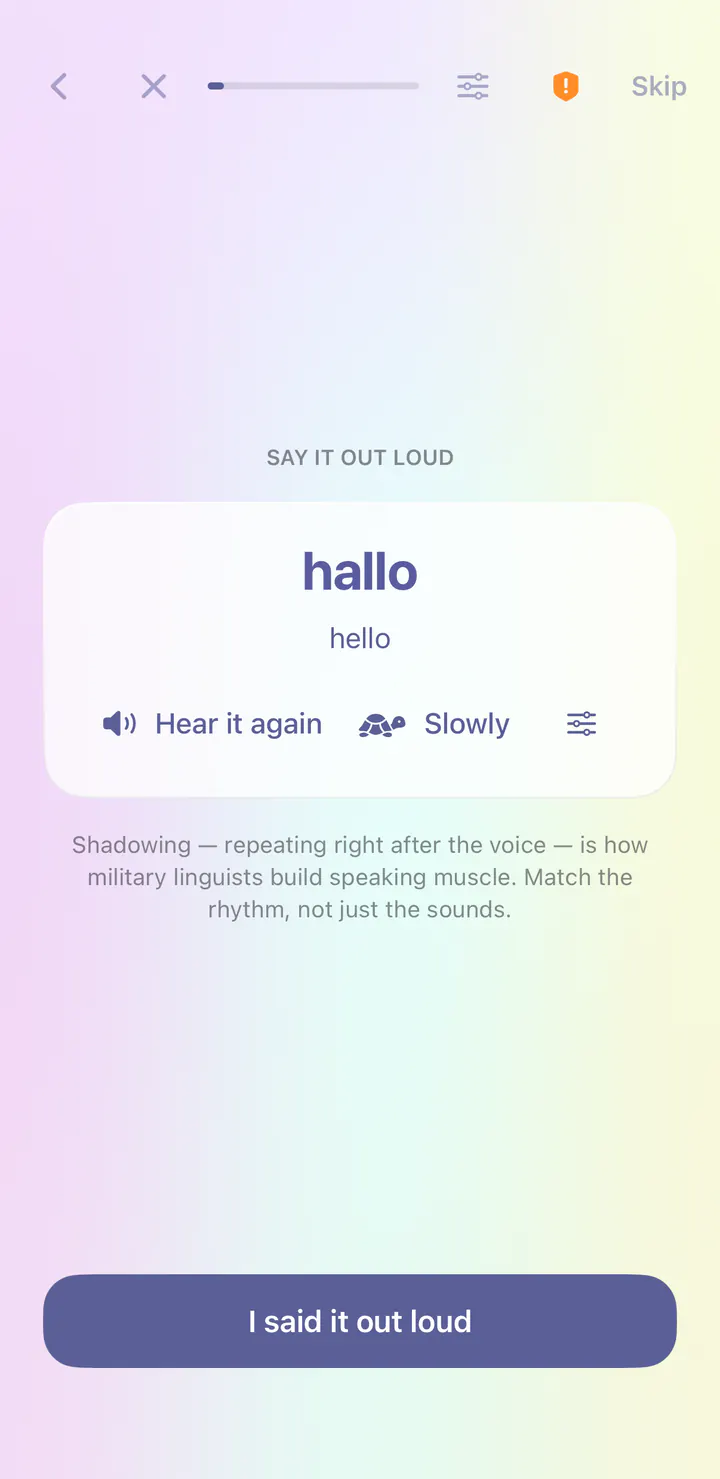
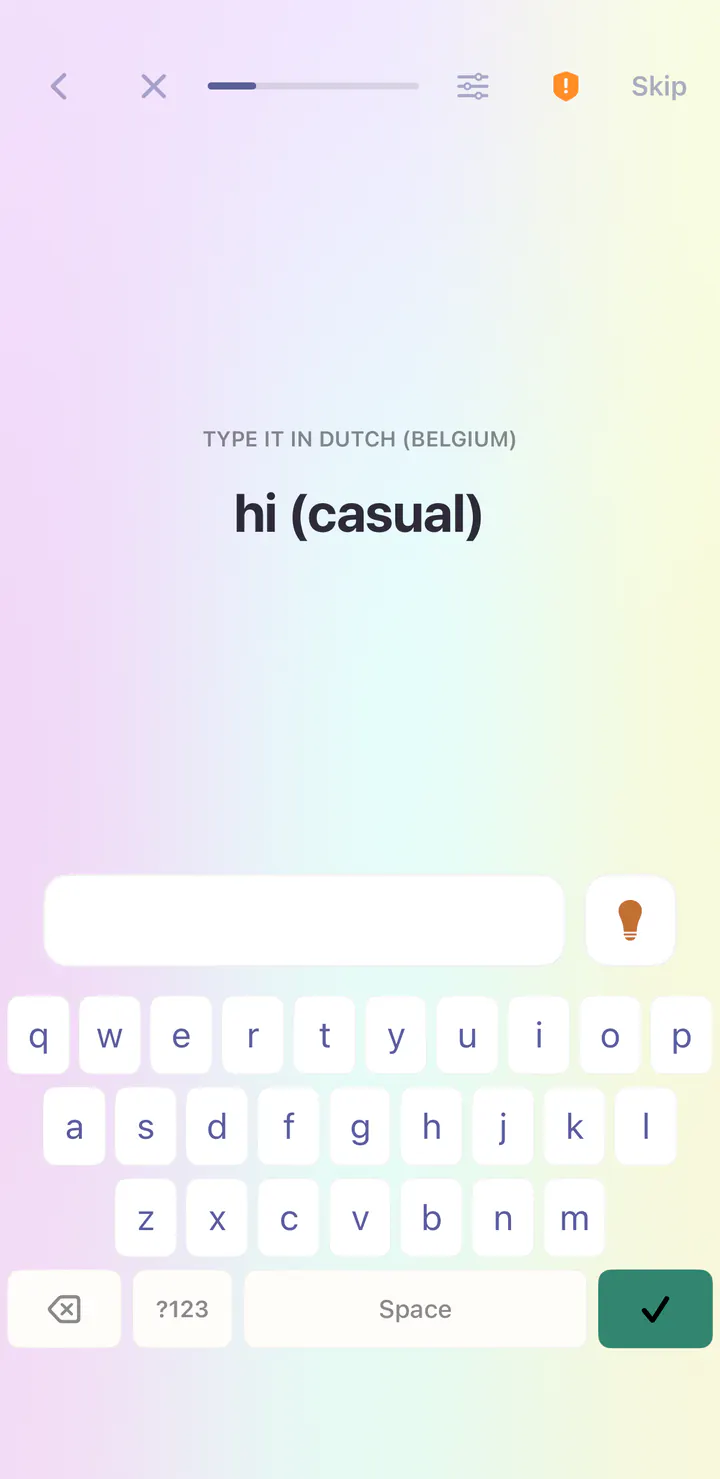
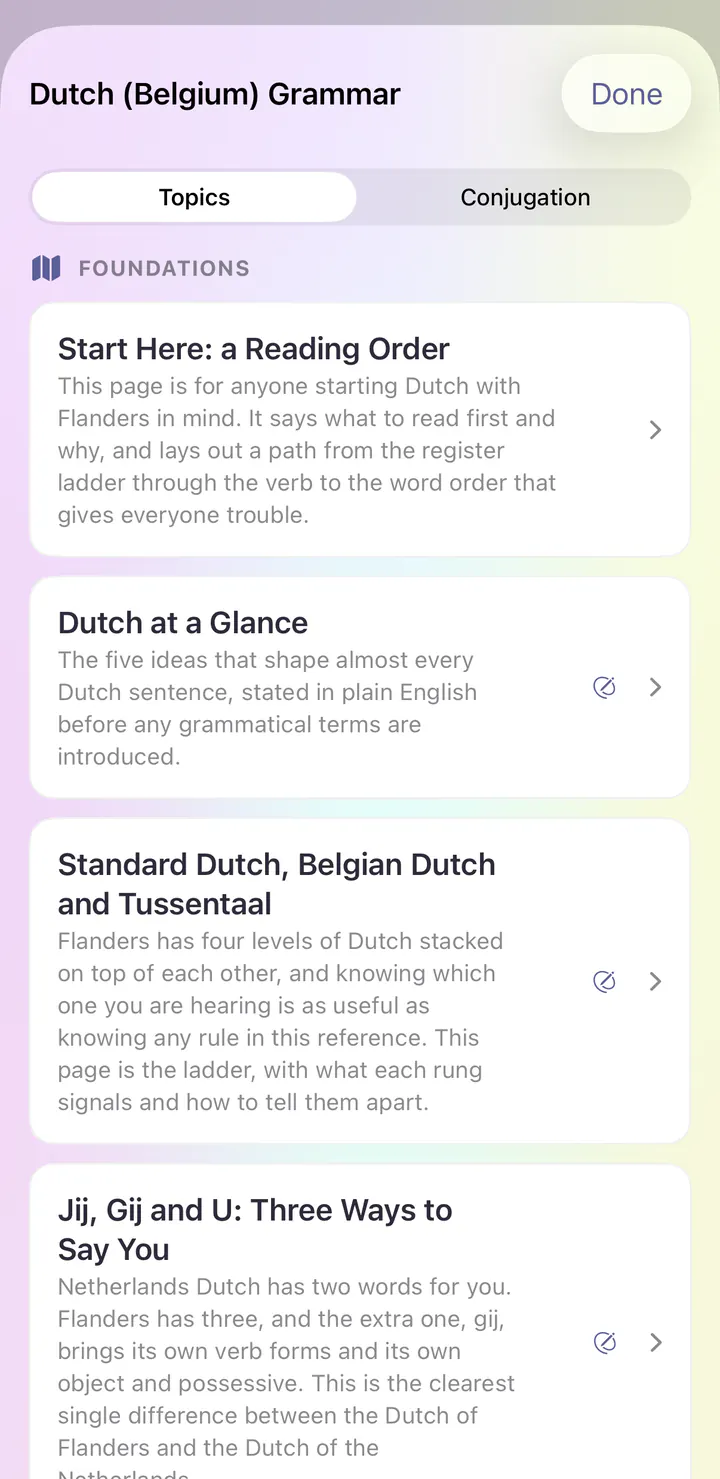
Real screens from the first day of the Dutch (Belgium) course in the iPhone app.
Open the app and today’s session is waiting. The Dutch (Belgium) course begins with Sounds & First Contact, and the first lesson is Greetings & Introductions.
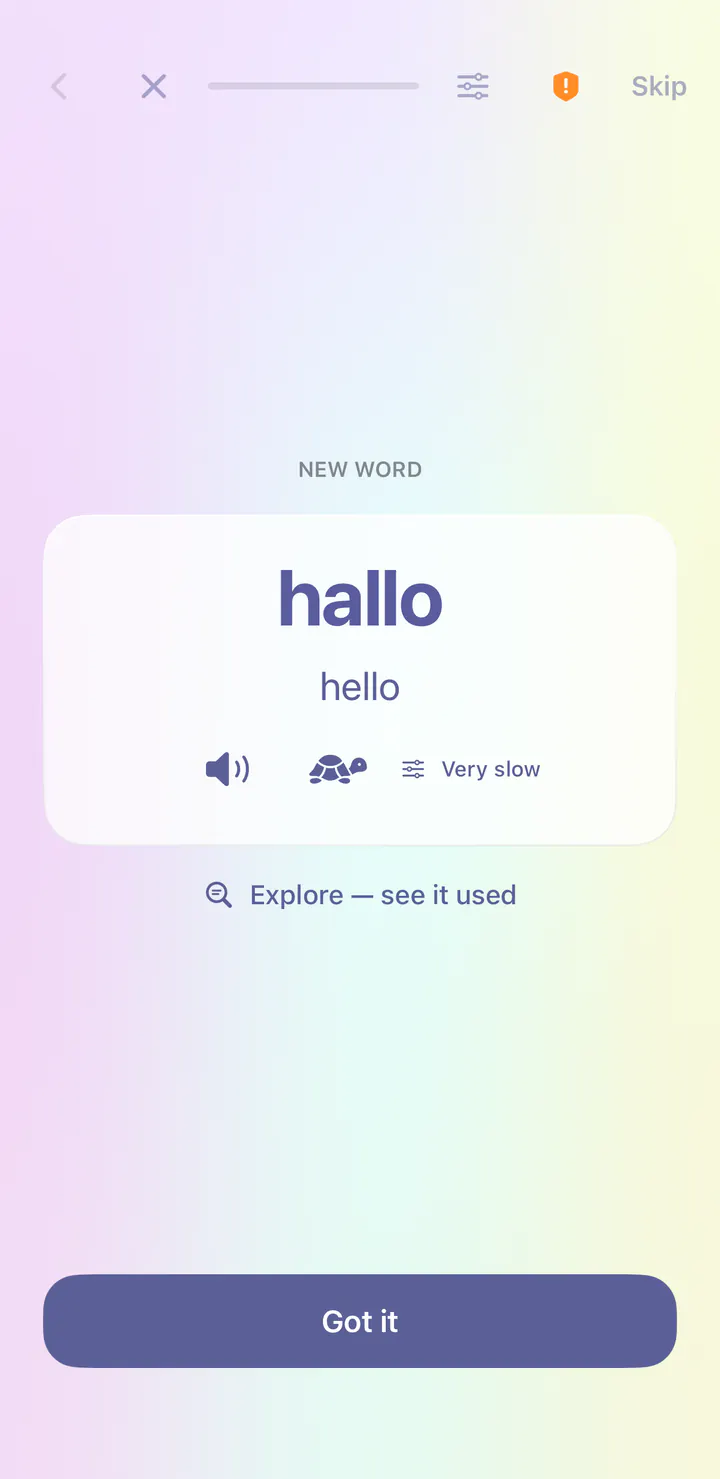
Your first word is hallo, meaning hello. Each new word comes with its meaning and audio at normal or very slow speed.
Right after a new word, you repeat it after the voice. This is called shadowing, and it builds speaking habits from your very first lesson.
Typing steps bring their own keyboard, so you can write Dutch (Belgium) before you add a keyboard to your phone.
Grammar Center explains how Dutch (Belgium) works, with topics like Dutch at a Glance and Standard Dutch, Belgian Dutch and Tussentaal.
See it in the app
Real screens from the first day of the English course in the iPhone app.
Open the app and today’s session is waiting. The English course begins with Sounds & First Contact, and the first lesson is Greetings & Introductions.
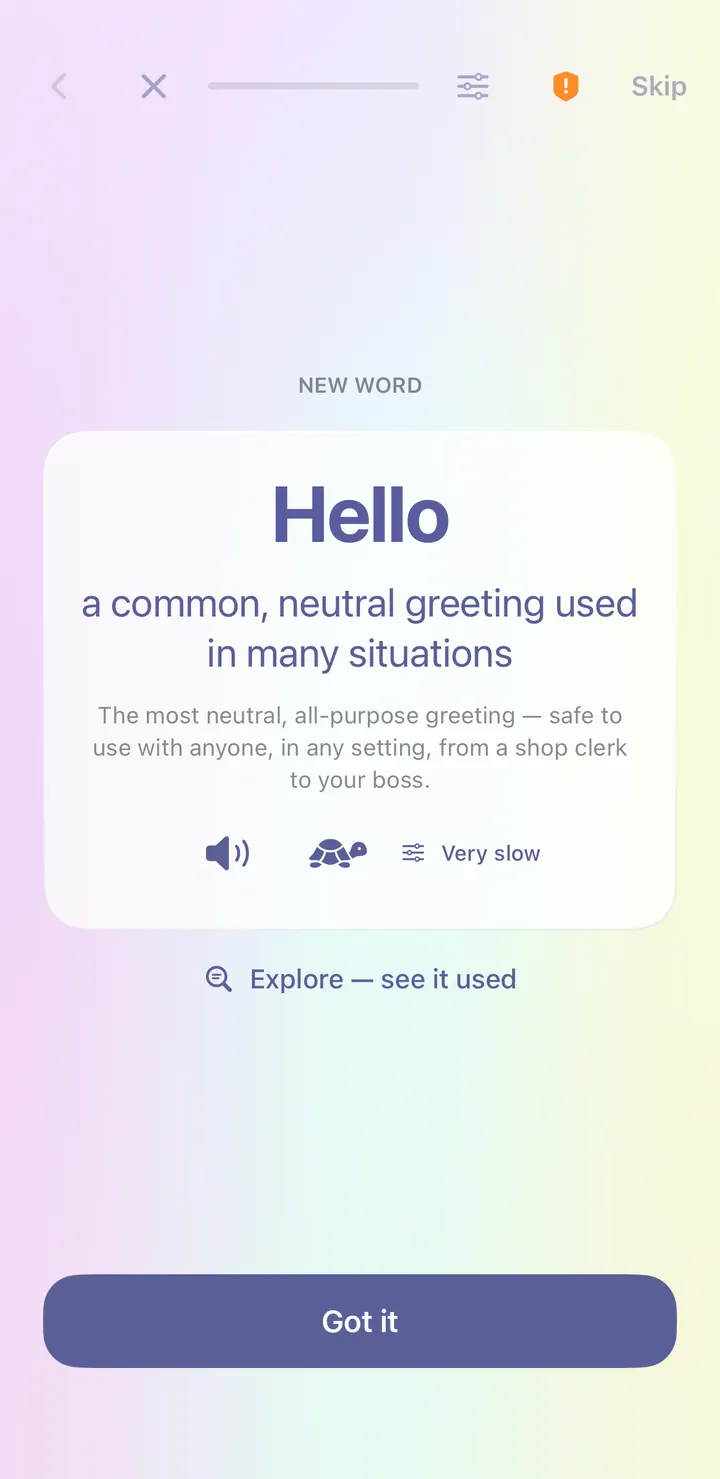
Your first word is Hello, meaning a common, neutral greeting used in many situations. Each new word comes with its meaning and audio at normal or very slow speed.
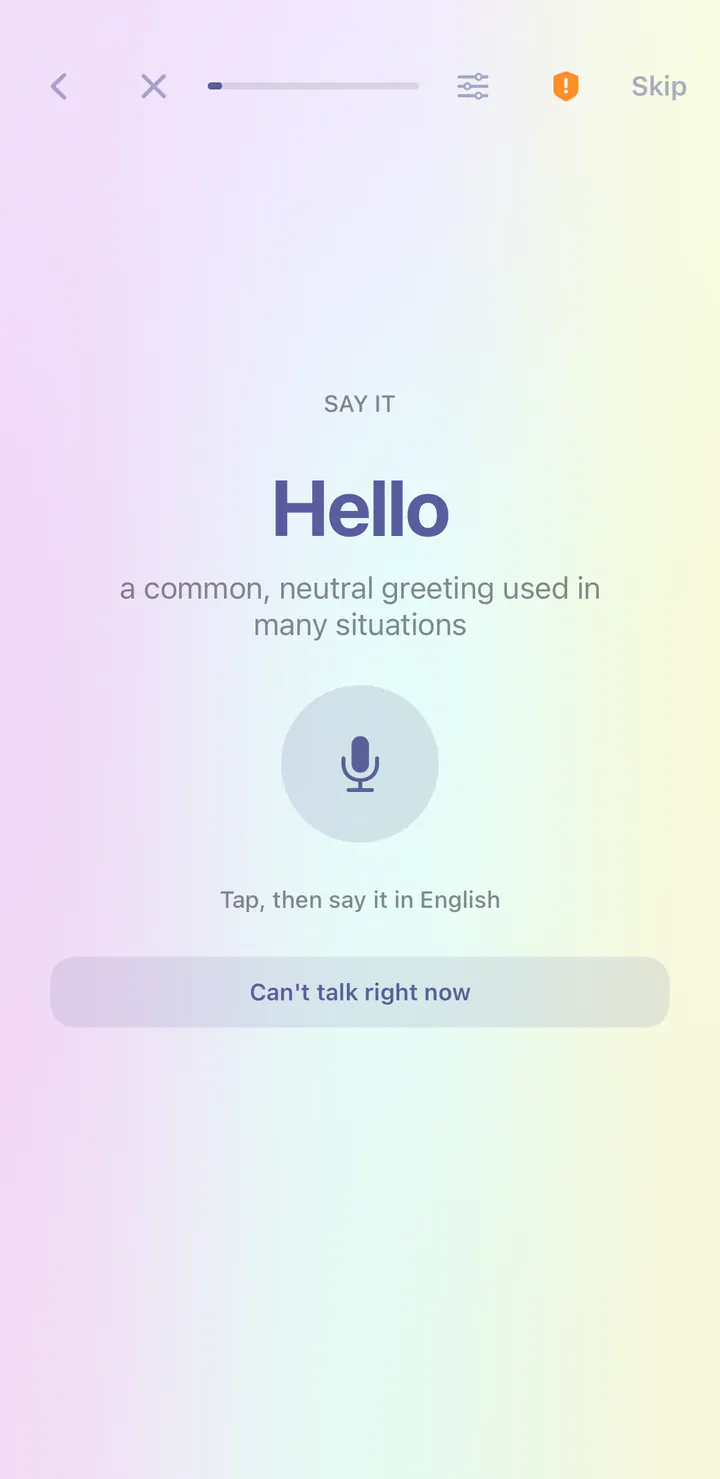
Tap the microphone and say the new word. On iPhone and iPad, speech recognition runs on your device and checks the words it heard, never your accent.
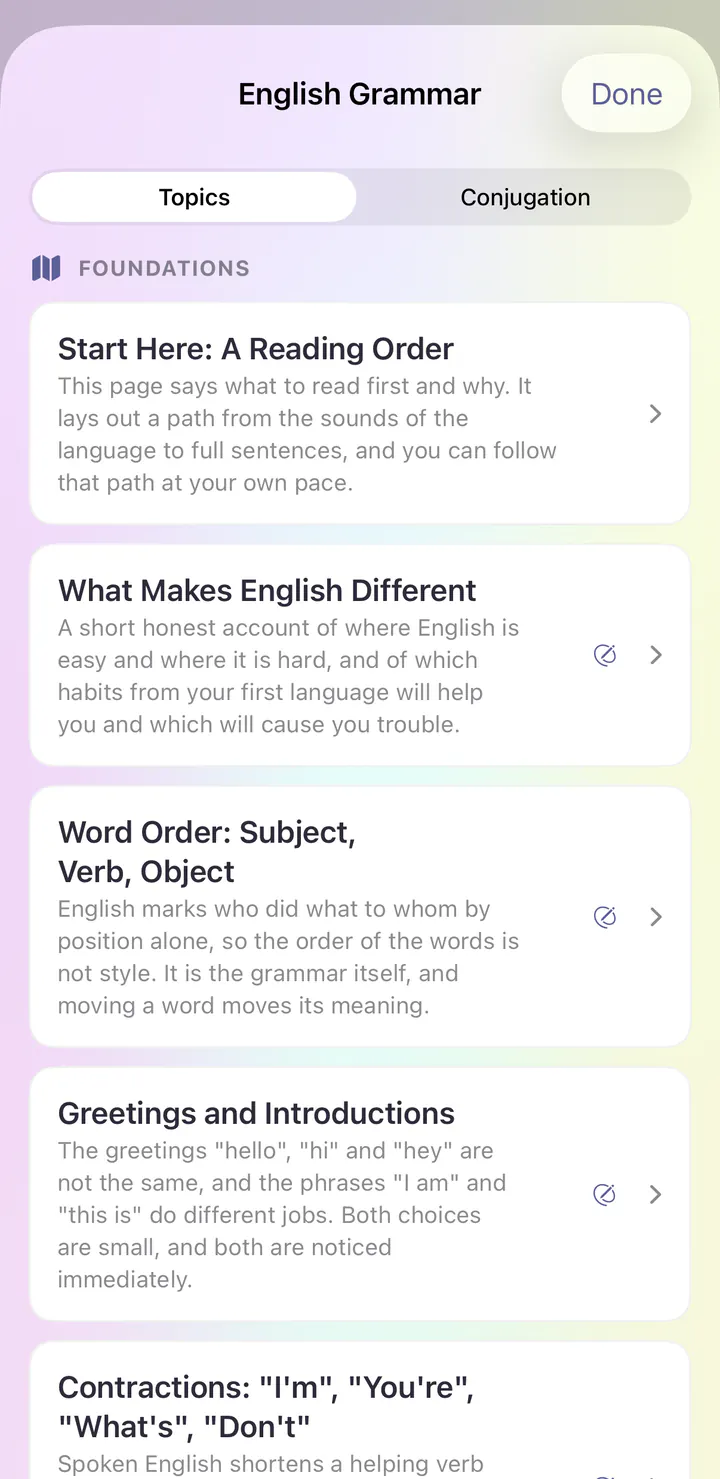
Grammar Center explains how English works, with topics like What Makes English Different and Word Order: Subject, Verb, Object.
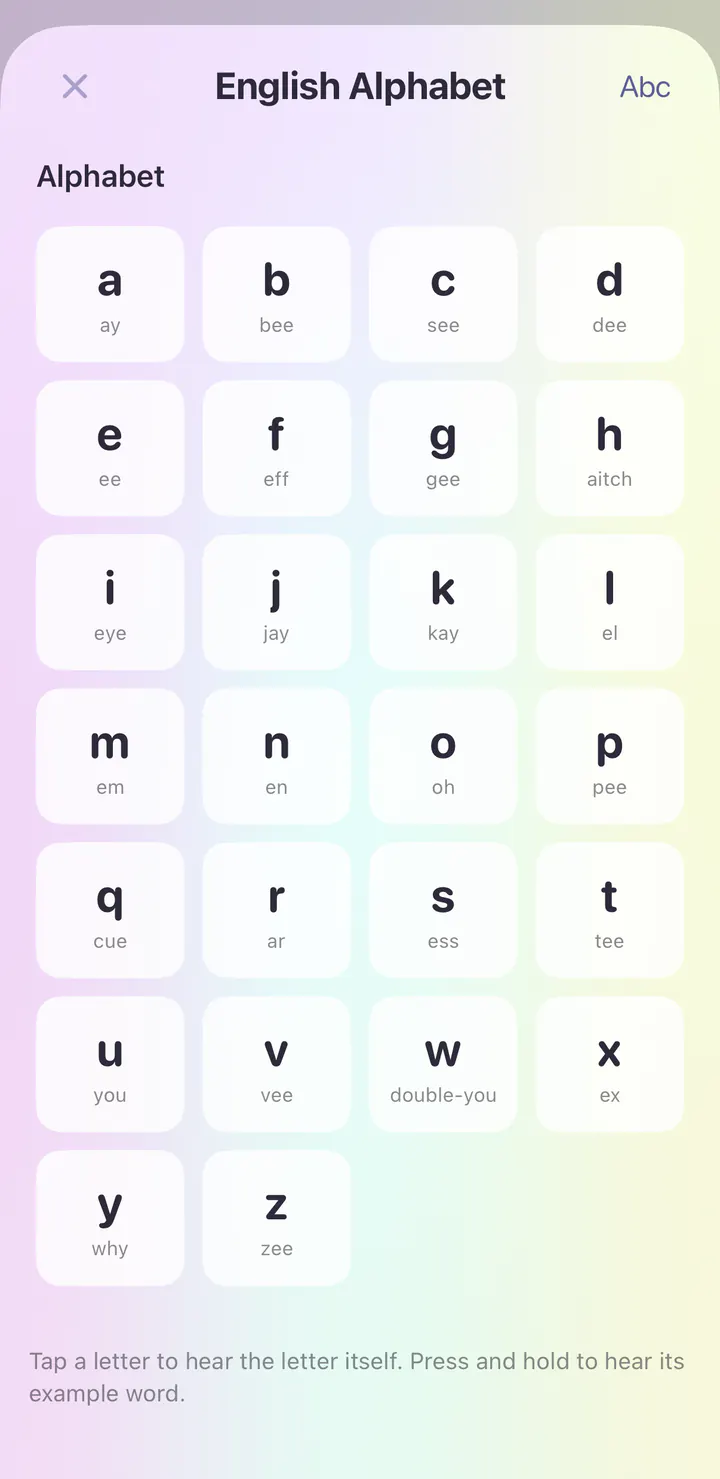
Explore the course’s writing and sound reference. Tap an entry to hear it.
See it in the app
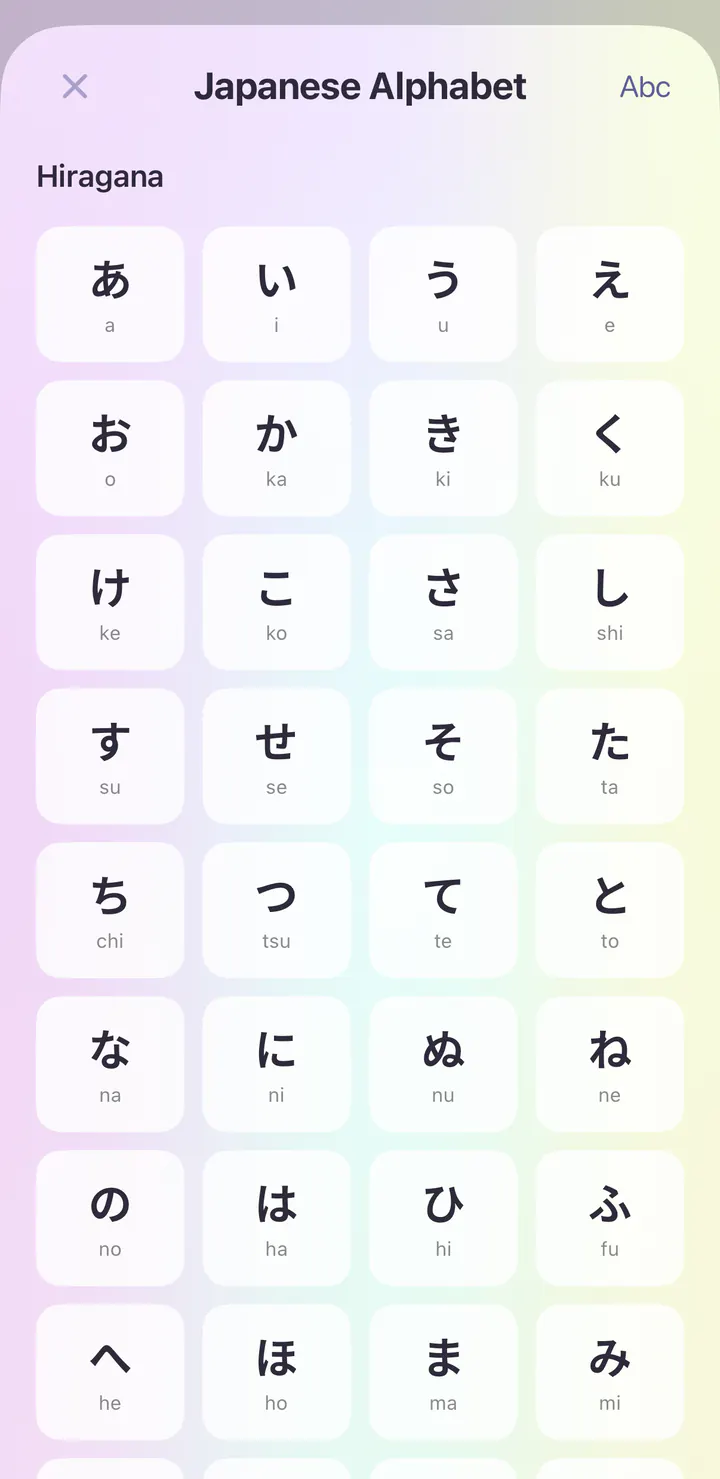
Real screens from the first day of the Japanese course in the iPhone app.
Open the app and today’s session is waiting. The Japanese course begins with Sounds & First Contact, and the first lesson is Greetings & Introductions.
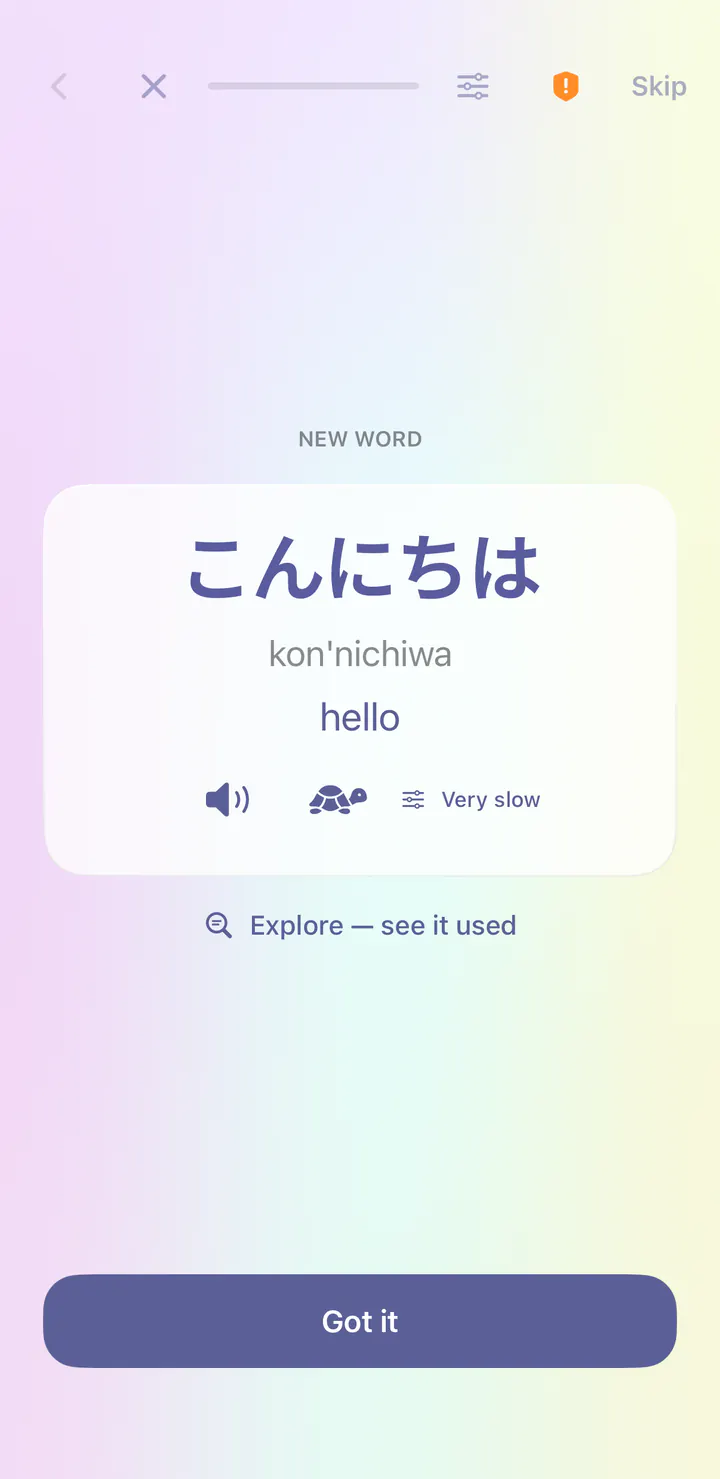
Your first word is こんにちは (kon'nichiwa), meaning hello. Each new word comes with its meaning and audio at normal or very slow speed, plus a reading in Latin letters.
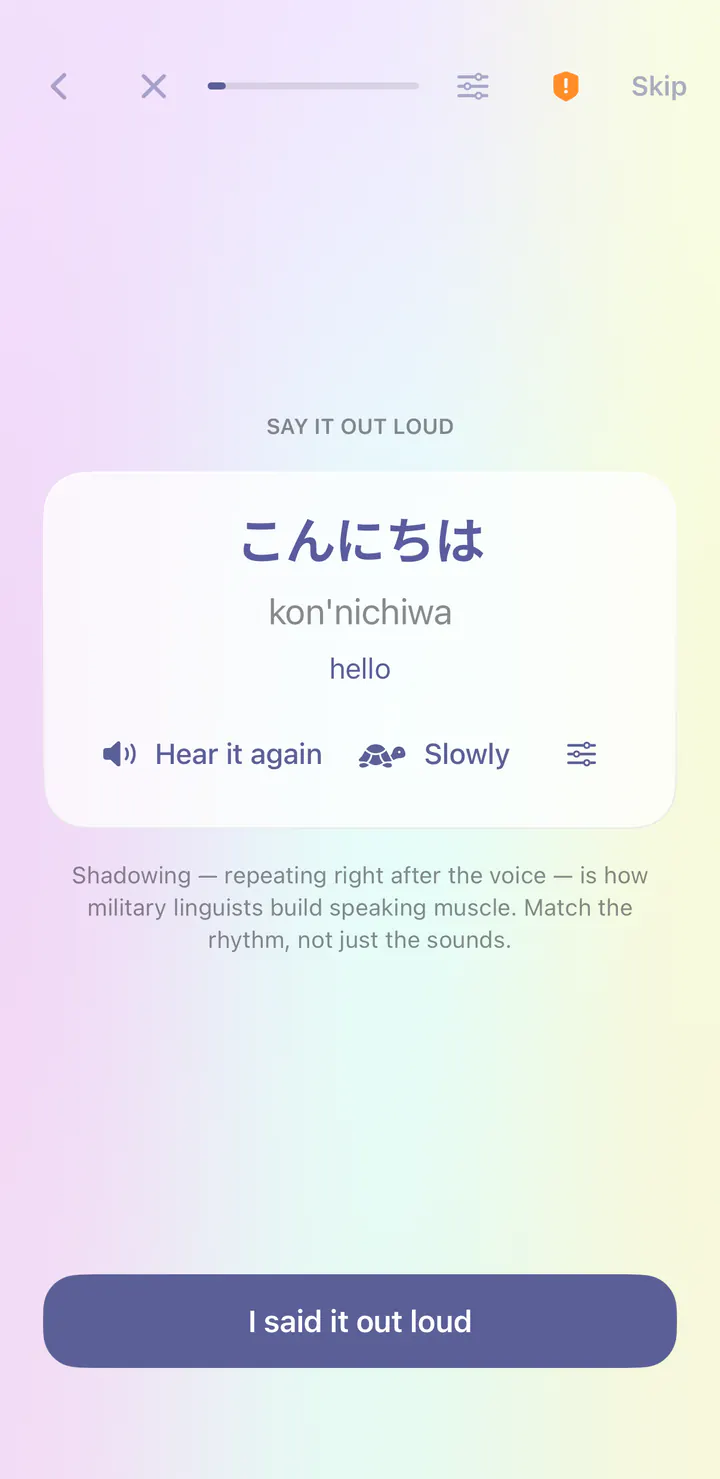
Right after a new word, you repeat it after the voice. This is called shadowing, and it builds speaking habits from your very first lesson.
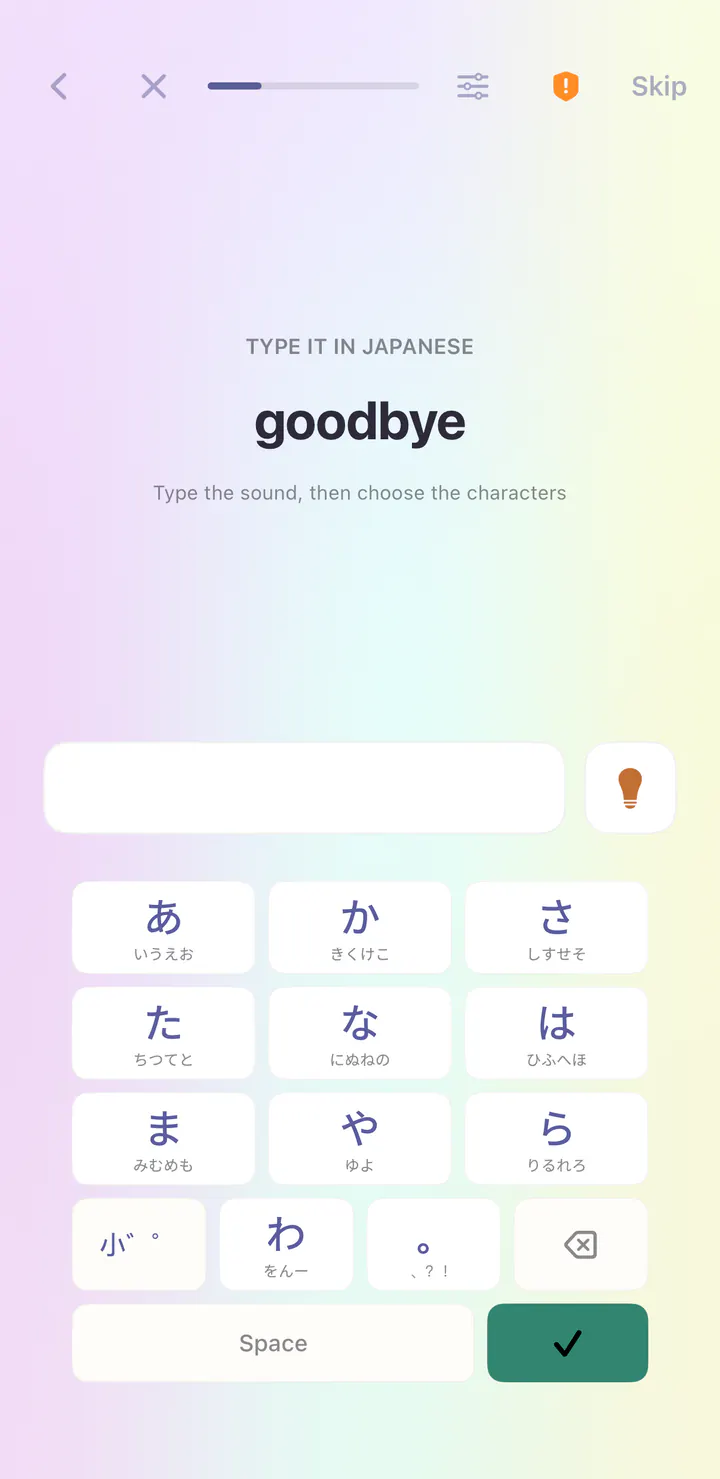
Typing steps bring their own keyboard, so you can write Japanese before you add a keyboard to your phone.
Explore the course’s writing and sound reference. Tap an entry to hear it.
See it in the app
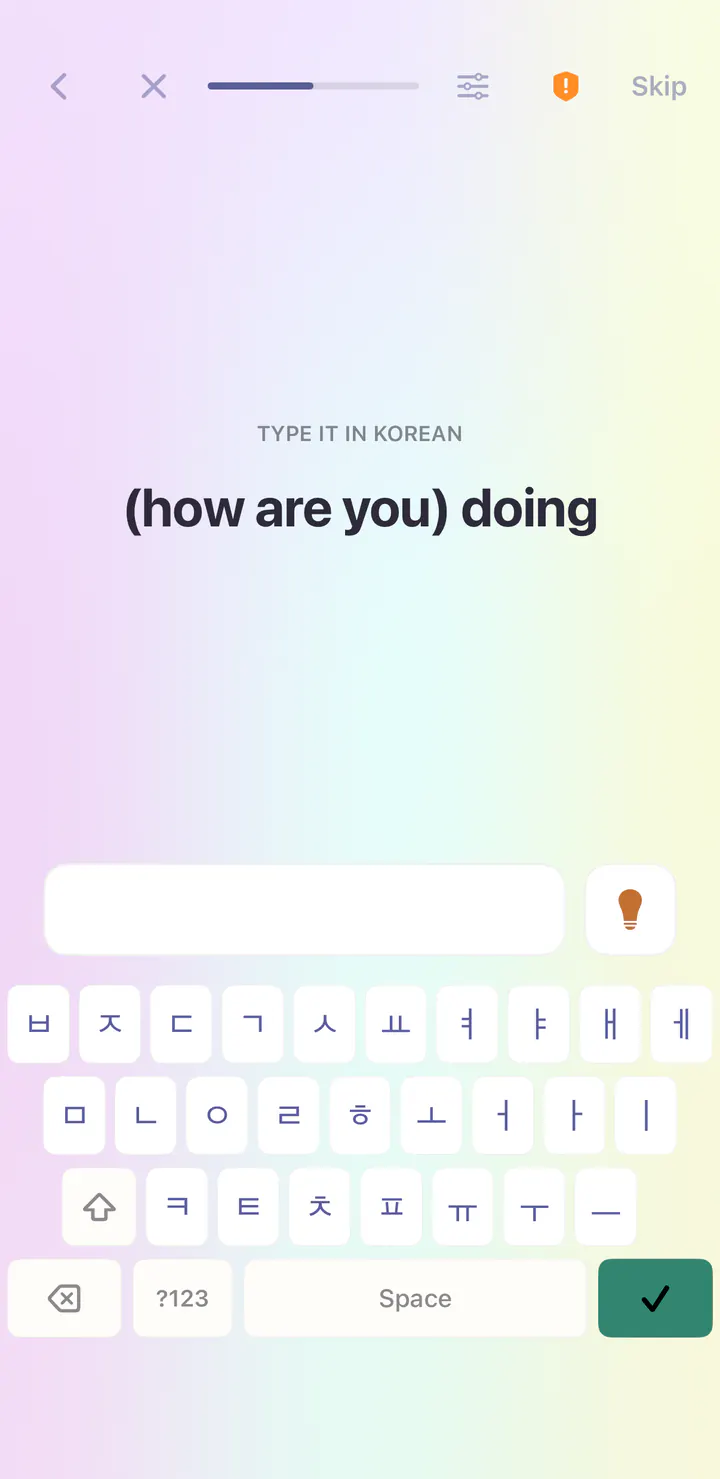
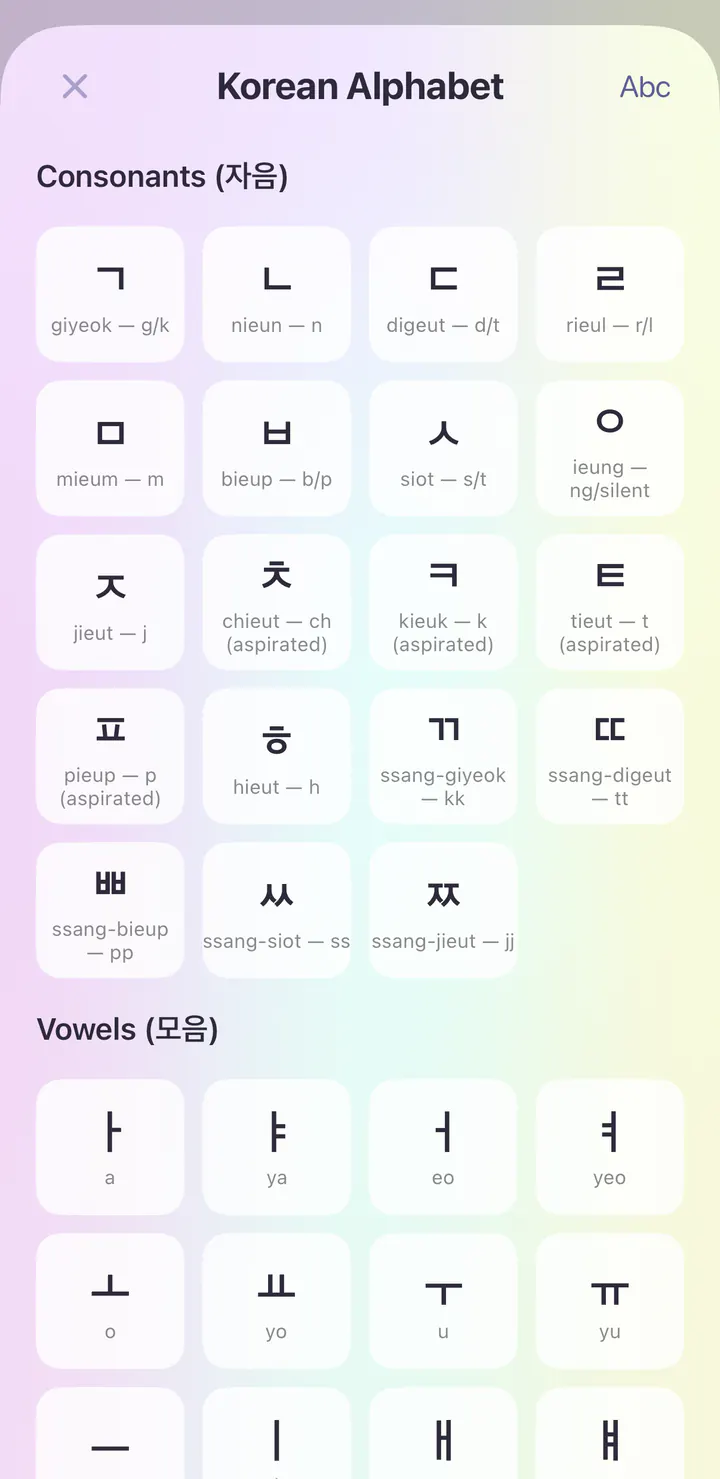
Real screens from the first day of the Korean course in the iPhone app.
Open the app and today’s session is waiting. The Korean course begins with Sounds & First Contact, and the first lesson is Greetings & Introductions.
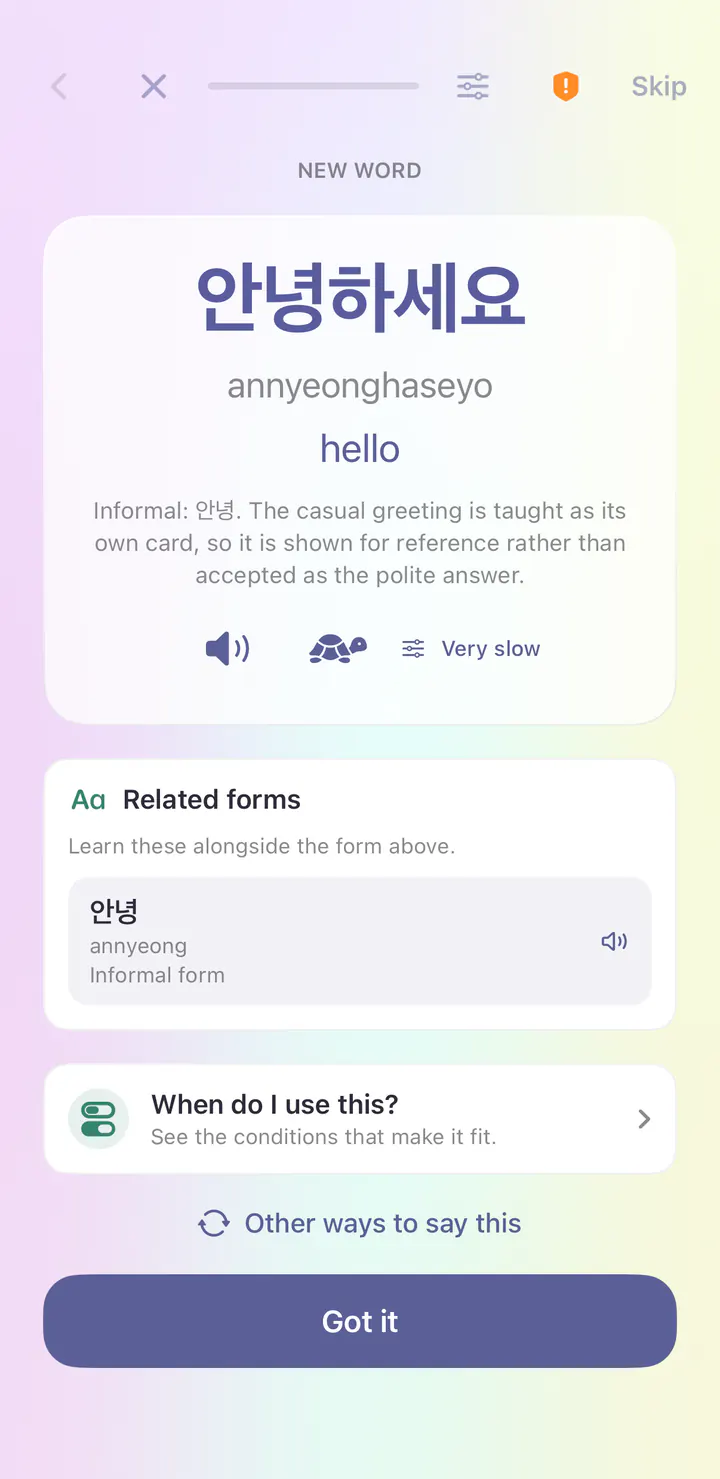
Your first word is 안녕하세요 (annyeonghaseyo), meaning hello. Each new word comes with its meaning and audio at normal or very slow speed, plus a reading in Latin letters.
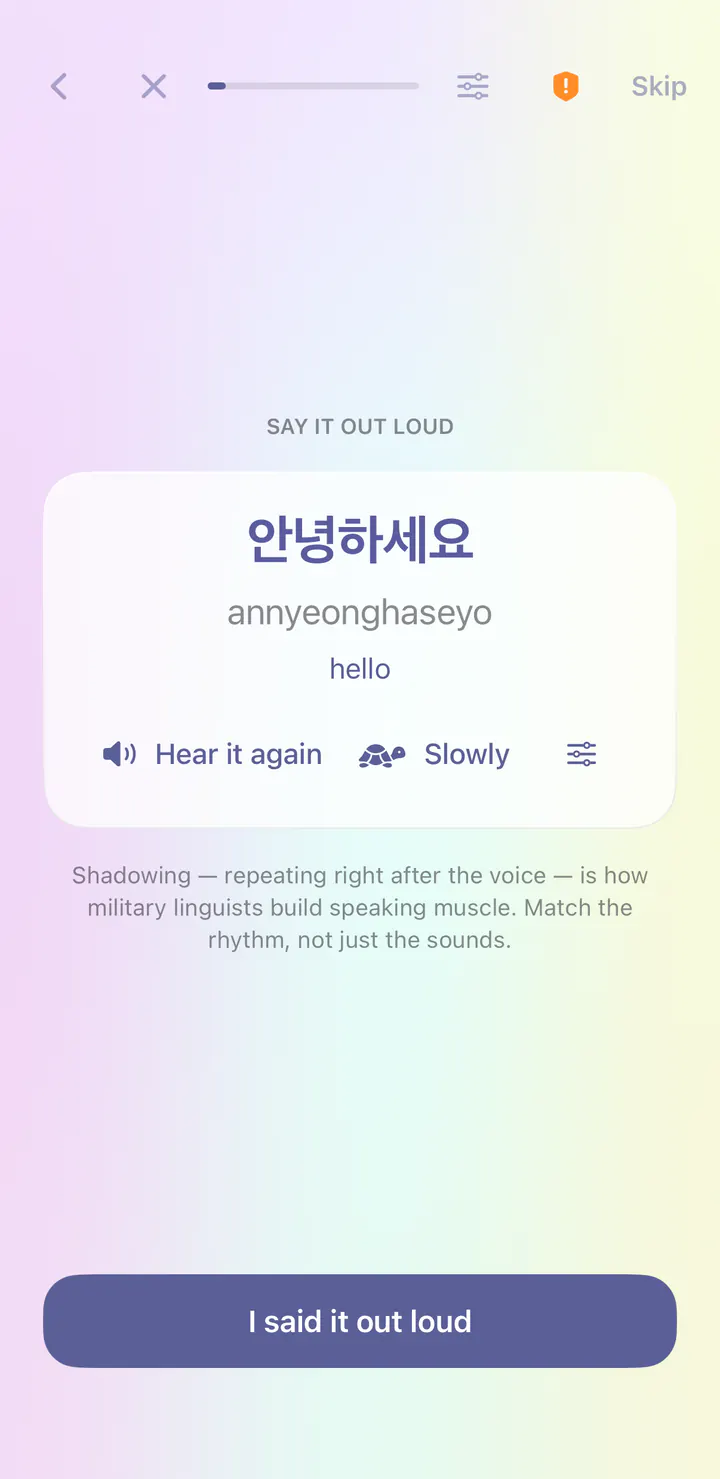
Right after a new word, you repeat it after the voice. This is called shadowing, and it builds speaking habits from your very first lesson.
Typing steps bring their own keyboard, so you can write Korean before you add a keyboard to your phone.
Explore the course’s writing and sound reference. Tap an entry to hear it.
See it in the app
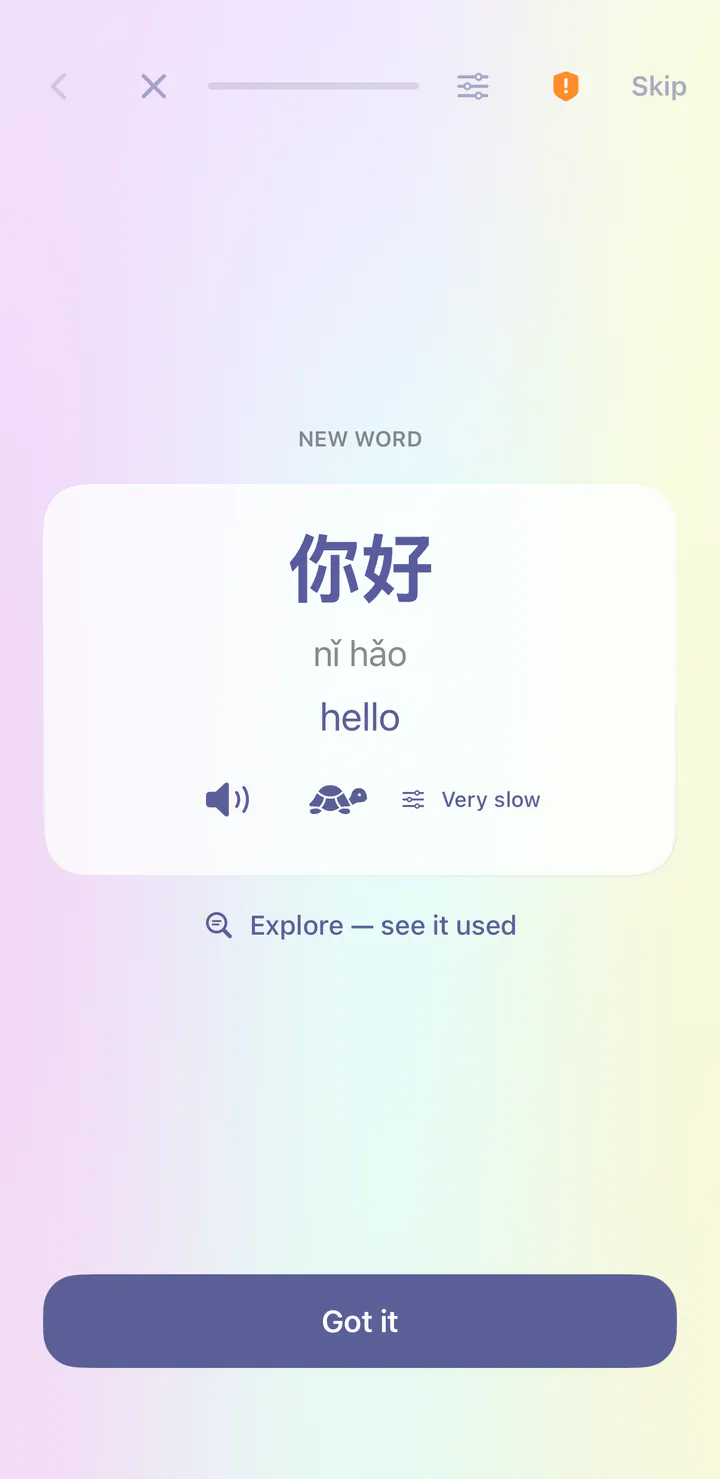
Real screens from the first day of the Mandarin Chinese course in the iPhone app.
Open the app and today’s session is waiting. The Mandarin Chinese course begins with Sounds & First Contact, and the first lesson is Greetings & Introductions.
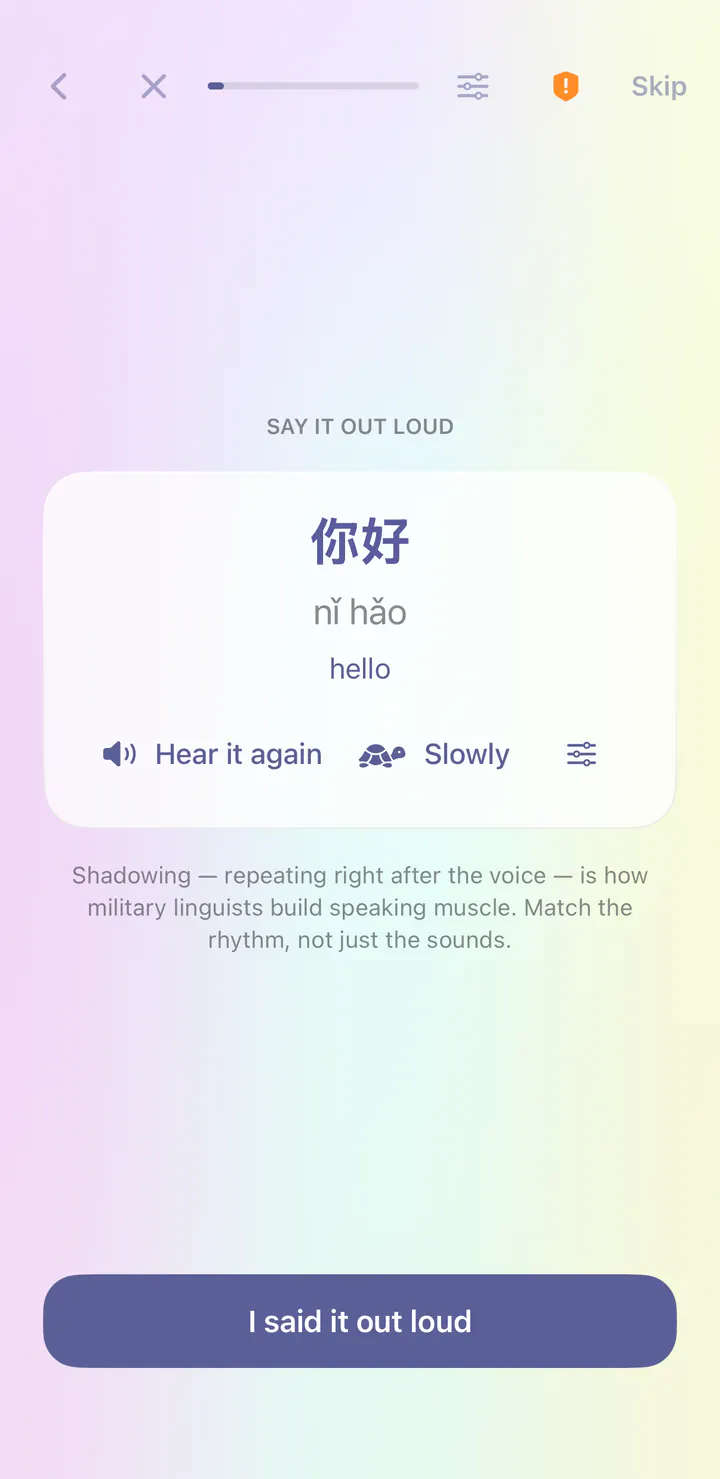
Your first word is 你好 (nǐ hǎo), meaning hello. Each new word comes with its meaning and audio at normal or very slow speed, plus a reading in Latin letters.
Right after a new word, you repeat it after the voice. This is called shadowing, and it builds speaking habits from your very first lesson.
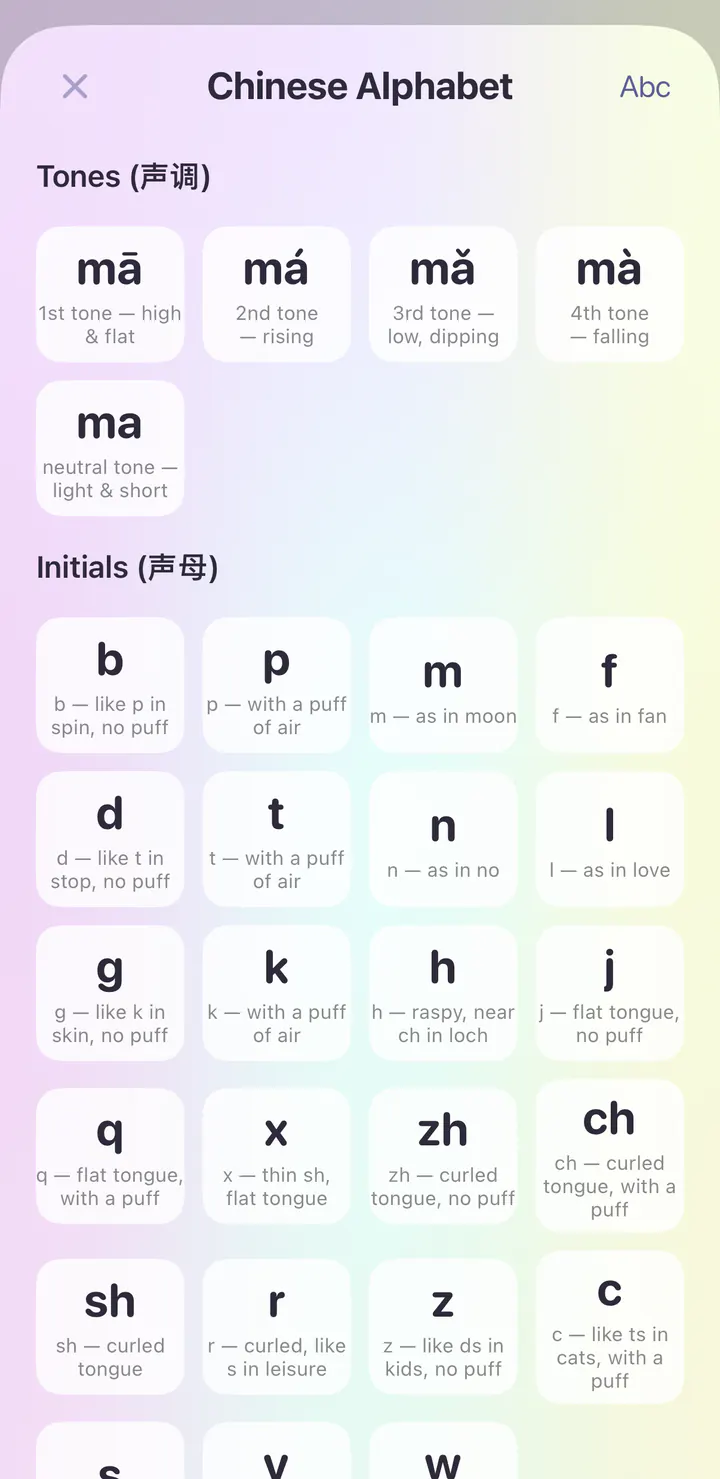
Explore the course’s writing and sound reference. Tap an entry to hear it.
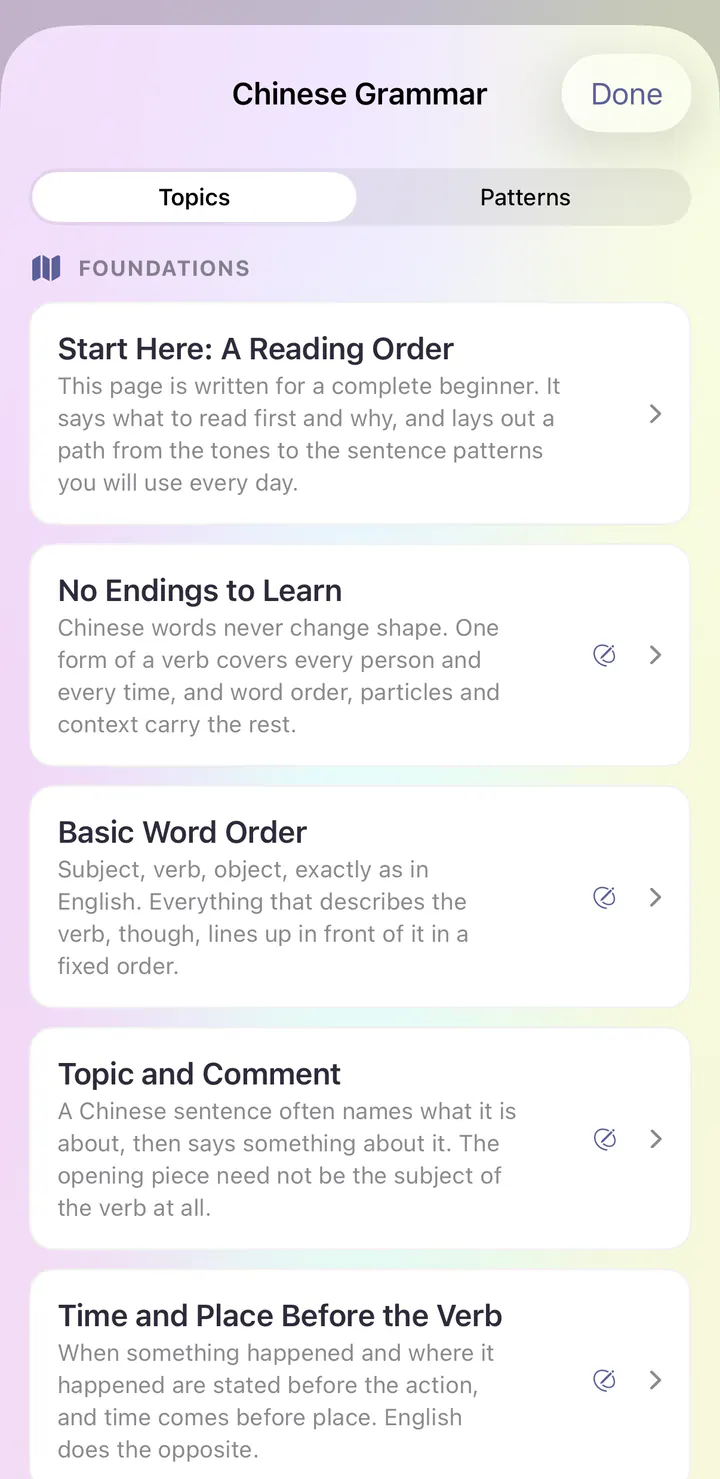
Grammar Center explains how Mandarin Chinese works, with topics like No Endings to Learn and Basic Word Order.
See it in the app
Real screens from the first day of the Modern Standard Arabic course in the iPhone app.
Open the app and today’s session is waiting. The Modern Standard Arabic course begins with Sounds & First Contact, and the first lesson is Greetings & Introductions.
Your first word is مرحبًا (marḥaban), meaning hello. Each new word comes with its meaning and audio at normal or very slow speed, plus a reading in Latin letters.
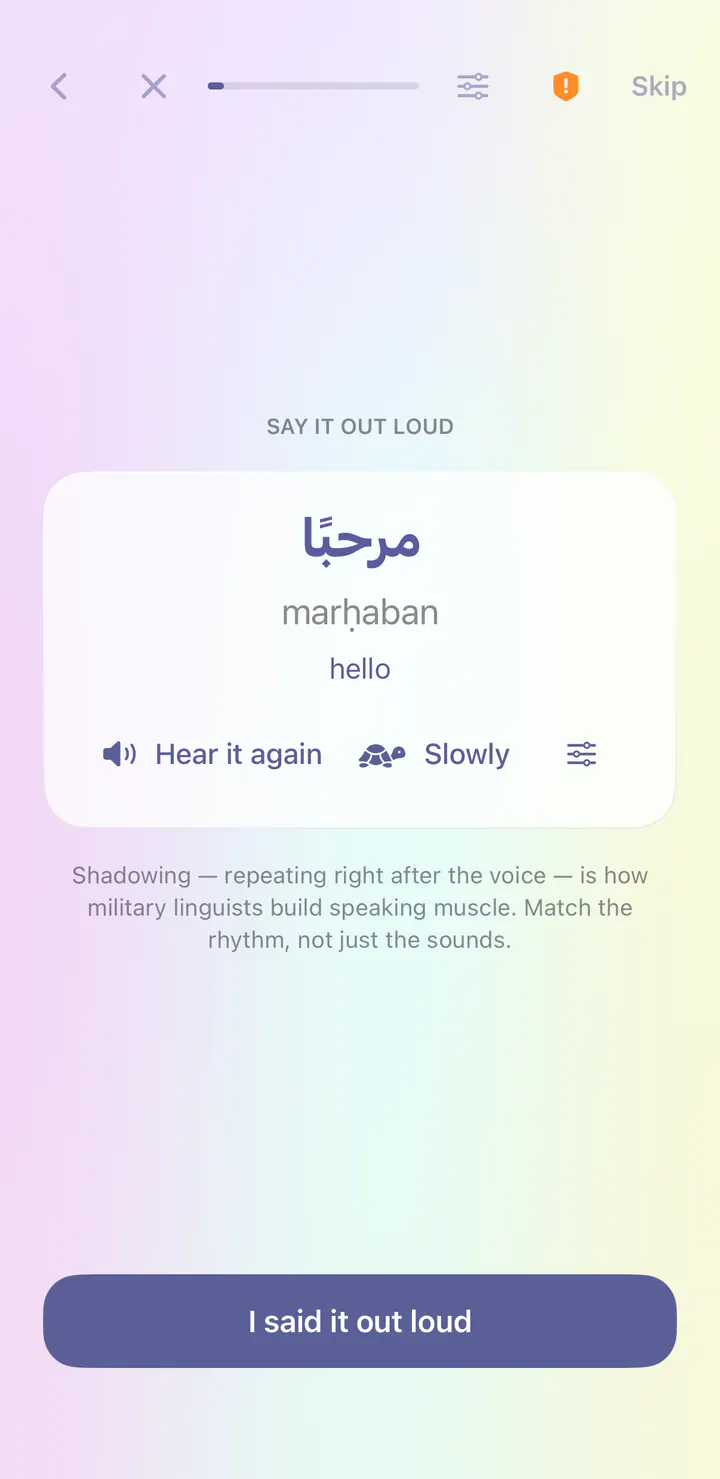
Right after a new word, you repeat it after the voice. This is called shadowing, and it builds speaking habits from your very first lesson.
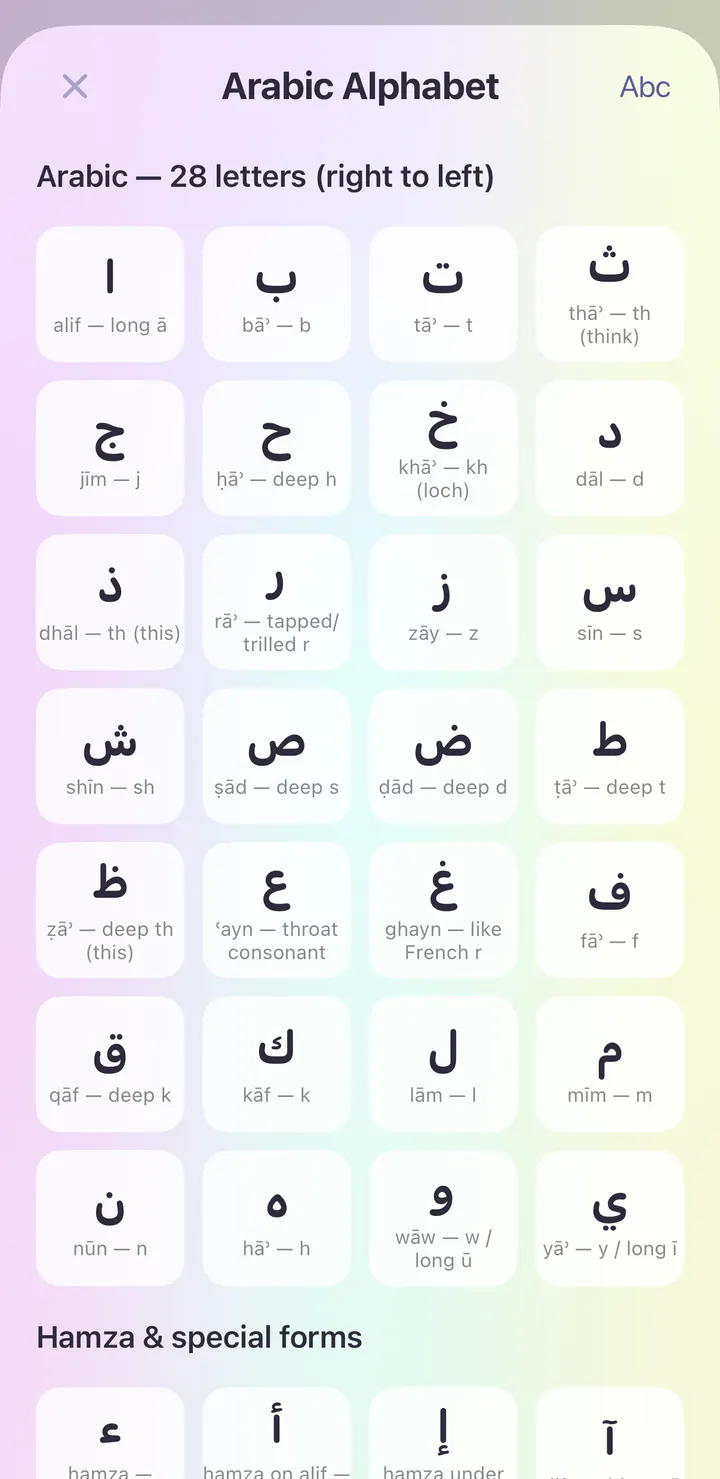
Explore the course’s writing and sound reference. Tap an entry to hear it.
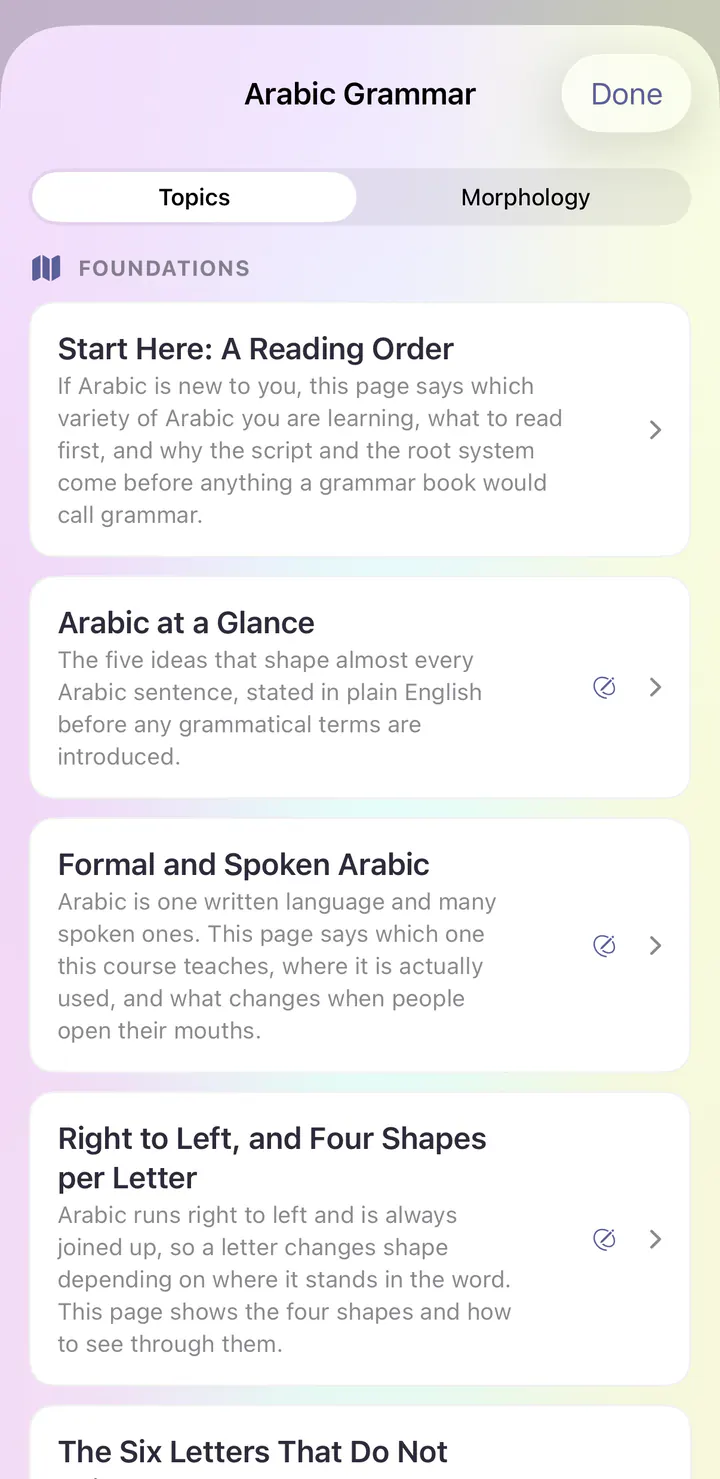
Grammar Center explains how Modern Standard Arabic works, with topics like Arabic at a Glance and Formal and Spoken Arabic.
See it in the app
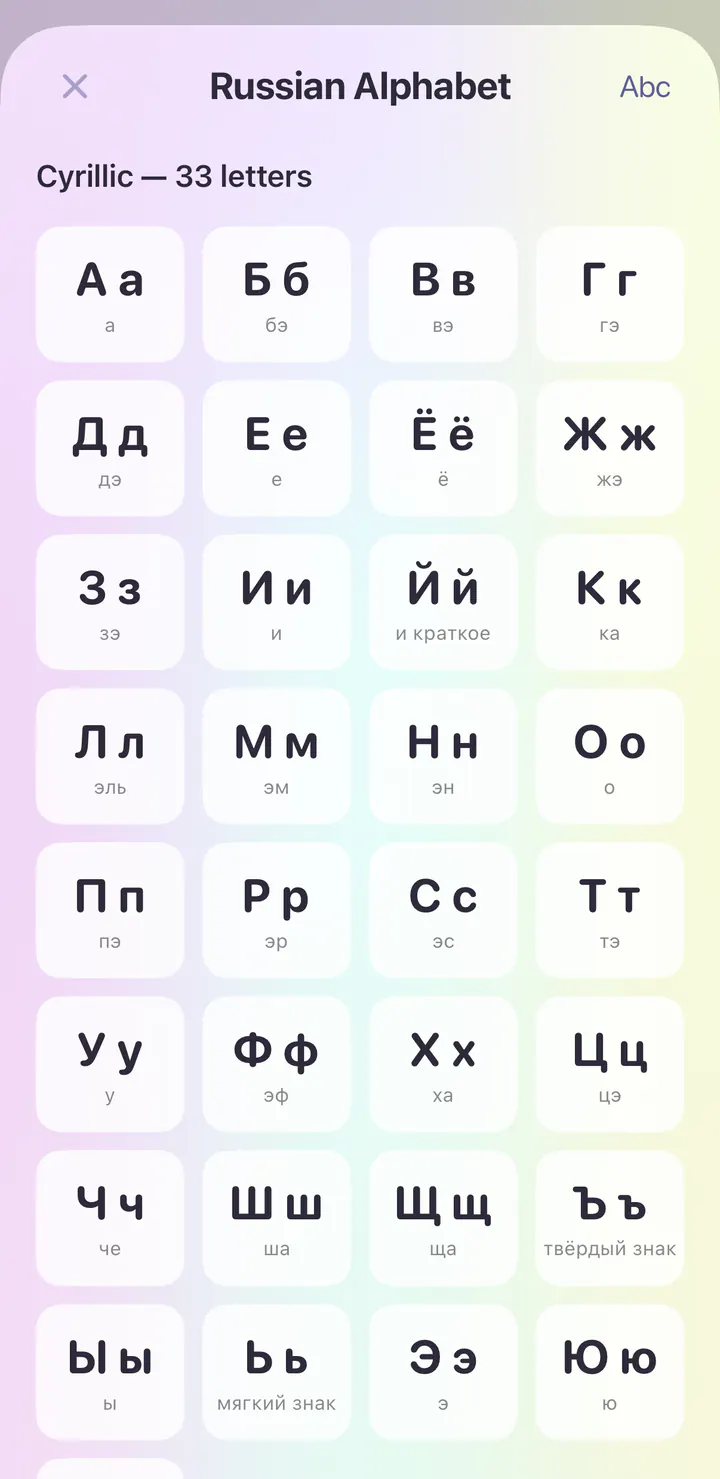
Real screens from the first day of the Russian course in the iPhone app.
Open the app and today’s session is waiting. The Russian course begins with Sounds & First Contact, and the first lesson is Greetings & Introductions.
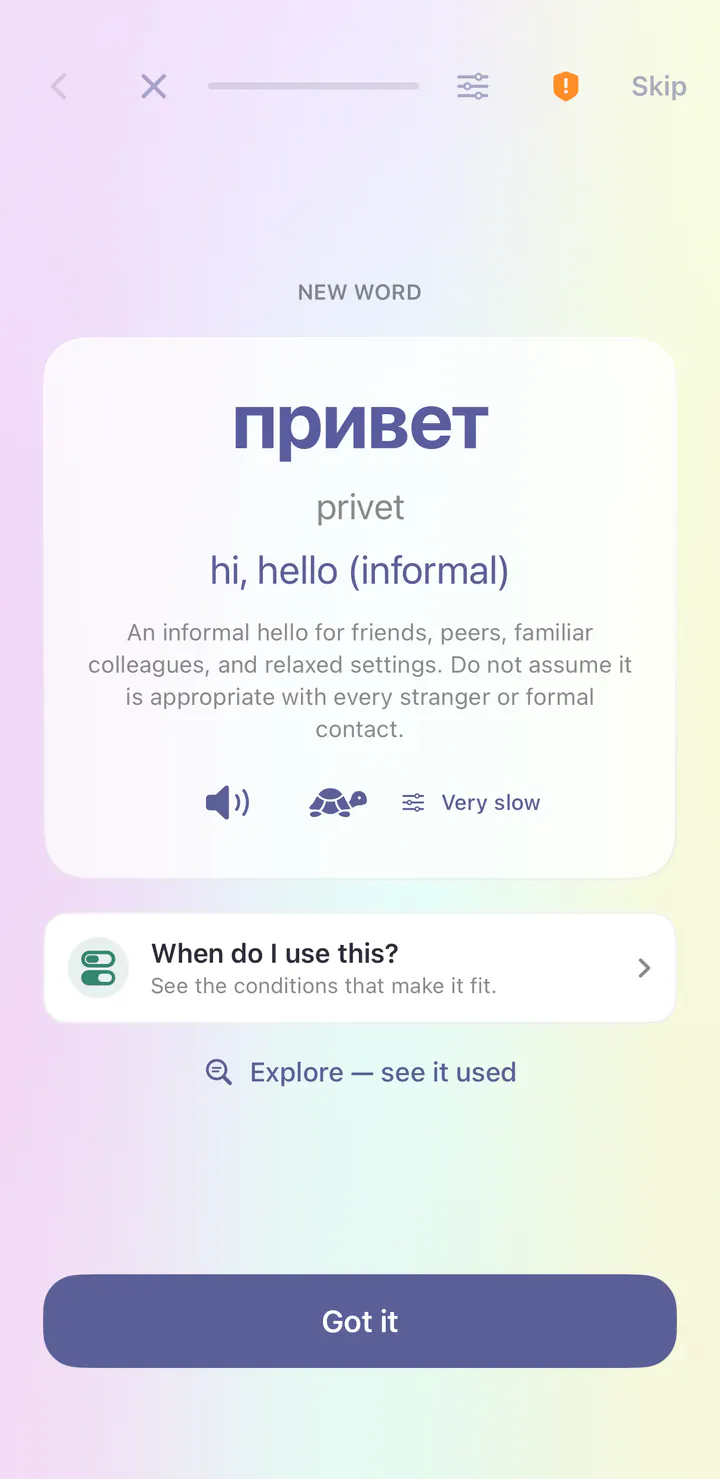
Your first word is привет (privet), meaning hi, hello (informal). Each new word comes with its meaning and audio at normal or very slow speed, plus a reading in Latin letters.
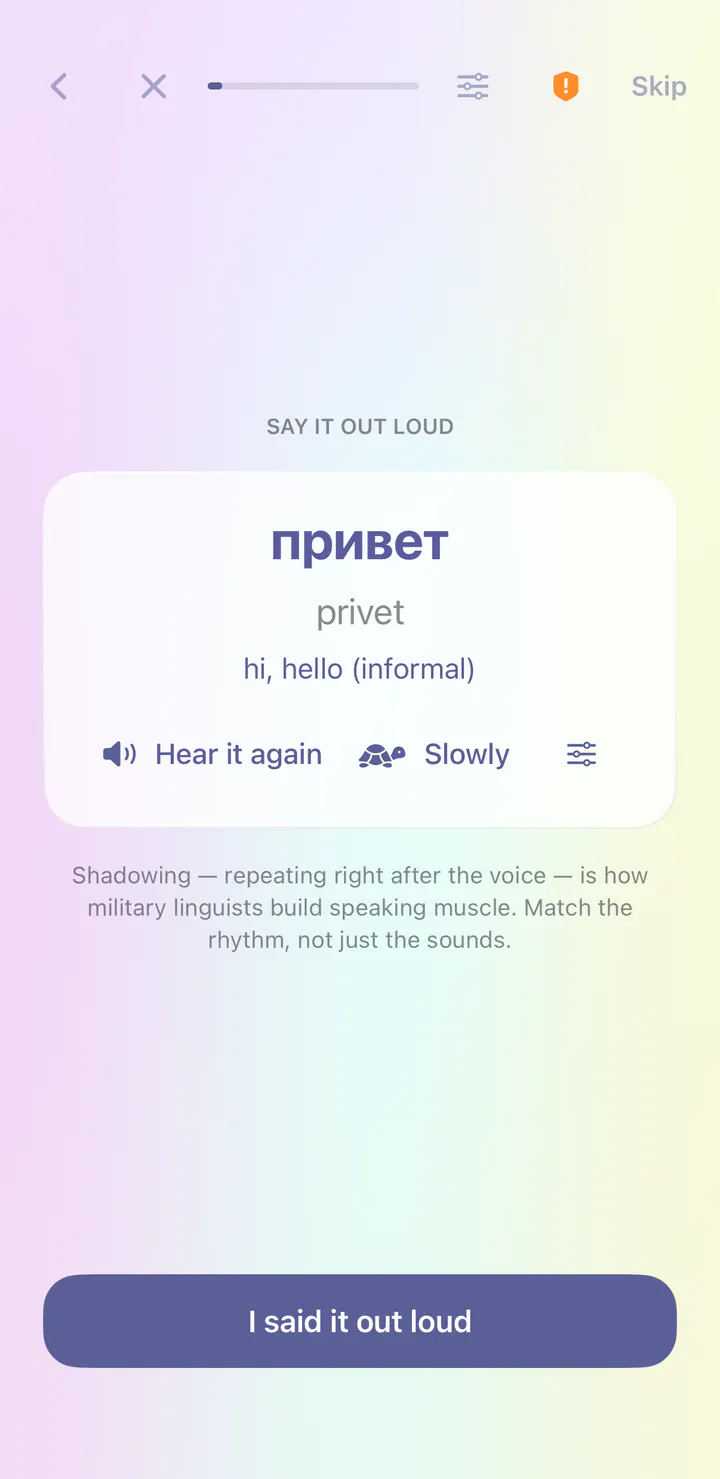
Right after a new word, you repeat it after the voice. This is called shadowing, and it builds speaking habits from your very first lesson.
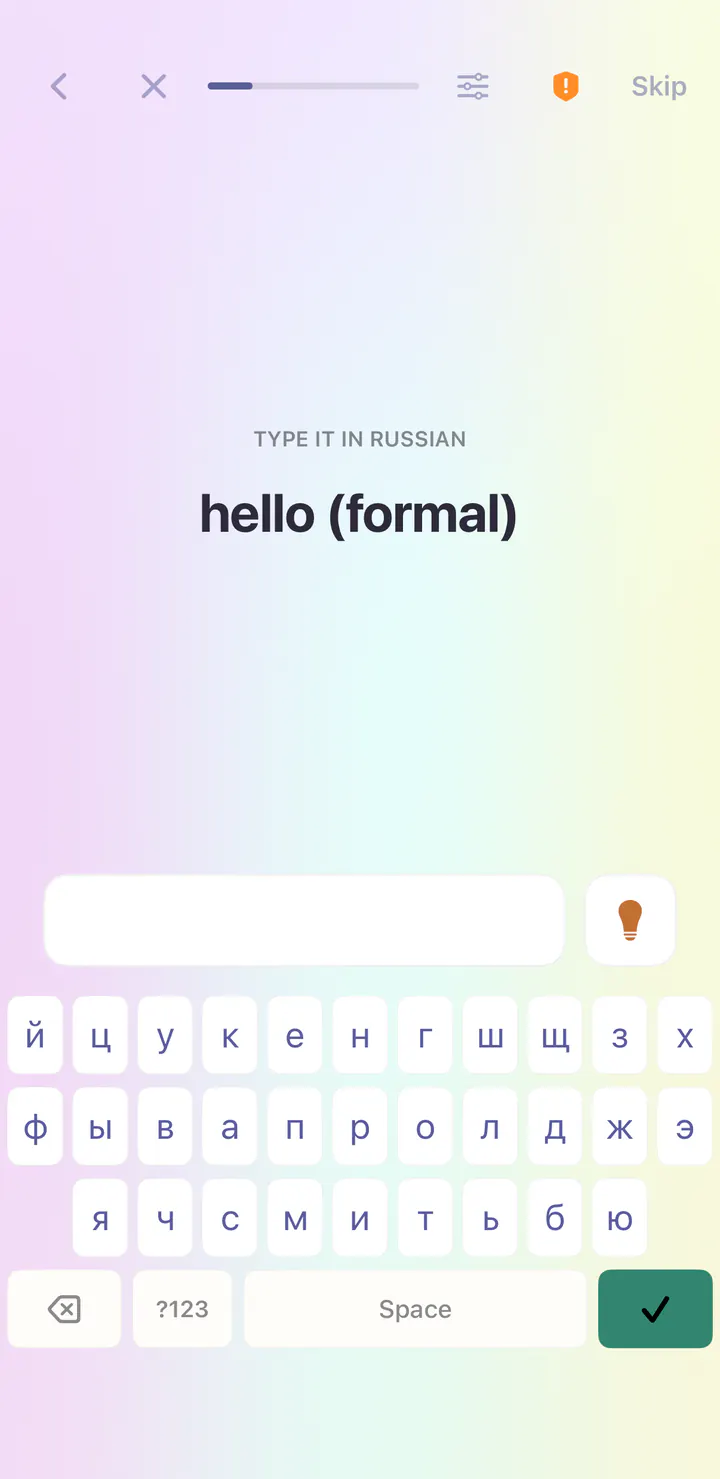
Typing steps bring their own keyboard, so you can write Russian before you add a keyboard to your phone.
Explore the course’s writing and sound reference. Tap an entry to hear it.
See it in the app
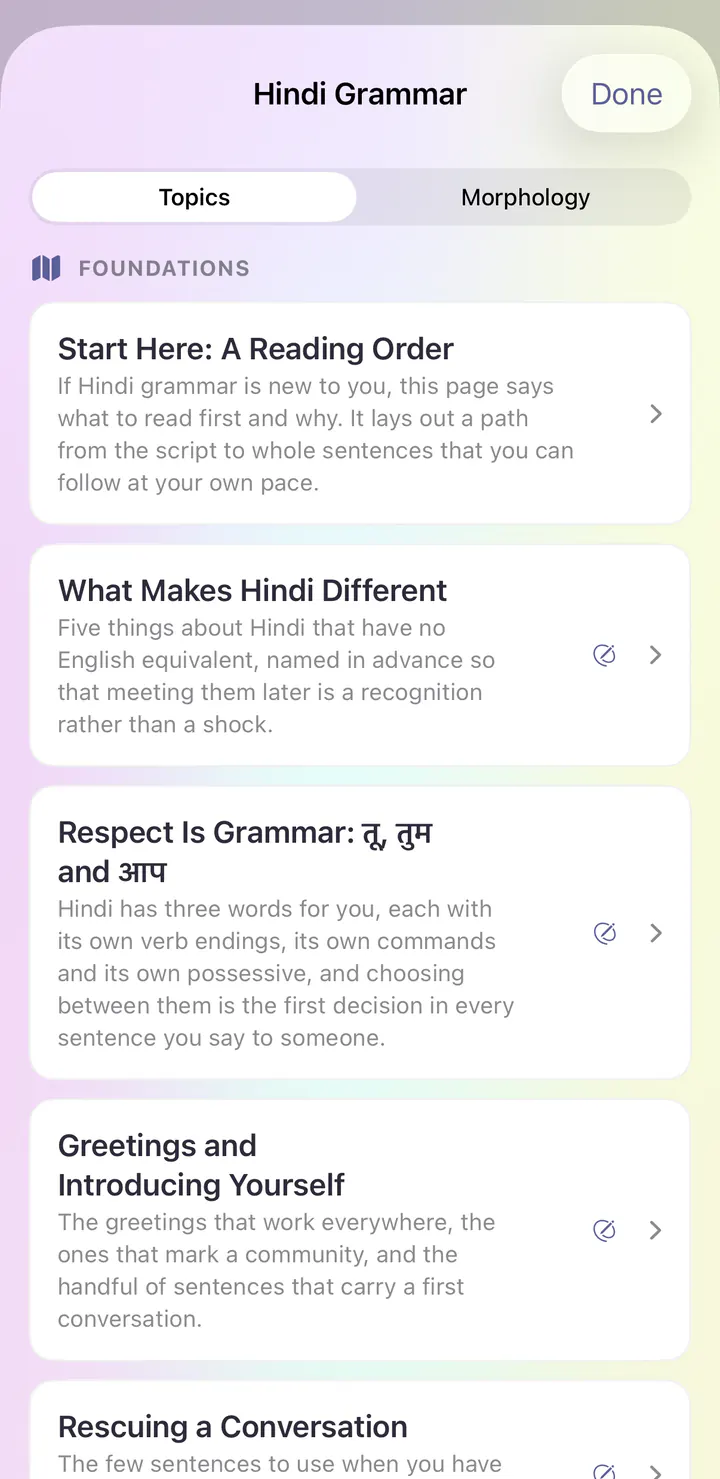
Real screens from the first day of the Hindi course in the iPhone app.
Open the app and today’s session is waiting. The Hindi course begins with Sounds & First Contact, and the first lesson is Greetings & Introductions.
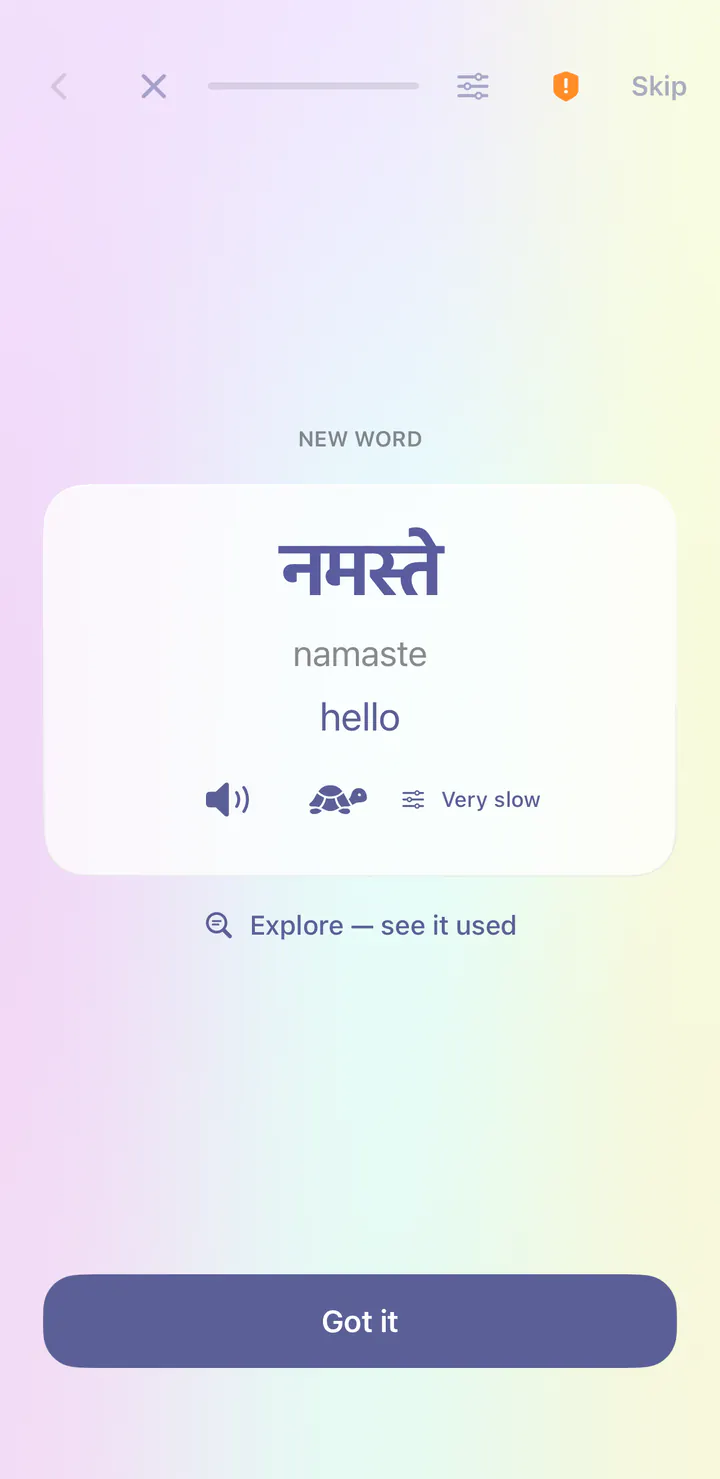
Your first word is नमस्ते (namaste), meaning hello. Each new word comes with its meaning and audio at normal or very slow speed, plus a reading in Latin letters.
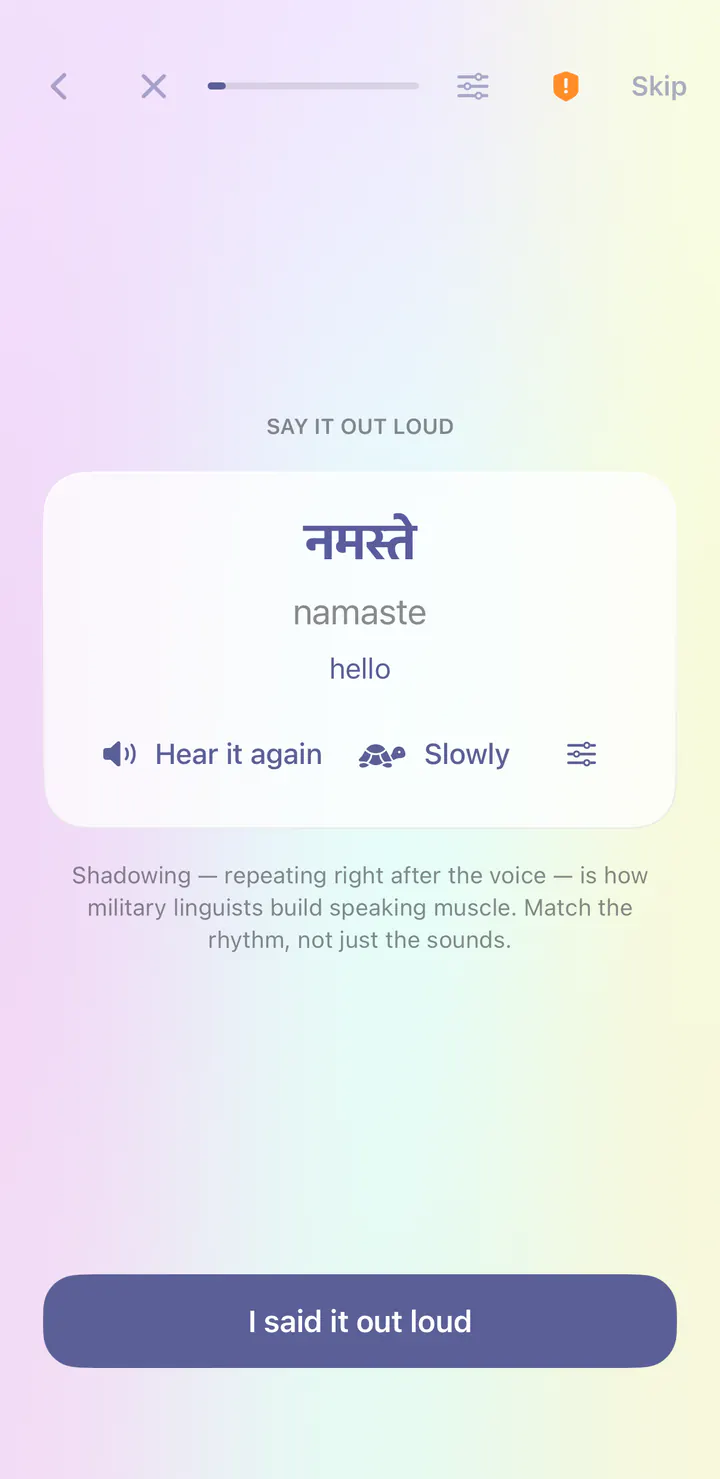
Right after a new word, you repeat it after the voice. This is called shadowing, and it builds speaking habits from your very first lesson.
Explore the course’s writing and sound reference. Tap an entry to hear it.
Grammar Center explains how Hindi works, with topics like What Makes Hindi Different and Respect Is Grammar: तू, तुम and आप.
How it works
These are the first screens you see after you install: a few quick questions, then your first lesson. No account to create, and nothing to decide about Plus.
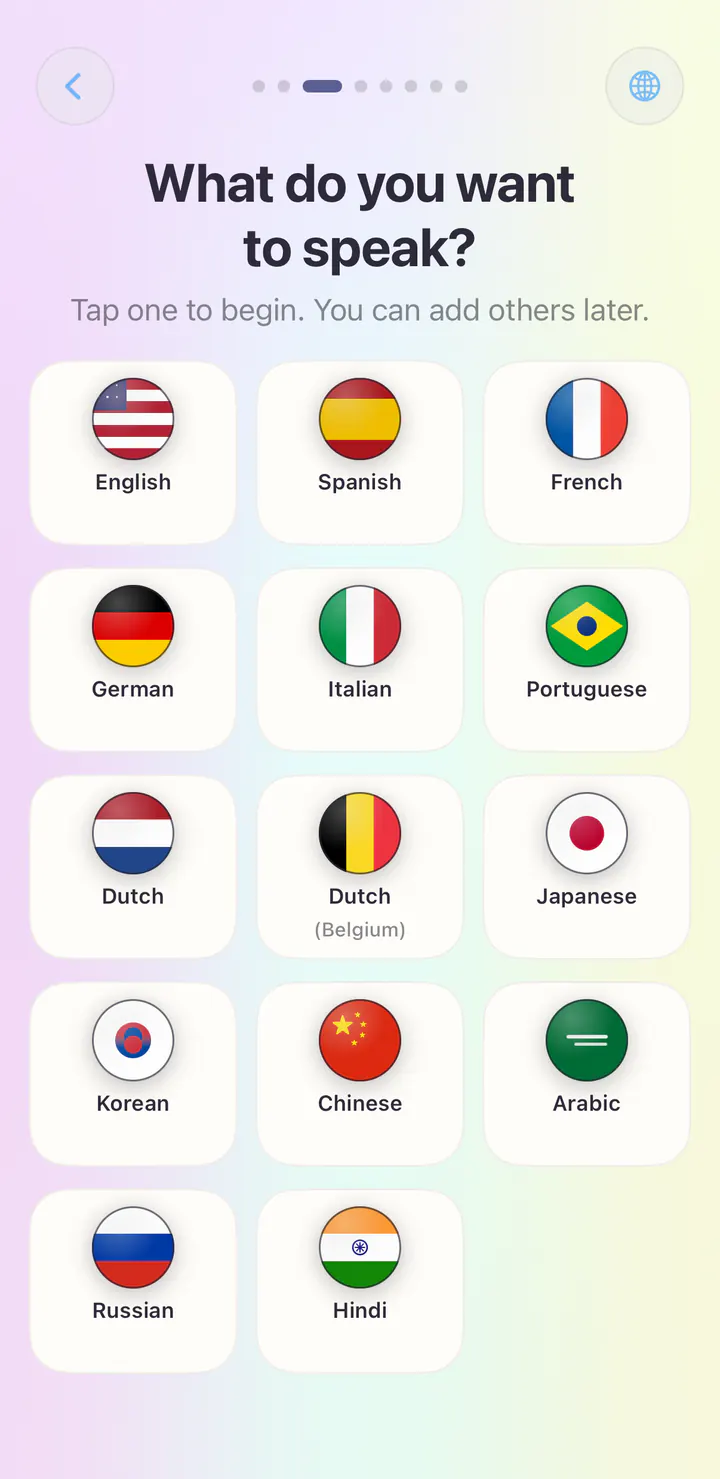
First, Loquus asks which language you speak, so its own screens are in your language. Then tap the course you want. You can add others later, and each one keeps its own progress.
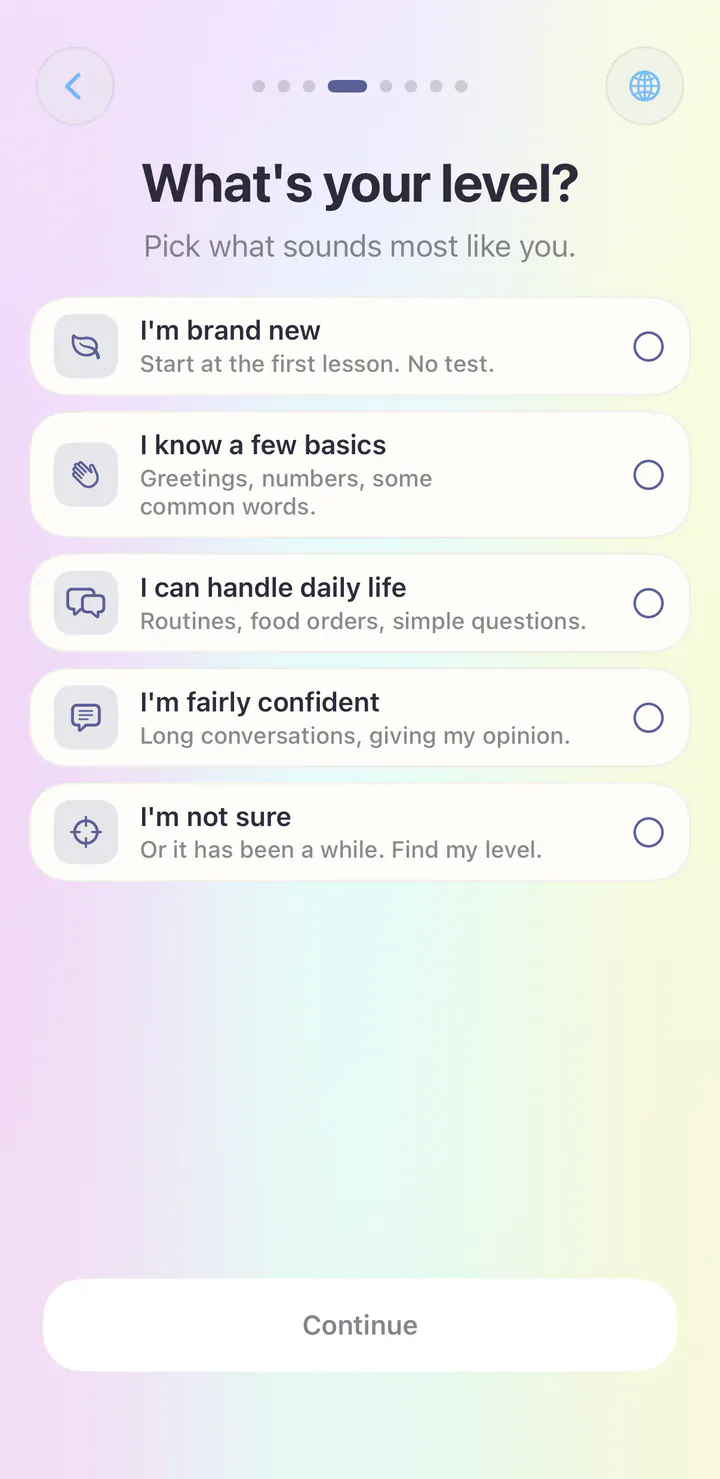
Brand new? Start at the first lesson, with no test. Know some already? Choose the closest level, or pick I’m not sure and let Loquus find your level.
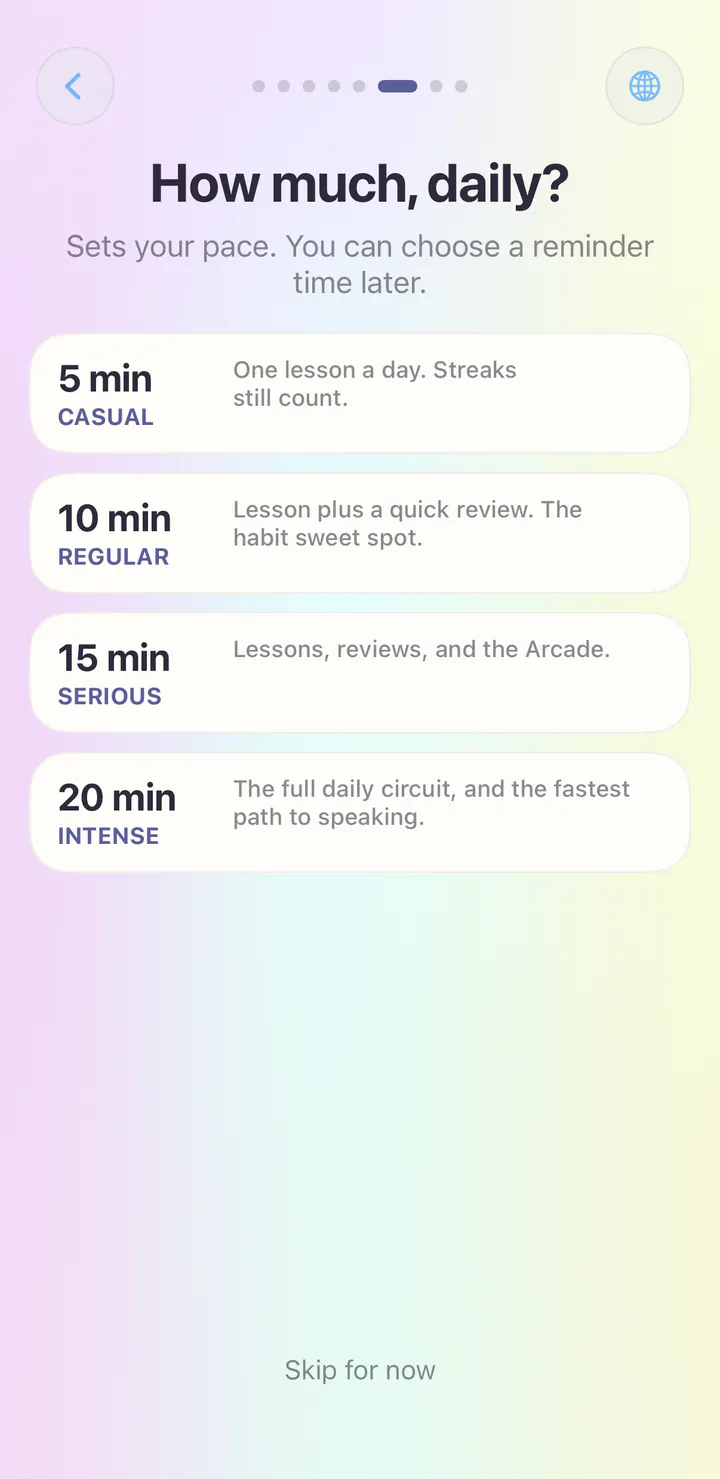
Choose a pace, from Casual to Intense. It sets the size of your daily session. A reminder is optional, and you can choose its time later.
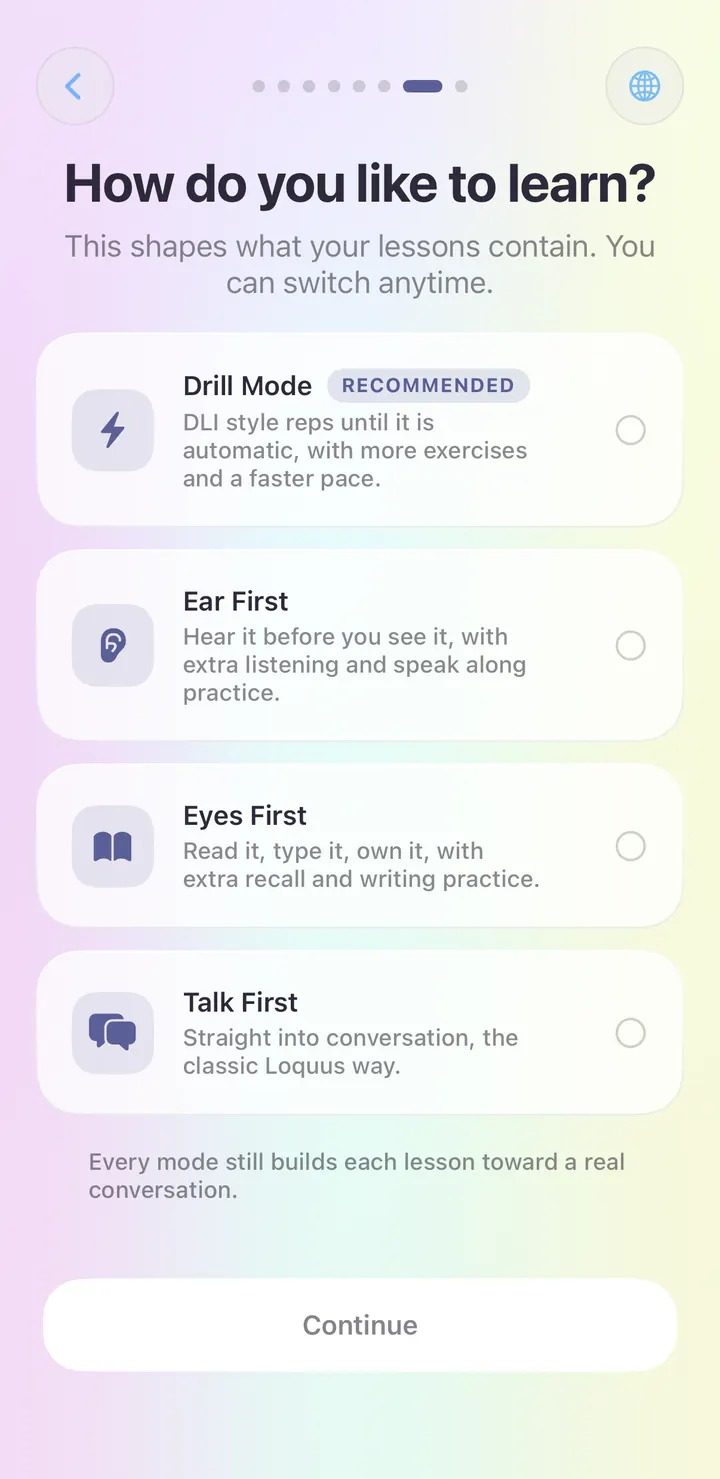
Drill Mode, Ear First, Eyes First or Talk First. Your choice shapes what each lesson contains, and you can switch any time. Not sure? Try the quiz below.
Find your practice mix
Loquus has four practice mixes, and you can switch any time. Tap the answer that sounds most like you.
How do you like to learn?
Your practice mix
Hear new language before you read it. Listening exercises come forward.
Your practice mix
See the words and build them yourself. Reading and writing come forward.
Your practice mix
Focused repetition for words and patterns you want to lock in.
Your practice mix
Conversation comes forward, so you practice replies more often.
You can switch your practice mix any time in the app.
Get Loquus freeExplore the app
Your learning. Your space.
No ads and no Loquus account to create. Core course content lives on your device. Speech voices, recognition, and translation can need initial downloads; installation and purchases need an internet connection.
Adjust sound, haptics, hints, romanization, and appearance. Export a private learning backup and import it when you need to move your progress.
Features and media shown reflect the iOS app. Availability can differ by platform and app version.
How Loquus handles your dataYes, you can learn for free. Free access includes three lesson starts a day across your languages, standard course lessons, vocabulary review, speaking practice, and every reference tool. Loquus Plus removes the daily limit and adds section reviews, capstones, and the Arcade. Compare Free and Plus.
Download Loquus for iPhone, iPad or Android. Get Loquus.
No. There is no Loquus account to create, and your learning stays on your device. You can export a private backup whenever you want to move it to another device.
Each web lesson focuses on one topic, and your answers aren’t saved. The app adapts lessons and review to your answers, adds speaking practice, and keeps your progress on your device.
14 languages. Your next step.
Follow our guide to install Loquus and start learning.